Free Resume Builder — Upload & AI-Extract or Start From Scratch, No Sign-Up
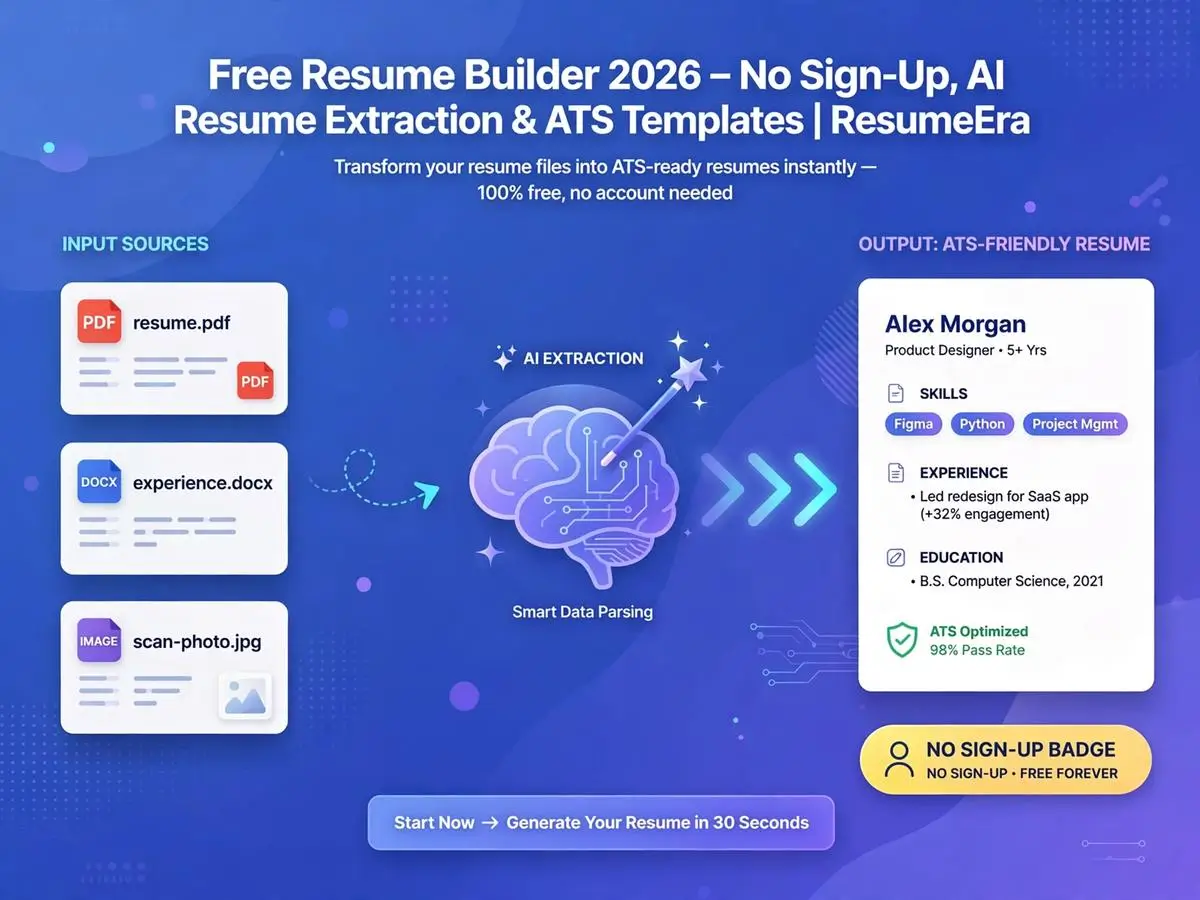
ResumeEra's free resume builder lets you upload an existing resume — PDF, DOCX, scanned copy or even a photo — and AI extracts every detail into an editable, ATS-friendly template in seconds. No account, no login, no hidden fee.
- How ResumeEra's free resume builder works — two starting paths, four steps
- What AI resume extraction actually does with your uploaded file
- Which file formats are supported (PDF, scanned PDF, DOCX, JPG, PNG)
- Start From Scratch vs Upload Existing Resume — which to choose
- Why single-column, ATS-safe templates matter for recruiters and bots alike
- How ResumeEra compares to paid resume builders on cost and features
- Common mistakes people make when picking a "free" resume tool
- FAQs and interlinked guides for formats, templates and ATS optimization
01 What is ResumeEra's Free Resume Builder?
A free resume builder is only as useful as what it actually removes from your workflow — time, cost, or both. ResumeEra's free resume builder is built around one core idea: most job seekers already have an old resume sitting in a folder somewhere, so instead of forcing everyone to start typing from a blank page, the tool lets you upload that old file and have AI rebuild it instantly into a clean, editable, ATS-friendly format.
The page itself is simple by design — two big choices greet you the moment you land: start a brand-new resume from a blank template, or upload an existing one and let AI do the heavy lifting. There's no account creation screen in between, no email verification step, and no paywall blocking the download button at the end. That single design choice — removing friction before the person has even seen the product — is what separates a genuinely free resume builder from tools that dangle "free" as a hook before asking for a card number at export.
For a full comparison of how ResumeEra stacks up against other tools claiming to be free, see ResumeEra.xyz Review 2026 — Complete Analysis & Alternatives and ResumeEra vs All Major Resume Builders 2026.
02 How the Free Resume Builder Works — 4 Steps
The entire flow is built as a short, linear 4-step process, visible right at the top of the page as a progress tracker: Choose Method → Upload File → AI Extraction → Continue to Editor. Here's what happens at each stage.
Choose Your Method
Pick "Start From Scratch" to open a blank editor, or "Upload Existing Resume" if you already have a file to work from. This single decision determines whether you type everything manually or let AI pre-fill it.
Upload File (If Applicable)
Drag and drop, or click to browse — the uploader accepts digital PDFs, scanned PDFs, DOCX files, JPGs and PNGs. A progress bar tracks the upload in real time so you're never left wondering if it worked.
AI Extraction Runs in Two Passes
First, raw text is pulled from the document — including scanned images, via OCR-style processing. Second, AI structures that raw text into proper resume fields: name, contact info, work experience, education, skills.
Continue to Editor
Your structured data loads automatically into the resume editor — no manual copy-pasting required. From there you review, edit, reformat and pick a template before downloading.
Because your data is saved as you go, there's no risk of losing progress between the extraction step and the editor — the tool explicitly confirms this mid-flow so you're not left guessing whether to re-upload. This kind of visible reassurance is a small but meaningful detail that separates a well-built free resume builder from a bare-bones form.
03 Two Ways to Start — Which One Fits You?
Start From Scratch
Best if you're a fresher with no prior resume, or if your old resume is so outdated it's faster to rebuild than to fix. Opens a blank, guided editor with section prompts.
Upload Existing Resume
Best if you already have a resume — even an old, badly formatted, or scanned one. AI extracts the content so you only need to edit and reformat, not retype everything.
Freshers with zero prior resume should read How to Write a Resume with No Work Experience and Fresher Resume Template before starting from scratch, so the editor's section prompts make sense from the first field. If you're upgrading an old resume instead, jump straight to the upload path and skip to how AI extraction works below.
04 Inside AI Resume Extraction — What Actually Happens
AI resume extraction sounds like magic from the outside, but the mechanics are straightforward once broken into steps. When you upload a file, the tool doesn't try to jump straight from "PDF" to "finished resume" — it goes through two distinct passes.
05 Supported File Formats
One of the more underrated features of this free resume builder is how wide its upload net is cast. Most tools that offer "resume import" only accept a clean, digitally generated PDF or DOCX — which is useless if your only surviving copy of your resume is a scanned photocopy from a cyber café, or a picture taken on your phone.
| Format | Typical Source | Handled How |
|---|---|---|
| PDF (digital) | Exported from Word, Canva, or another builder | Direct text extraction |
| PDF (scanned) | Photocopied or scanned physical resume | OCR-style text reading |
| DOCX | Microsoft Word resume file | Direct text and structure extraction |
| JPG | Phone photo of a printed resume | Image-to-text reading |
| PNG | Screenshot or scanned image export | Image-to-text reading |
This matters more than it sounds for India's job market specifically, where a large share of first-time job seekers only have a printed or photocopied resume from a cyber café or common service center — not a digital source file. Supporting scanned PDFs and phone photos directly removes a real barrier rather than a theoretical one. Compare this to Word-based workflows in ResumeEra vs Microsoft Word Resume and Google Docs Resumes — Free, Easy and Ineffective.
06 ATS-Safe Templates by Default
Extracting your data is only half the job — what you do with it matters just as much. Once your content lands in the editor, ResumeEra applies it to single-column, ATS-friendly templates by default rather than the decorative multi-column layouts that look good on screen but frequently fail Applicant Tracking System parsing.
✓ What Makes a Template ATS-Safe
- Single-column layout with no side-by-side text blocks
- Standard section headings: Experience, Education, Skills
- No tables, text boxes, or embedded graphics carrying content
- Clean, readable fonts at 10-12pt body size
✗ What Breaks ATS Parsing
- Double-column layouts that scramble reading order
- Skill-rating graphics or icon-based ratings
- Headers/footers holding critical contact information
- Decorative fonts or heavy use of images as content
More on this: Single Column Resume Template | ATS-Friendly Resume Template | Double Column Resume Risks | 9 Basic Resume Templates for 2026 | Professional Resume Template
Upload Your Old Resume, Get a New One in Minutes
Skip retyping everything — upload your existing PDF, DOCX or even a scanned photo and let AI fill in the editor for you.
07 Free vs Paid Resume Builders
"Free" is one of the most overused words in the resume-builder space. Many tools let you build the entire resume for free, then lock the PDF download behind a subscription or a one-time payment — a pattern common enough that it has its own recurring complaint threads online.
| Feature | Typical Paid Builder | ResumeEra Free Builder |
|---|---|---|
| Sign-up required | Usually yes | No |
| Download without payment | Often locked behind paywall | Free, no hidden fee |
| AI resume extraction from old file | Rare or premium-only | Included free |
| Watermark on export | Common on free tier | None |
| ATS-safe layout by default | Varies by template | Default on all templates |
For deeper side-by-side breakdowns against specific competitors, see ResumeEra vs Kickresume, ResumeEra vs Novoresume 2026, ResumeEra vs Zety 2026, ResumeEra vs ResumeGenius, ResumeEra vs Resume.io, ResumeEra vs Enhancv, and MyPerfectResume vs ResumeEra — Which is Truly Free. For the download-paywall pattern specifically, read Why Zety Charges for Download and No-Paywall Resume Download — The Truth About Free Builders.
08 Who Should Use This Free Resume Builder
Related reading by situation: Career Change Resume Tips | Return to Workforce Resume Guide | Resume for Remote Jobs | Freelance Resume Guide
09 Mistakes to Avoid When Using a Free Resume Builder
✓ Do This
- Review every AI-extracted field before downloading
- Re-tailor your summary/objective for each job, even after extraction
- Pick a single-column, ATS-safe template
- Check the file downloads without a watermark or paywall
- Re-upload a cleaner source file if extraction looks messy
✗ Never Do This
- Don't download without proofreading extracted dates and numbers
- Don't reuse the exact same extracted resume for every job
- Don't pick a decorative, multi-column template for ATS-heavy applications
- Don't assume "free to build" means "free to download" on other tools
- Don't skip the skills and keywords step after extraction
More on formatting discipline: 11 ATS Formatting Mistakes | How to Tailor Your Resume for Every Application | Full Resume Checklist
10 Data & Privacy When You Upload a Resume
Uploading a personal document — even to extract your own data — naturally raises the question of where that file and its contents end up. A trustworthy free resume builder should be upfront about this instead of burying it in fine print.
11 FAQs — Free Resume Builder
Q 01Is ResumeEra's resume builder really free?
Q 02What file formats does it accept for upload?
Q 03How does AI resume extraction work?
Q 04Do I need an account to use it?
Q 05Are the templates ATS-friendly?
Q 06Can I start from scratch instead of uploading?
12 Summary — Build or Upgrade Your Resume in Minutes
A free resume builder only earns that label when every step — building, editing, and downloading — stays free of paywalls, sign-up walls, and watermarks. ResumeEra's builder is designed around that principle, with AI resume extraction as its standout feature: upload whatever resume you already have, in whatever format it currently exists, and skip straight to editing instead of retyping years of work history from memory.
Whether you're a fresher starting from a blank template or a professional upgrading a scanned, decade-old resume, the same 4-step flow applies — choose your method, upload if needed, review the AI-extracted data, and continue to the editor. From there, pick a single-column, ATS-safe template and download without hitting a paywall.
Ready to Build Your Resume?
Start from scratch or upload your old resume for instant AI extraction — 100% free, no sign-up, no hidden fee.
