Table of Contents
- What to Pull Together Before You Open the Builder
- The Five Details Every Resume Needs at Minimum
- Your Work History in Rough Form
- One Job Description to Use as Your Keyword Guide
- Why Most "Free" Builders Slow You Down Before You Even Start
- The Sign-Up Wall Problem
- The Paywall That Appears at Download Time
- What Free Resume Builder Does Differently
- How to Pick an ATS-Friendly Template for Instant Download
- What Makes a Template ATS-Safe
- One-Column vs. Two-Column: The Honest Tradeoff
- Making the Choice in 60 Seconds on Free Resume Builder
- Filling Out Your Resume Sections Without Overthinking It
- The Order That Keeps You Moving
- Writing Bullets That Pass ATS Filters
- How Long to Spend Per Section
- How to Get an Instant Resume Download in the Right Format
- PDF vs. DOCX: Which One to Send
- What the Instant Download Looks Like on Free Resume Builder
- Naming Your File Correctly Before You Attach It
- One Last Check Before You Hit Send
- The 60-Second Visual Scan
- Common Formatting Issues That Trip Up ATS Parsers
- When to Run a Keyword Check
- Your resume is closer than you think
- Conclusion
- Frequently Asked Questions
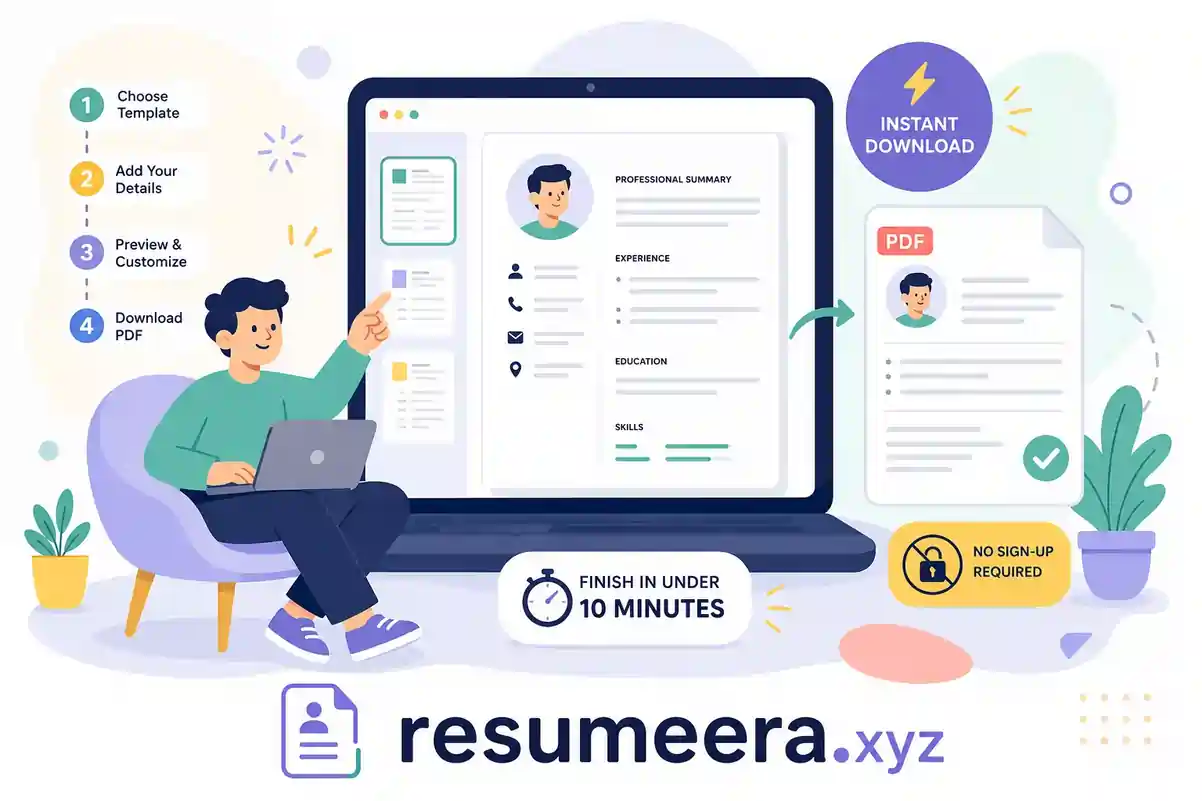
Some job opportunities don't wait. You see a listing that fits perfectly, hear about an opening from a contact, or find yourself unexpectedly back on the market and need something to send today. The resume you were planning to update eventually has to exist right now. If you need a resume builder with instant download, no paywalls, no sign-up walls, no wasted time, this guide gives you a workflow that goes from blank screen to finished PDF in under 10 minutes.
The frustrating reality is that most tools advertising a free downloadable resume template hide the actual download behind a paywall. You spend 20 minutes crafting something clean and professional, click the button, and get a prompt to upgrade. The formats locked behind payment are usually the best ones for ATS compatibility: PDF and DOCX. The free tier hands you a plain text file that strips out all your formatting.
This guide walks you through a workflow that takes under 10 minutes from a blank screen to a finished, ATS-friendly PDF. We'll use Free Resume Builder as the primary tool throughout because it's one of the few options where the resume builder instant download is genuinely free. No account, no credit card, no paywall at the finish line. Here's how to do it.
Free Resume Builder
Don’t let a weak resume decide your future.
Thousands of people are getting rejected — not because they’re bad, but because their resume doesn’t speak for them. Make a resume that actually gets shortlisted.
Your next job is closer than you think.
Start in 2 minutes.
No complicated forms. Just pick a template, fill details, And Apply.
Apply Now Your Job →What to pull together before you open the builder
The biggest time sink in most resume sessions isn't the writing. It's hunting for details mid-build: the exact dates you worked somewhere, your manager's job title, the URL to your LinkedIn profile. Spending two minutes collecting this before you start removes that friction entirely.
The five details every resume needs at minimum
Before you open any PDF resume builder, have these five things somewhere accessible: your legal name, phone number, professional email address, city and state (not your full street address), and a LinkedIn URL or portfolio link if you have one. These fill your contact section in under 60 seconds when you're not stopping to look them up.
Your work history in rough form
You don't need polished bullets yet. Jot down your last three positions: company name, job title, approximate start and end dates, and one or two things you accomplished or owned. If you're a recent graduate or entry-level applicant, list internships, relevant coursework, or projects in the same format. The builder doesn't care whether the experience came from a full-time role or a semester project.
One job description to use as your keyword guide
Pull up the job posting you're targeting and keep it open. You'll reference it when you write your summary and skills section to match the language the employer uses. This one step dramatically improves your odds of clearing an ATS filter, and it takes less than two minutes. If the posting says "stakeholder communication," use that phrase rather than a synonym you prefer. ATS keyword matching is literal, not contextual.
Why most "free" builders slow you down before you even start
Most free resume maker tools introduce friction before you've typed a single word. Knowing where that friction lives helps you sidestep it entirely.
The sign-up wall problem
A large number of resume creator apps and web builders require an account before you can access any useful features. That means entering your email, confirming it, setting a password, and sitting through an onboarding flow before you've typed a single word. For someone job hunting discreetly while currently employed, handing over personal information to another platform is a real concern, not just an inconvenience. That data gets stored on their servers and you have no visibility into what happens to it next. If you prefer tools that skip account creation, see Free Resume Builder Without Sign Up | Instant PDF Download.
The paywall that appears at download time
Some builders let you build freely but lock the PDF or DOCX export behind a paid tier. You find out only when you click the download button. This is a deliberate funnel, not an oversight. The formats that get locked are usually the most ATS-compatible ones. Free plans often limit you to a TXT download, which strips all formatting and hands a recruiter a wall of plain text. For a comparison of options that truly deliver an export with no payment required, see this list of resume builders with no payment required.
What Free Resume Builder does differently
Free Resume Builder skips the account requirement entirely. You open the tool, start entering your information, and click download when you're done. The instant resume download produces a clean PDF with no upgrade prompt, no watermark, and no "your file is ready, subscribe to access it" screen. The platform also logs zero data, which means the contact details and employment history you type in never touch a database. For anyone conducting a discreet job search, that's not a minor feature: it's the whole point.
How to pick an ATS-friendly template for instant download
Template selection is where a lot of people over-invest time. The subheadings below cover what actually matters so you can decide in under 60 seconds and move on.
What makes a template ATS-safe
ATS systems parse resume text linearly, extracting content section by section. Templates that use standard section labels like "Work Experience," "Education," and "Skills," combined with a clean single-column layout and a common readable font, give those parsers the clearest path through your content. Templates built around graphics, text boxes, multi-column grids, or decorative icons often cause key information to be misread or skipped entirely. A recruiter never sees what the ATS dropped. For concrete, parseable examples you can download and inspect, check Microsoft's collection of ATS-friendly templates from Microsoft Word.
One-column vs. two-column: the honest tradeoff
Single-column layouts are the safest default for ATS submissions. Two-column designs look sharper on a screen, but the majority of ATS platforms read resumes left to right, line by line. That means content from both columns gets interleaved in the parsed output, and your job titles can end up merged with skills from the sidebar. If you're applying to a tech-forward company with a modern HR stack, a clean two-column can sometimes work. When you're not certain, single-column is the correct choice.
Making the choice in 60 seconds on Free Resume Builder
Free Resume Builder's ATS-friendly resume templates are clearly organized so you're not guessing about compatibility. Select the template that fits your industry, confirm the layout is single-column if ATS performance is the priority, and move on. Spending more than 60 seconds on template selection is overthinking a decision that has one clear right answer for most job seekers.
Filling out your resume sections without overthinking it
The order you fill in each section matters more than most guides acknowledge. Work through the sections in sequence rather than jumping around.
The order that keeps you moving
Start with contact info, then your professional summary placeholder, then work experience, then skills, then education. This matches the order most ATS systems expect and the order most recruiters actually read. Leave your summary for last. Writing it after your experience section is complete is faster because you're summarizing what's already on the page rather than inventing a pitch from scratch.
Writing bullets that pass ATS filters
Start each bullet with an action verb: managed, built, reduced, led, launched, coordinated. Keep each bullet to one sentence. Include a number or outcome where you can, even a rough estimate. "Reduced onboarding time by approximately 30 percent" is more useful than "Improved onboarding process," both to a recruiter and to an ATS that's extracting quantifiable achievements.
Return to the job description you pulled earlier and cross-reference your bullets. If the posting uses specific phrases like "cross-functional collaboration" or "data-driven decision making," those exact phrases should appear somewhere in your resume. The system matching your application to the role isn't reading for intent; it's matching strings.
How long to spend per section
Contact info and education together should take under two minutes. Work experience bullets, using your rough notes, take three to four minutes. Your summary, written last, takes about one minute when the rest of the page is already filled in. For the skills section, add the hard skills and software tools from the job description plus two or three additional tools directly relevant to your role. Leave soft skills off entirely; they carry no ATS value and consume space that's better used for keywords that actually get parsed.
How to get an instant resume download in the right format
PDF or DOCX comes down to one factor: what the posting asks for.
PDF vs. DOCX: which one to send
PDF is the right default for most applications because it preserves your formatting exactly as you built it. As long as the PDF is text-based rather than a scanned image, modern ATS systems read it reliably. DOCX is the better choice when a posting explicitly requests it or when you're submitting through an older portal that struggles with PDFs. DOCX can parse with slightly higher consistency on some older ATS platforms because the document structure is cleaner for raw text extraction, but despite that technical nuance, PDF remains the standard professional expectation unless the posting specifies otherwise. When you have a choice, go PDF. When it specifies a format, follow the instruction. For a practical breakdown of PDF vs. DOCX and how ATS systems treat each format, see this guide on whether to send PDF or DOCX.
What the instant download looks like on Free Resume Builder
When your resume is complete, click download. Free Resume Builder generates a clean PDF immediately and delivers it to your downloads folder. There's no upgrade prompt in the way, no secondary confirmation screen asking for your email, and no timer counting down before the file becomes available. The entire interaction takes about five seconds. That's what a genuine resume builder instant download looks like.
Naming your file correctly before you attach it
Rename the downloaded file before you attach it to anything. "FirstName-LastName-Resume.pdf" is immediately identifiable in a recruiter's downloads folder and processes cleanly through ATS file parsing. If you're tailoring the resume to a specific company, add the company name: "Jane-Smith-Resume-Acme.pdf." It's a small detail, but it signals professionalism before anyone opens the file.
One last check before you hit send
This step takes 90 seconds and catches the mistakes that cost interviews. Work through it before you attach anything.
The 60-second visual scan
Open the downloaded PDF and scroll through it once. Confirm the layout rendered correctly, nothing got cut off at the margins, and your contact information is at the top of the first page. Check the experience bullets: do they each start with an action verb, does each one read as a single clean sentence, and are the dates formatted consistently across all roles? A date range like "Jan 2023, Mar 2025" should follow the same format every time. Inconsistent date formatting can cause ATS chronology errors that affect how your employment history is read. For additional quick checklists and examples, see Monster's resume resources.
Common formatting issues that trip up ATS parsers
The most frequent ATS-breaking mistakes are section labels that differ from standard terms (for example, "Career History" instead of "Work Experience"), headers that use icons or emoji instead of plain text, and content placed inside text boxes or graphics where parsers can't reach it. If you built your resume on Free Resume Builder using one of its ATS-friendly resume templates, most of these issues are already handled by the template structure. The sections are labeled correctly, the layout is clean, and the output is a text-based PDF.
When to run a keyword check
If you have an extra two minutes, paste your resume text and the job description into a free ATS scanner. Tools like Teal and Jobscan offer free scans that show how well your keywords align with the role. This step isn't necessary for every application, but it's worth doing once to calibrate your language, especially if you're switching industries or targeting a role type you haven't applied for before. The scan often reveals a handful of high-frequency terms in the posting that you missed on your first pass. You can also consider AI-driven optimizers, tools such as Rezi, to suggest keyword and phrasing improvements.
Your resume is closer than you think
The whole process from gathering your information to holding a downloaded PDF takes under 10 minutes when the workflow is clear and the tool doesn't fight you at every step. The approach works because it removes every decision that doesn't directly improve the resume: no account creation, no template browsing rabbit hole, no surprise paywall at the end.
What makes this specific workflow reliable is the sequence: information ready before you start, ATS-safe template selected in under a minute, bullets written in the order ATS systems expect, and a clean PDF downloaded without friction. Each piece of that chain removes a place where most job seekers lose time or give up.
Free Resume Builder exists specifically for situations where you need to move fast without compromising quality or handing your data to a platform that will store it indefinitely. It's a free resume maker built around one promise: a genuine resume builder instant download with no strings attached. Open it now, start with your contact info, and work through the sections in the order above. Your resume will be ready to attach before your next meeting. If you want more detail on instant-download options and troubleshooting common issues, read How to Download a Resume Instantly Without Paying (2026 Guide).
You’re not failing.
Your resume is.
Most people lose jobs before the interview — not because they lack skills, but because their resume looks average. Fix that in 5 minutes.
- ✅ ATS-optimized format
- ✅ Recruiter-friendly design
- ✅ Download instantly (PDF)
⚡ No signup required • 100% Free • Works on mobile
Get shortlisted faster
Pick a template → fill details → download resume.
Conclusion
A resume builder with instant download can significantly simplify the job application process. Instead of wasting time on account creation, subscription prompts, or download restrictions, job seekers can focus on building a strong ATS-friendly resume and submitting applications quickly.
The most effective workflow combines three things: accurate information, ATS-compatible formatting, and immediate access to downloadable files. When those elements come together, creating a professional resume becomes a task that takes minutes rather than hours.
Whether you're applying for a new opportunity today or preparing for future applications, choosing a resume builder that offers instant PDF downloads, privacy-focused design, and ATS-friendly templates can help you move faster and apply with confidence.
