

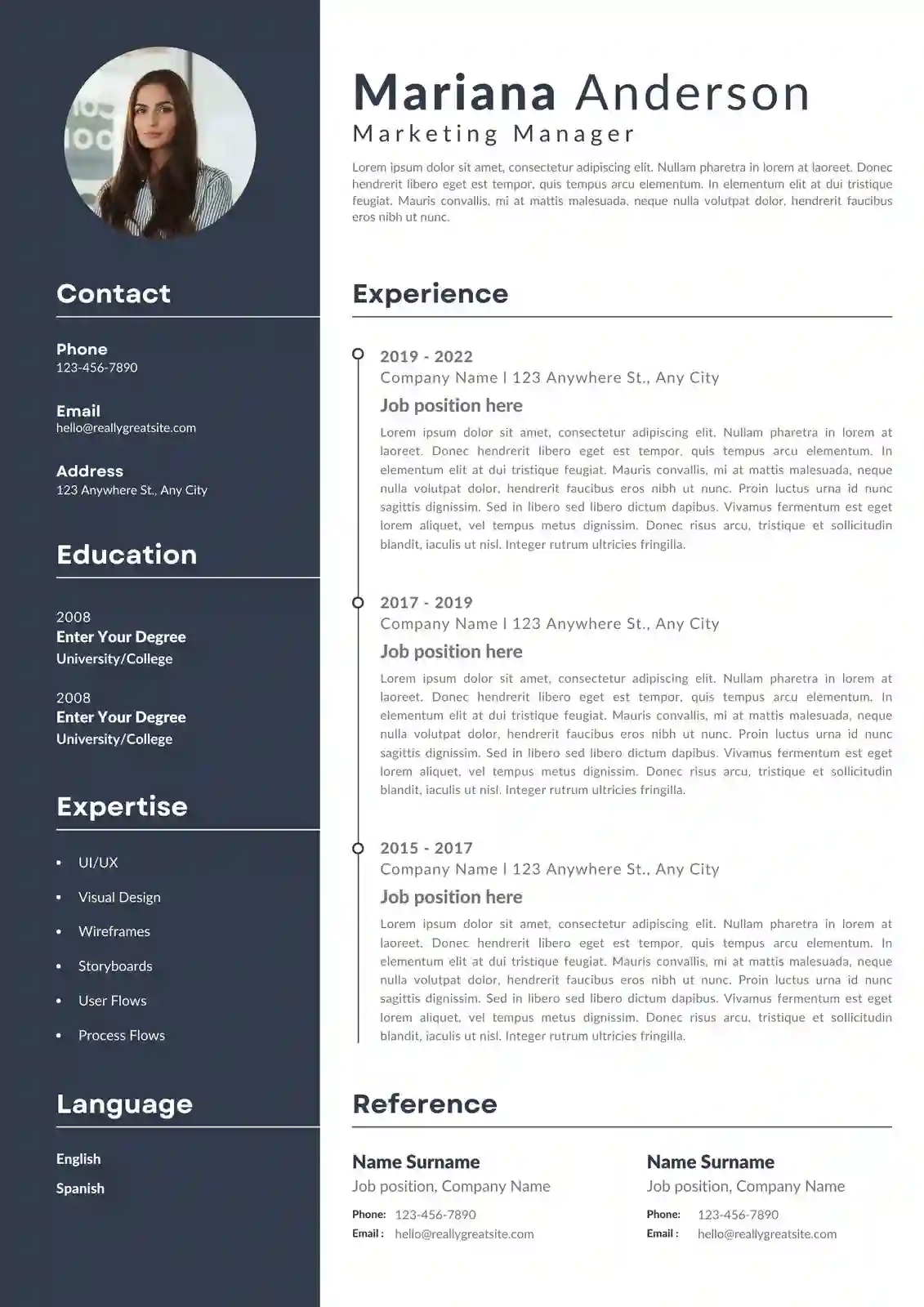
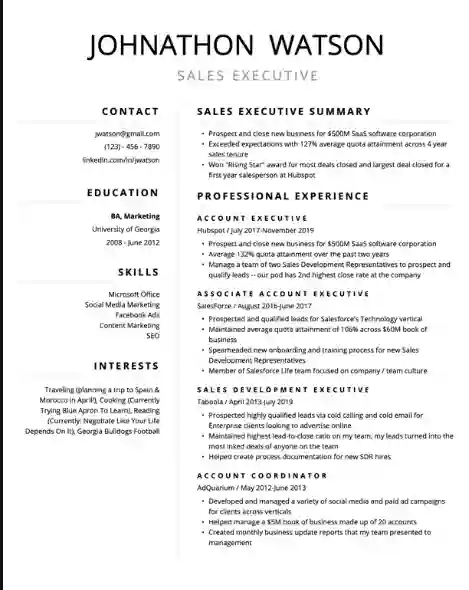
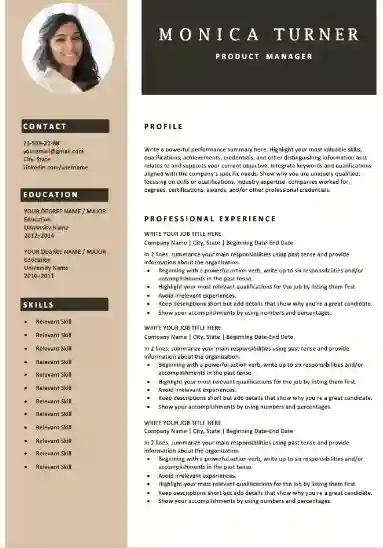

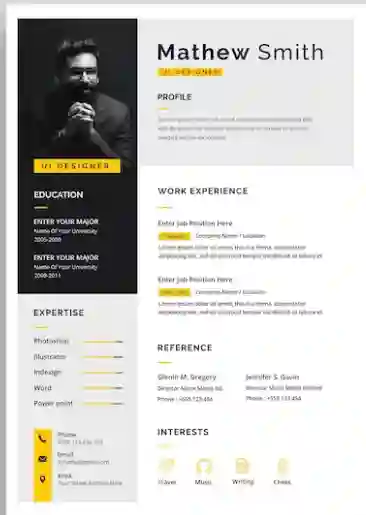
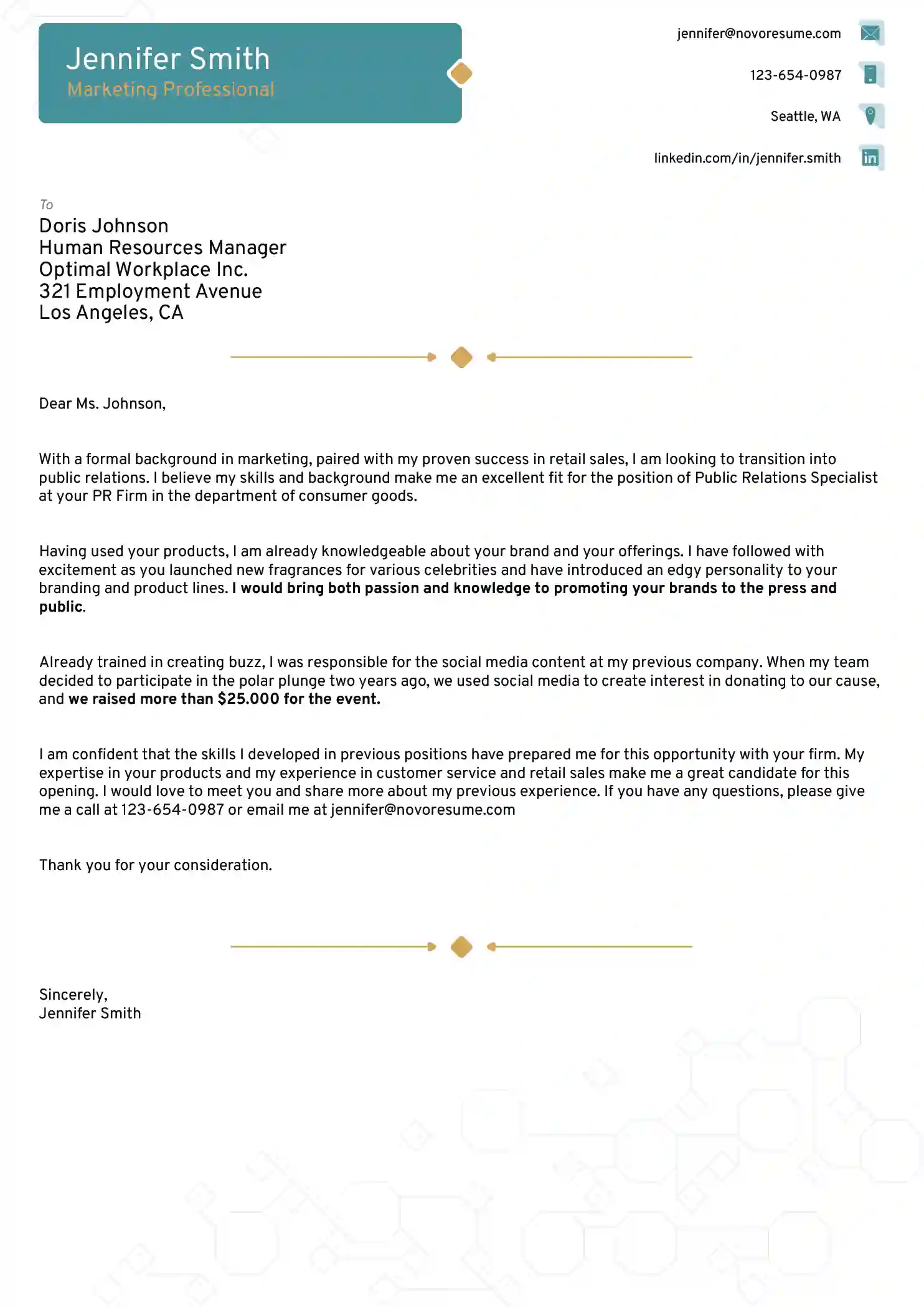
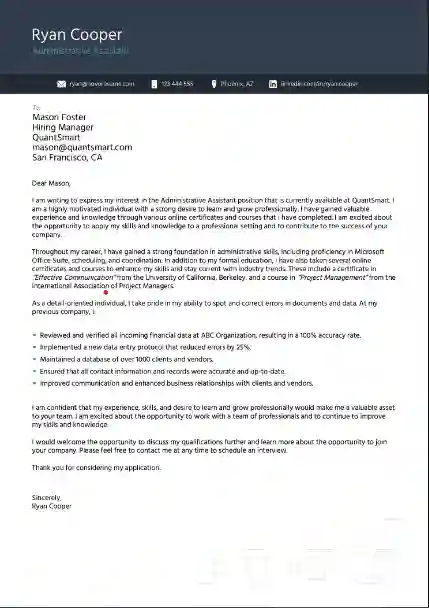
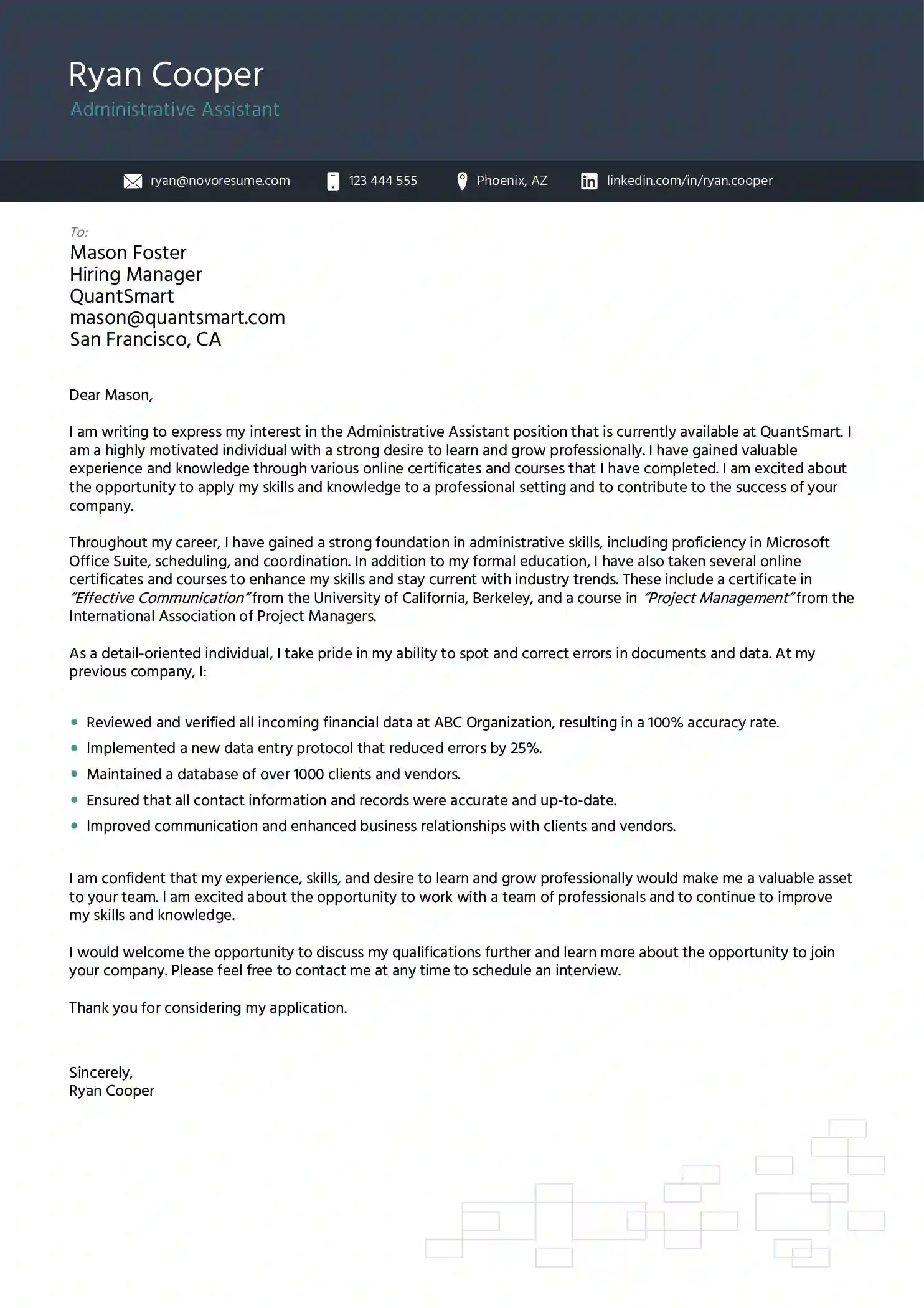
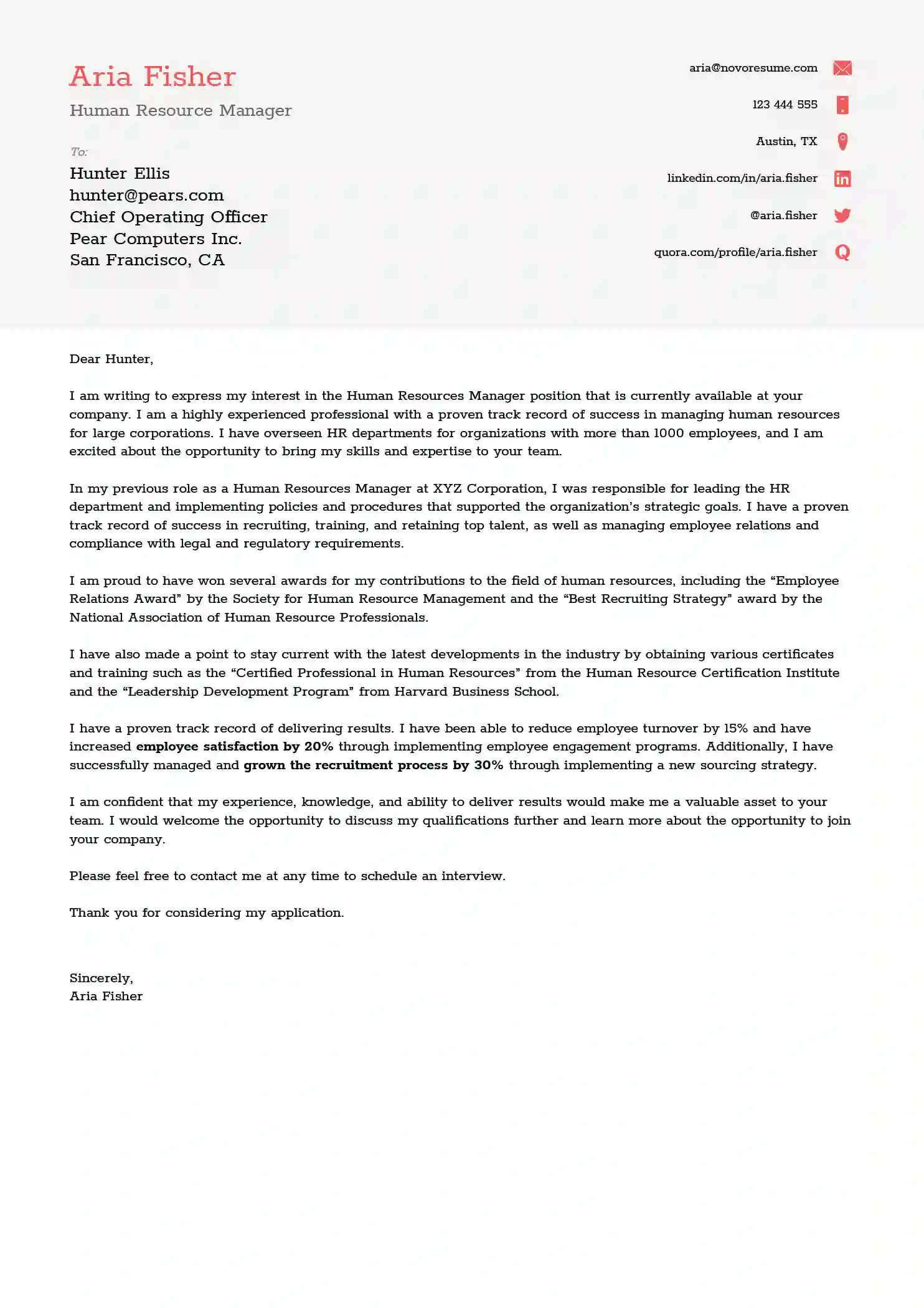
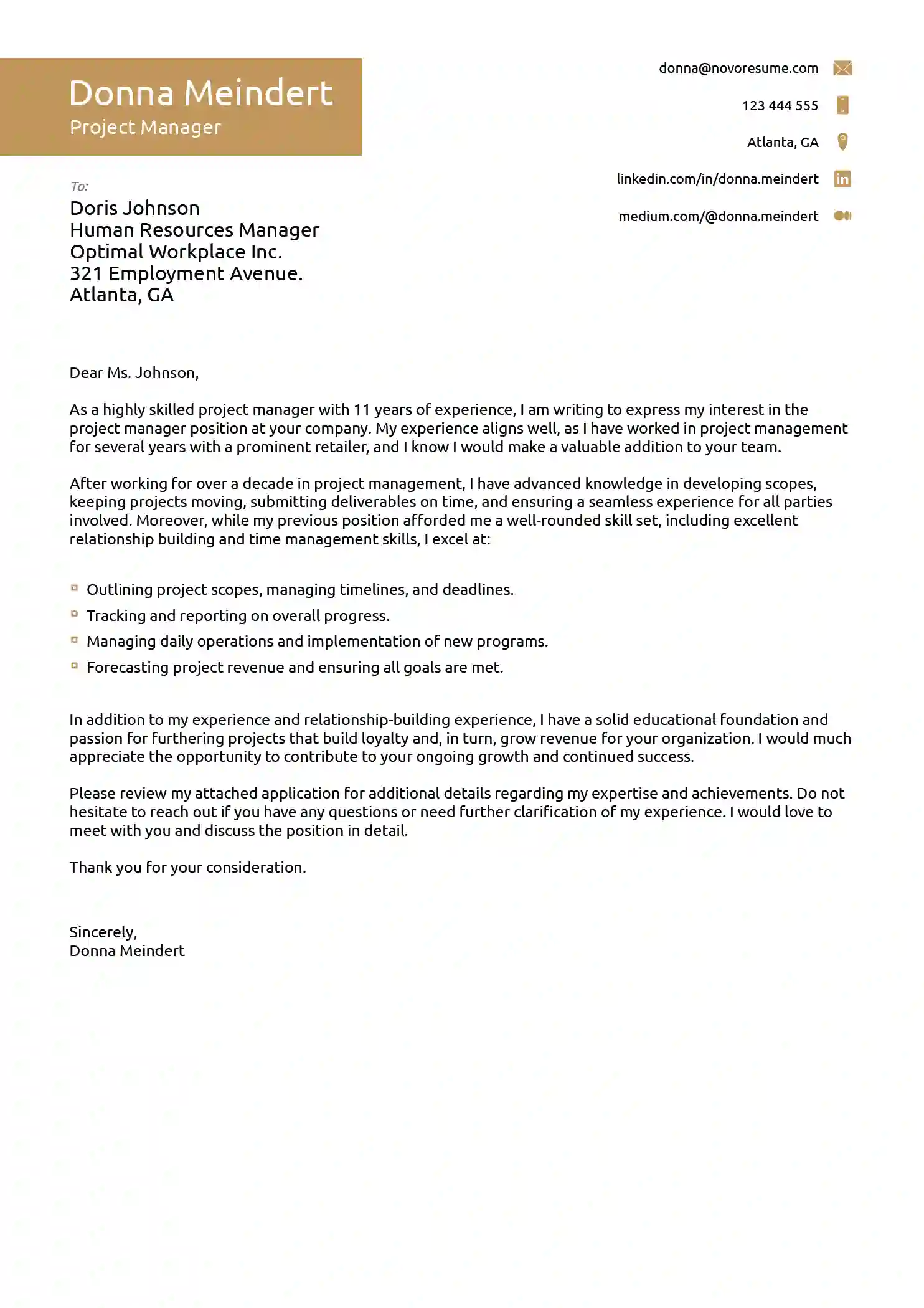
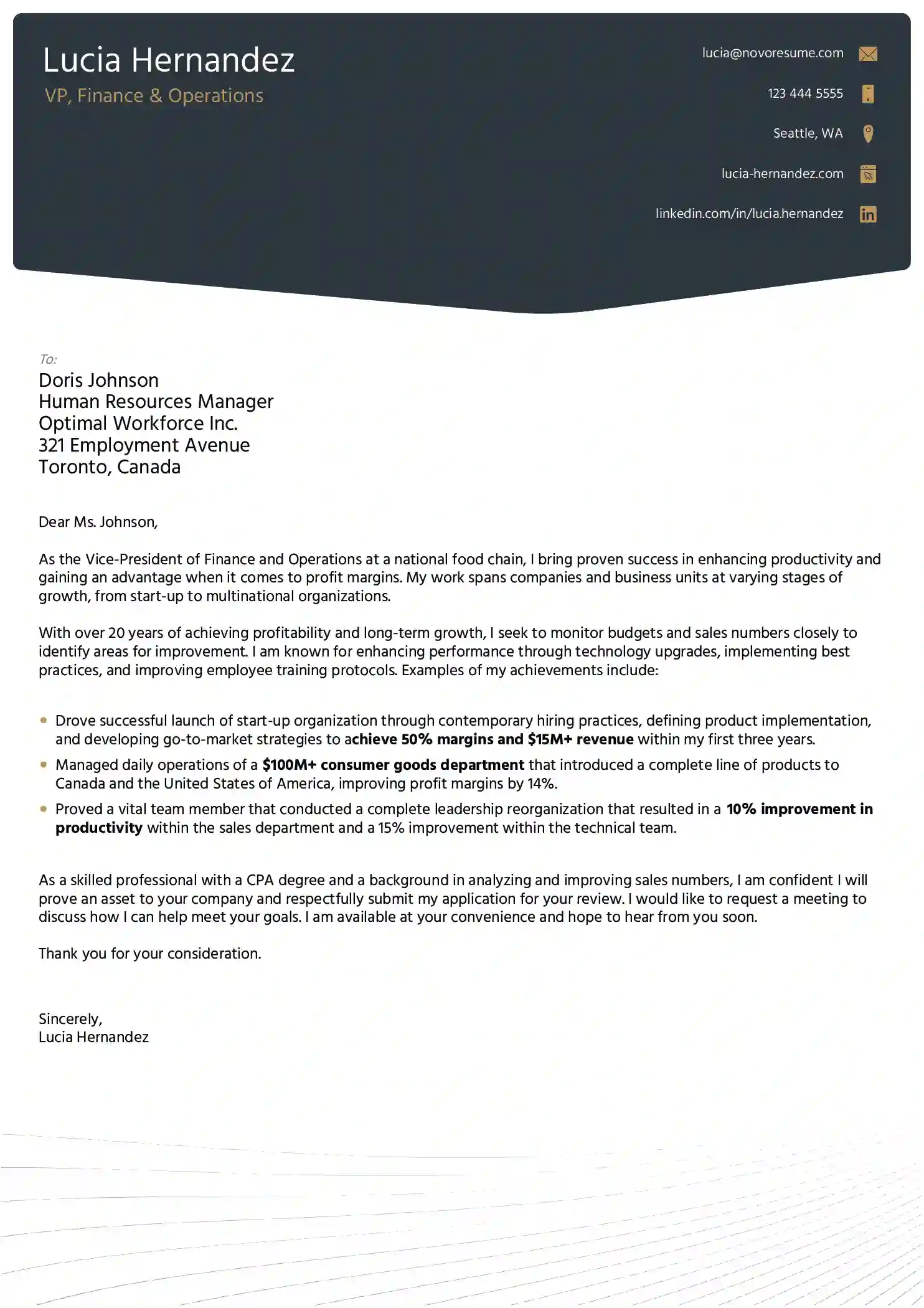
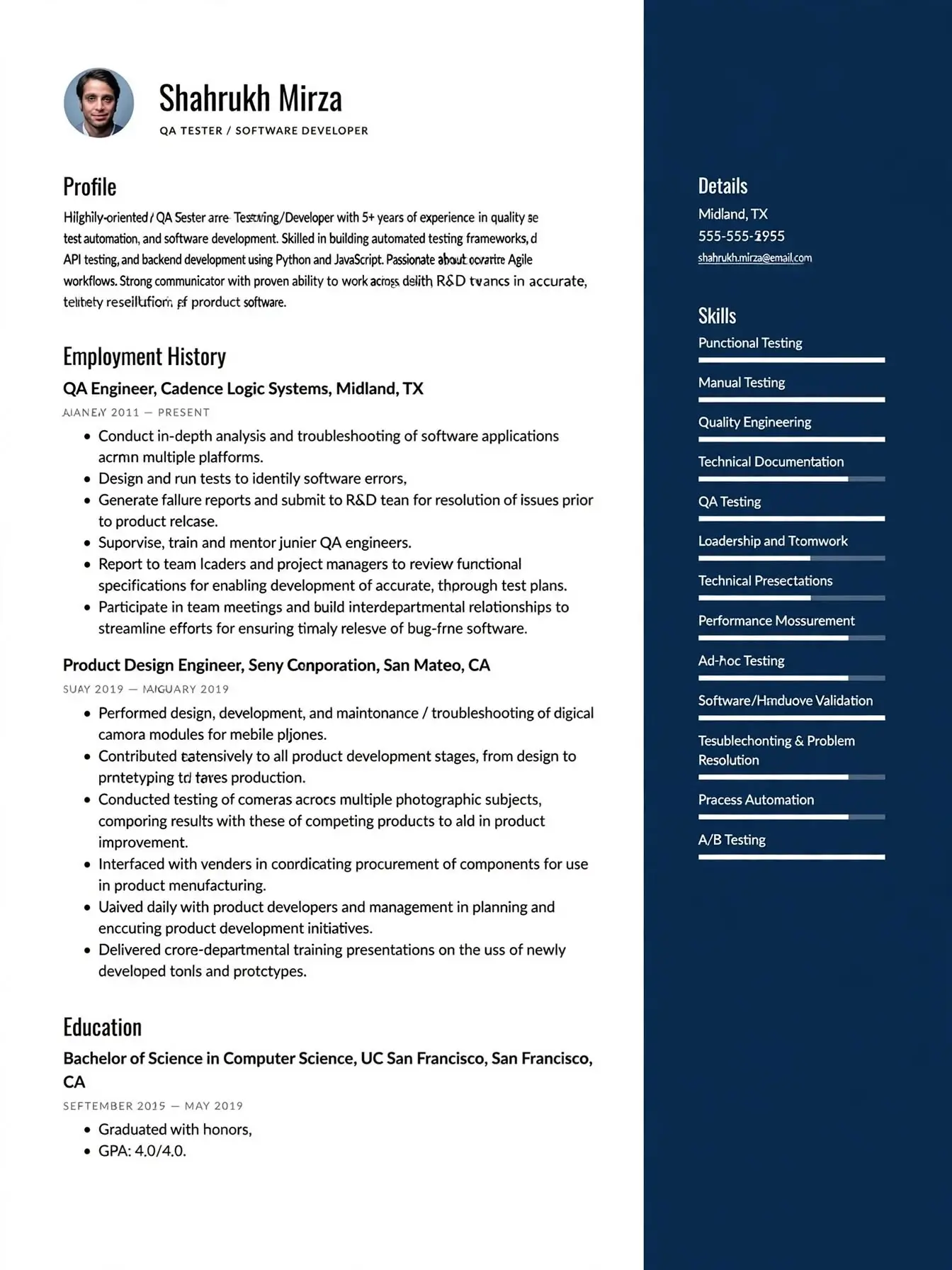
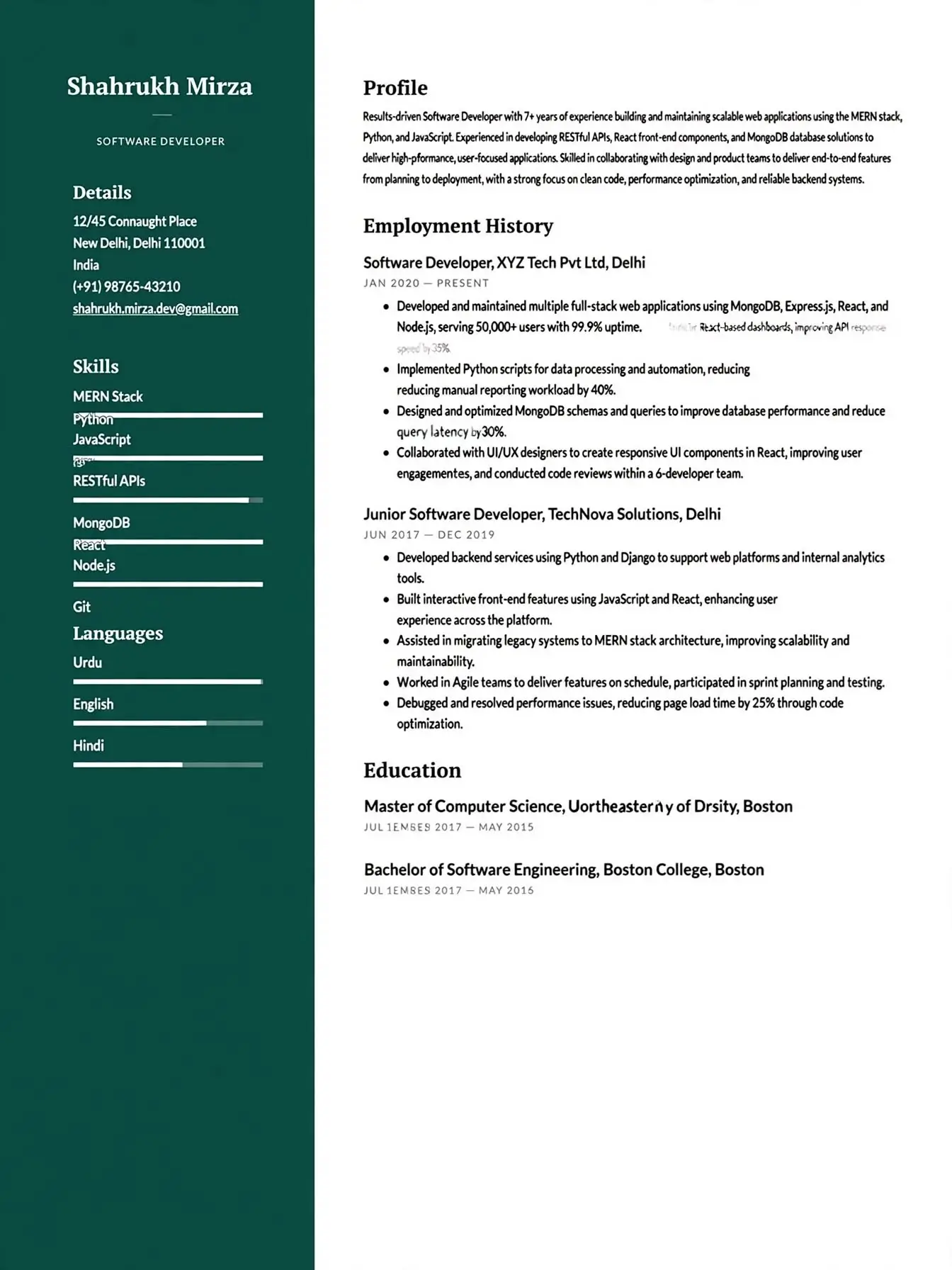
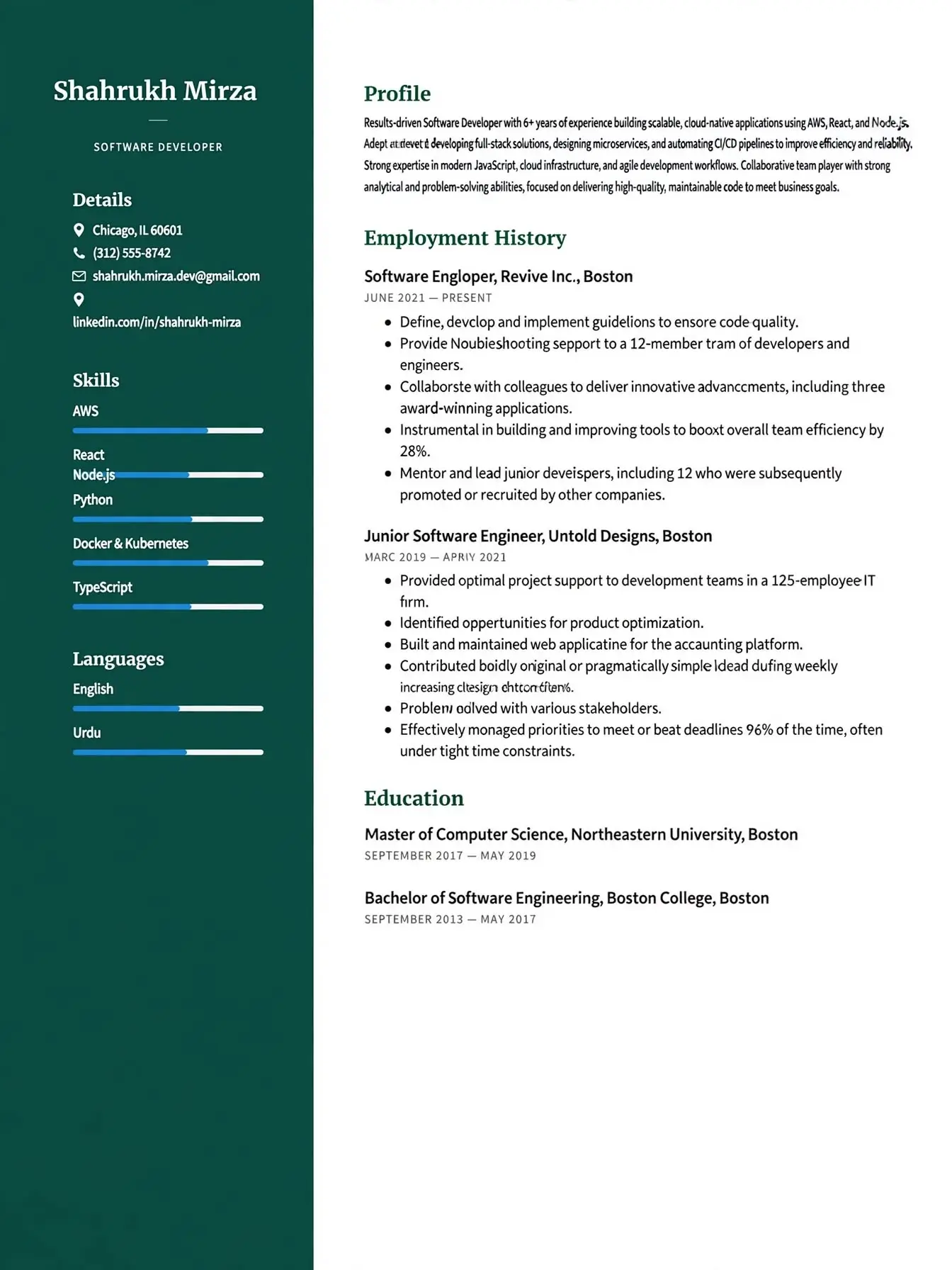
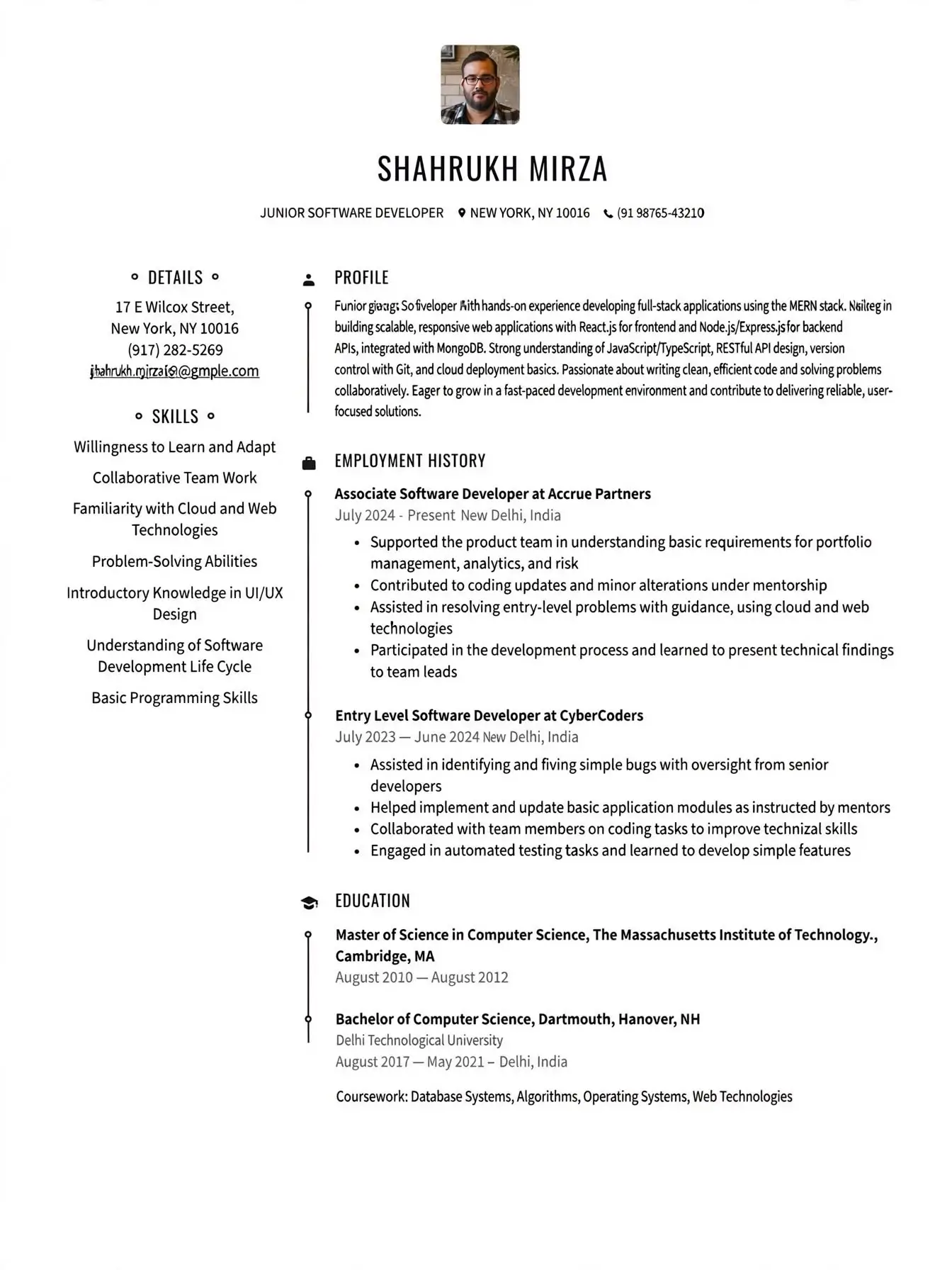
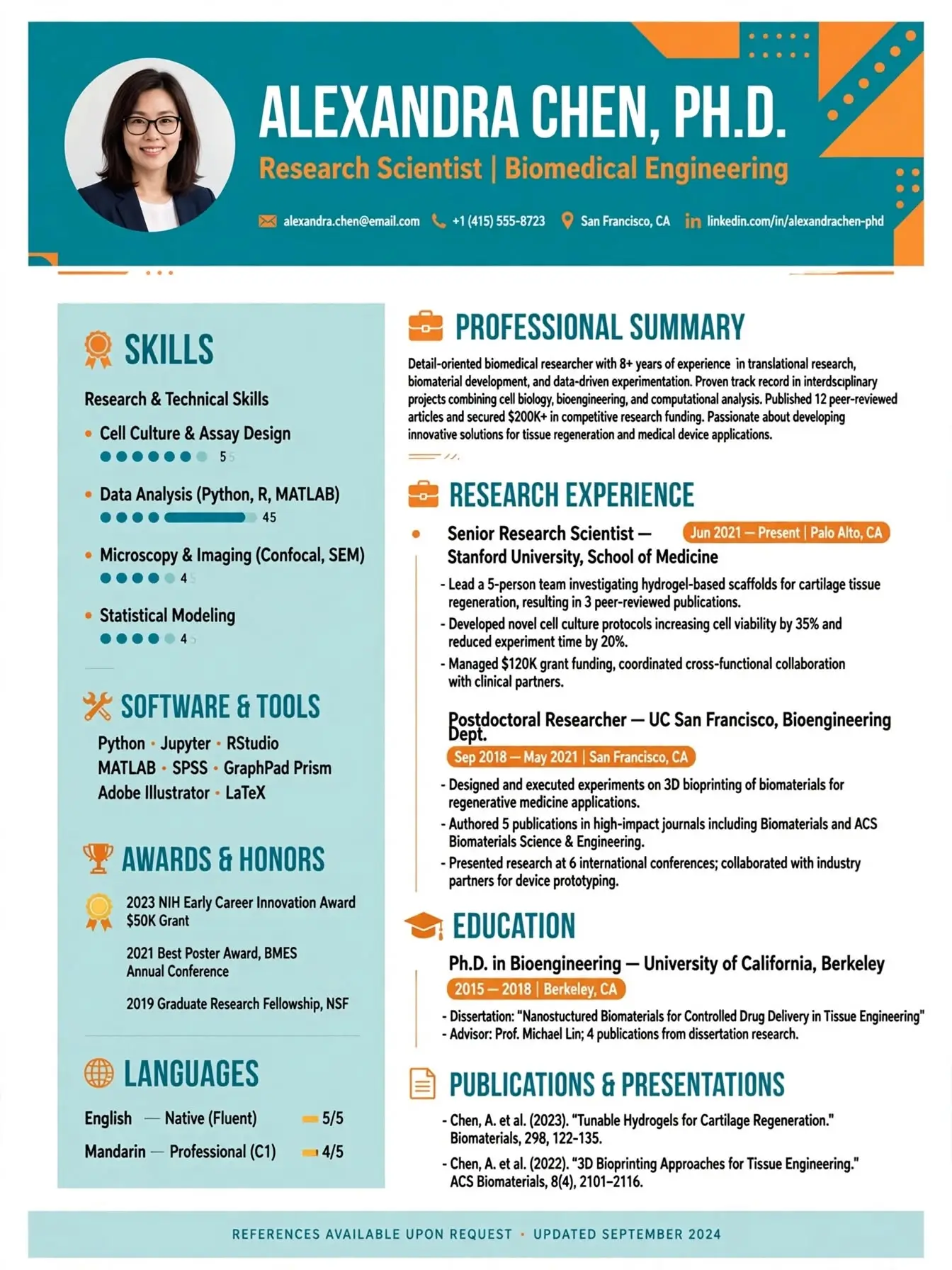
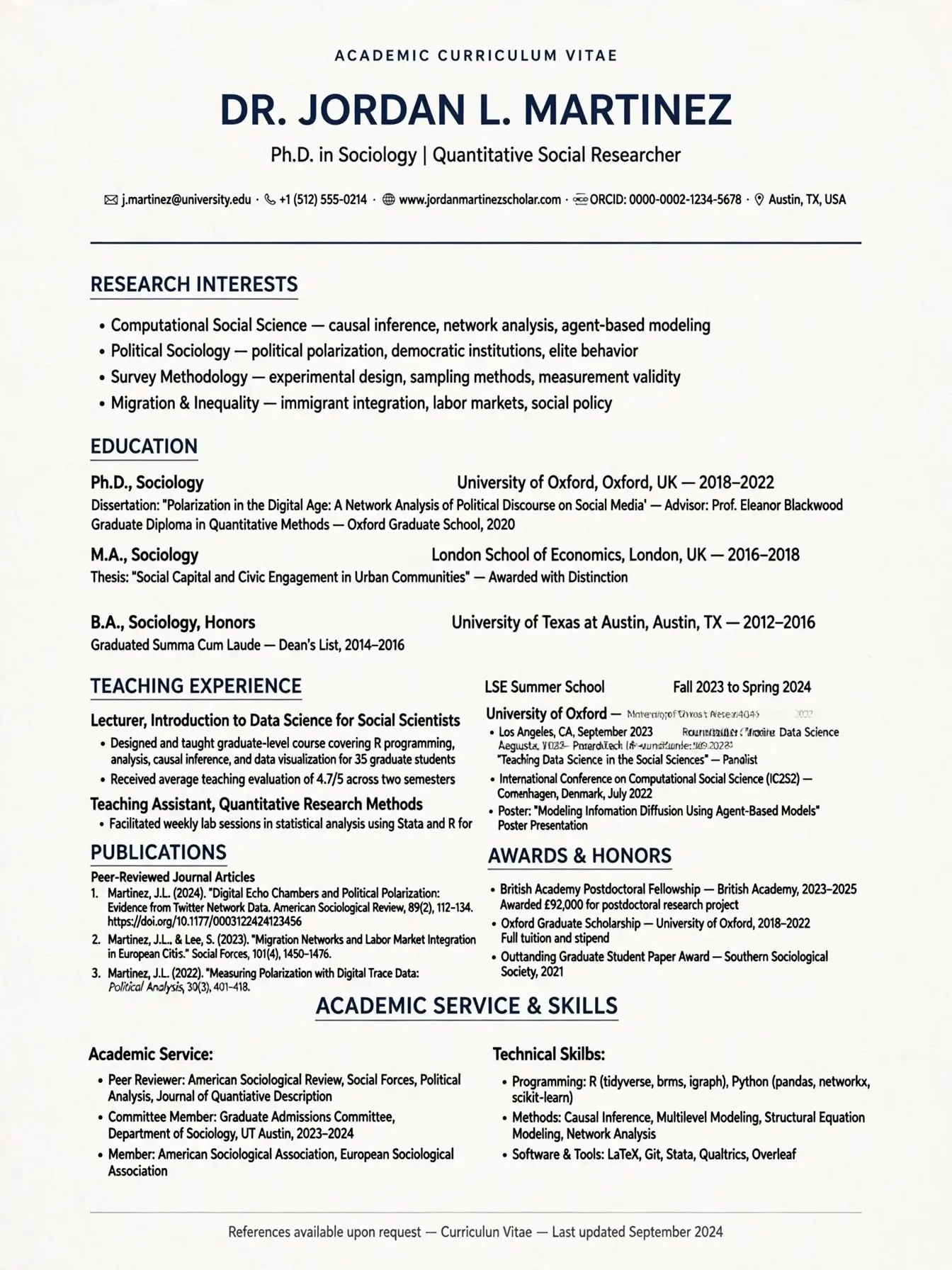
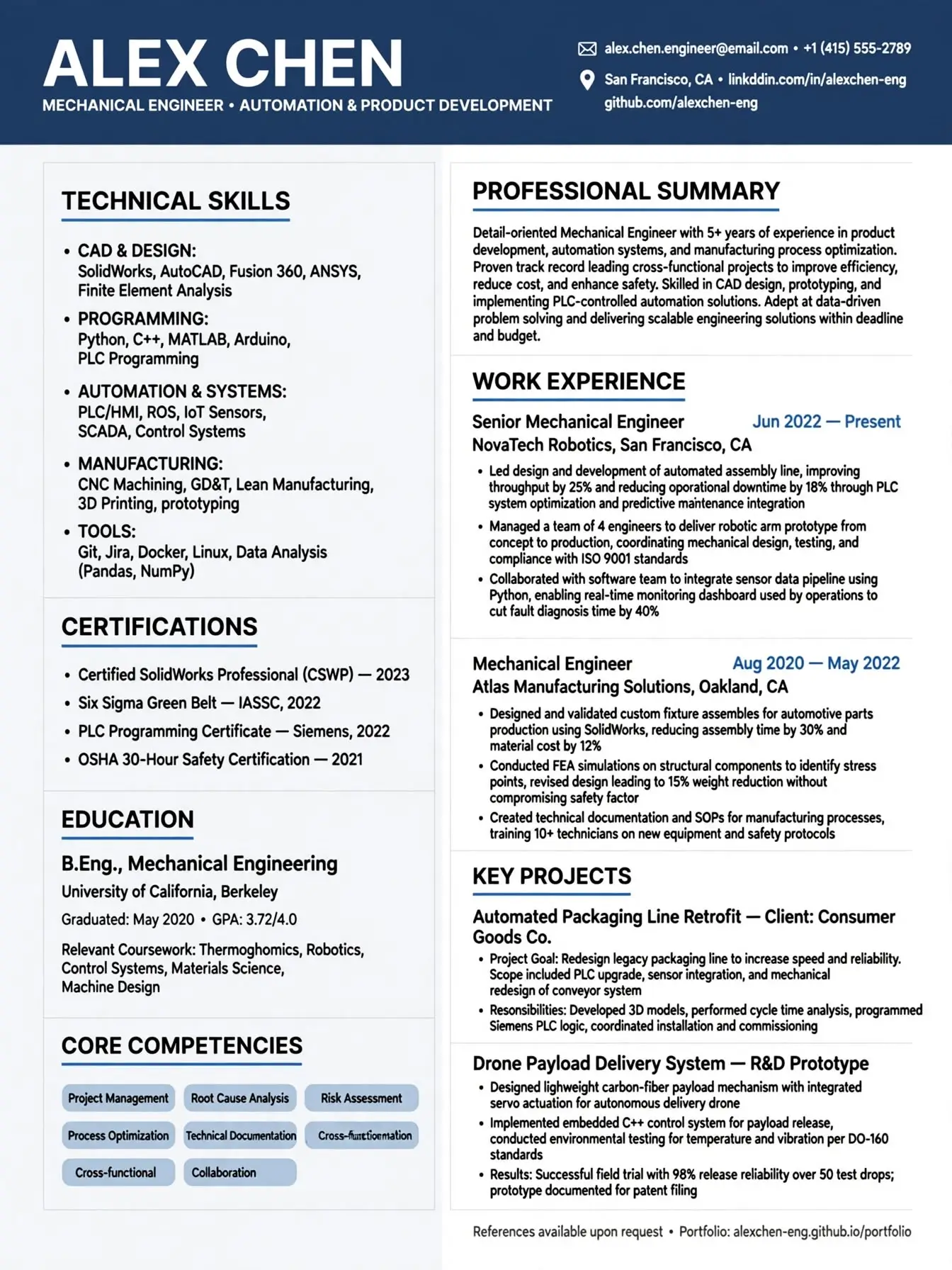
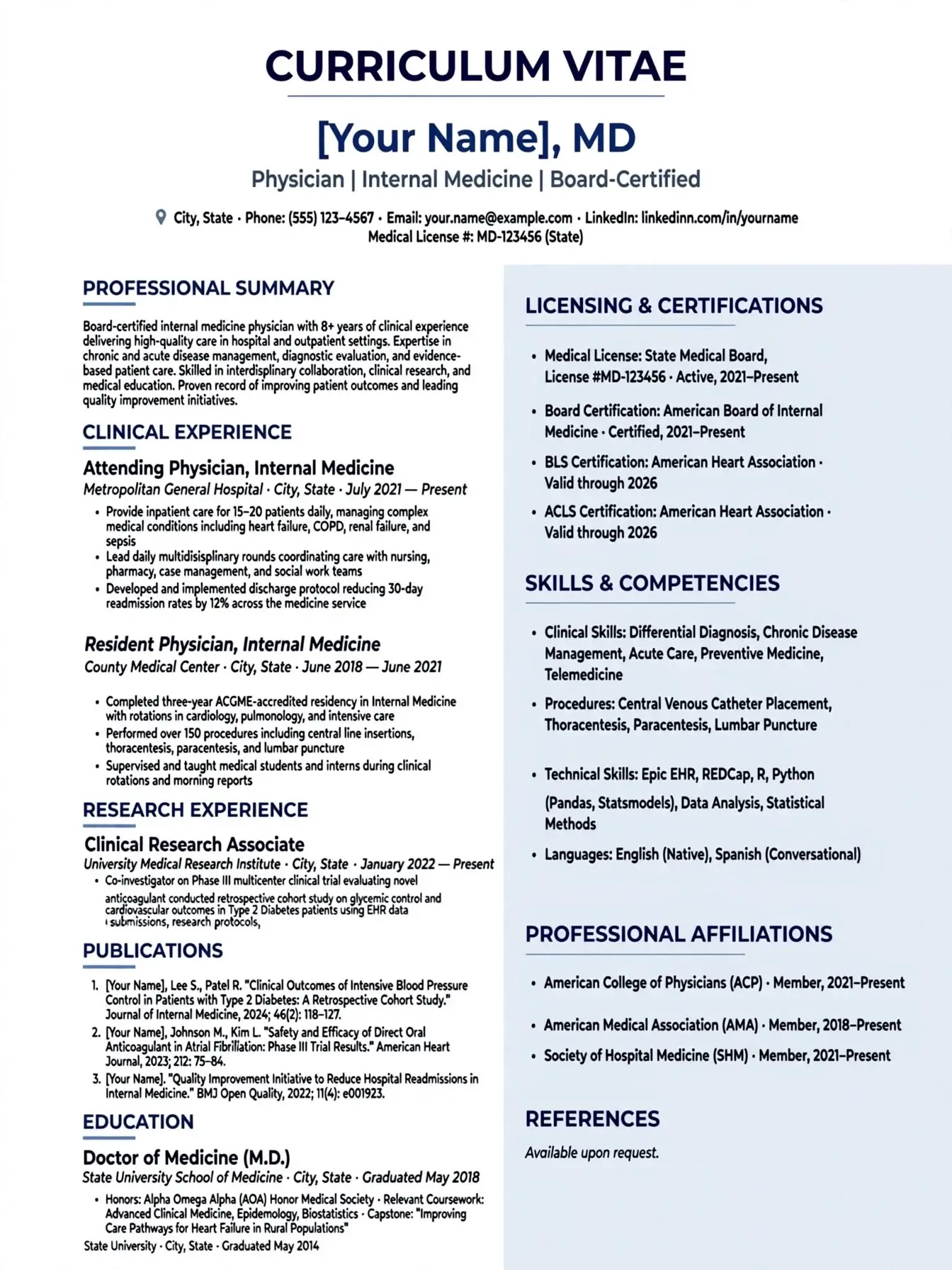
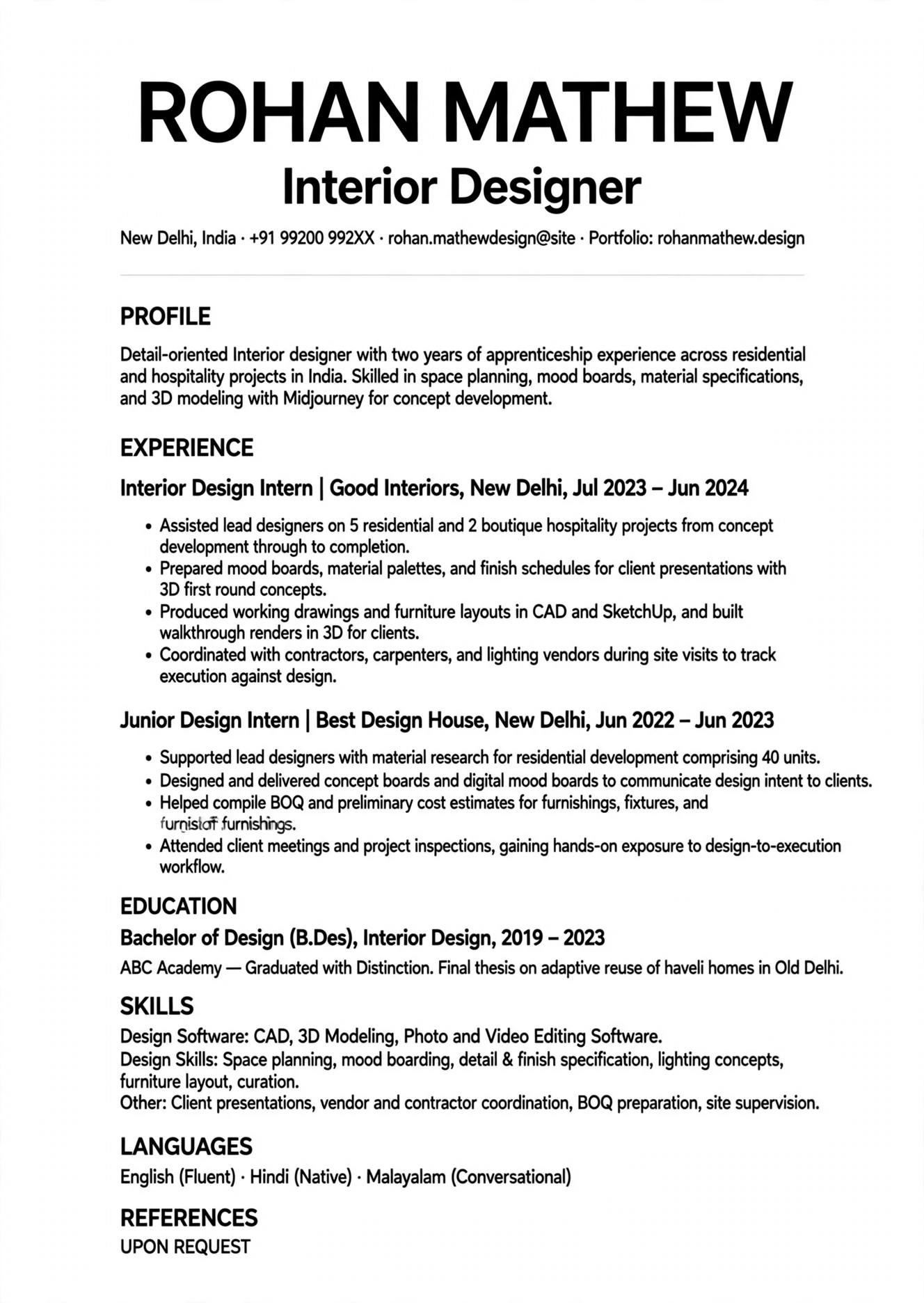
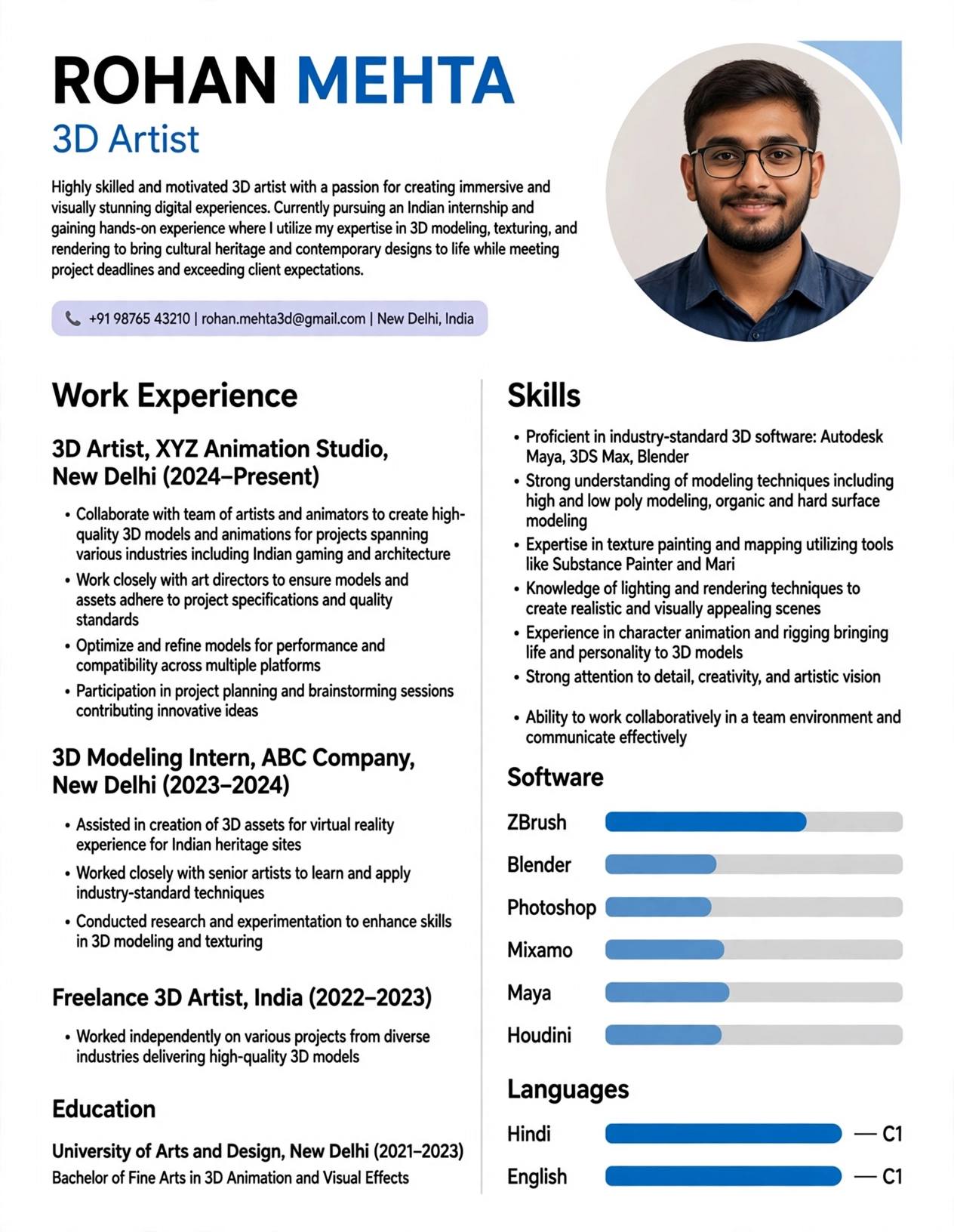
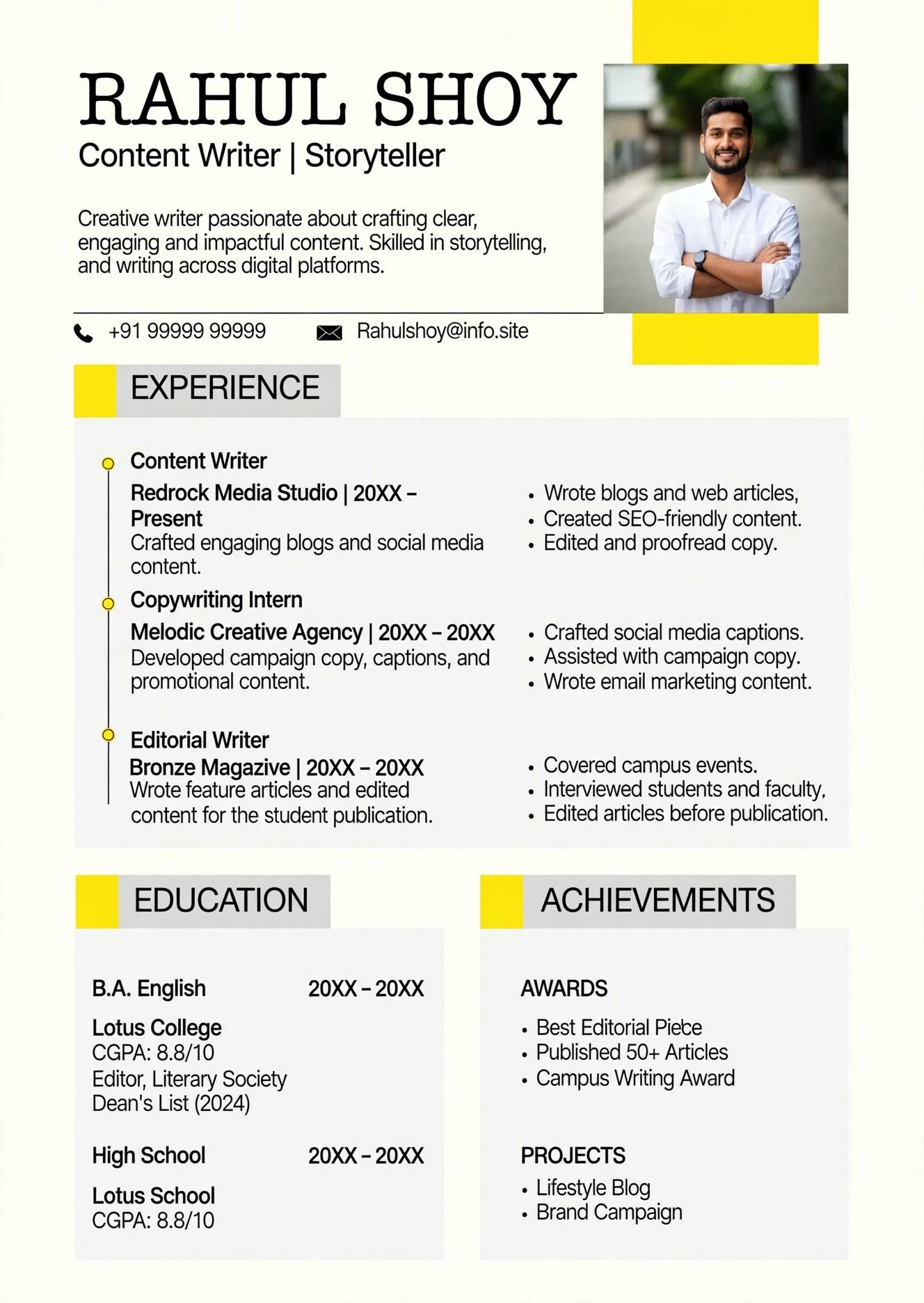
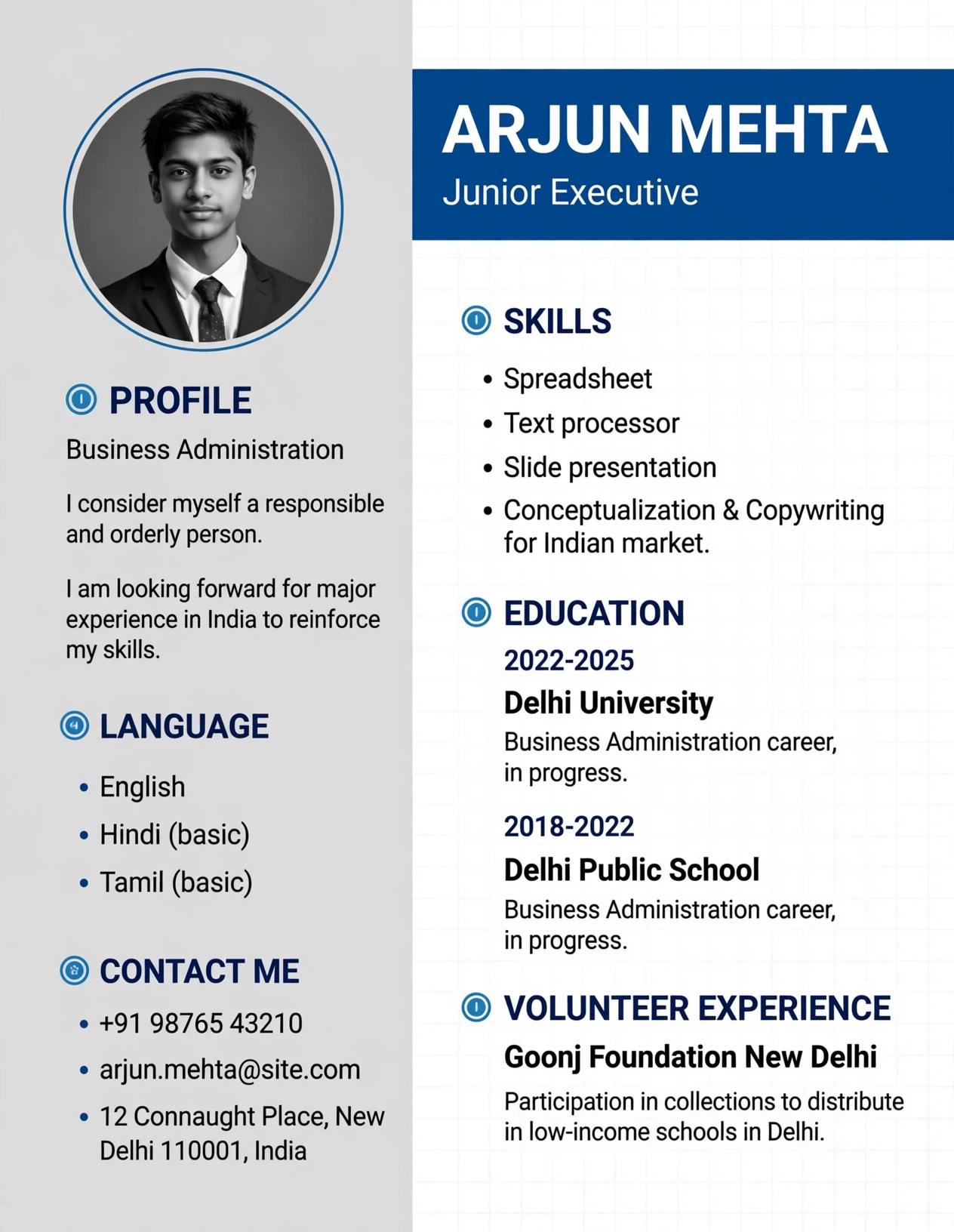
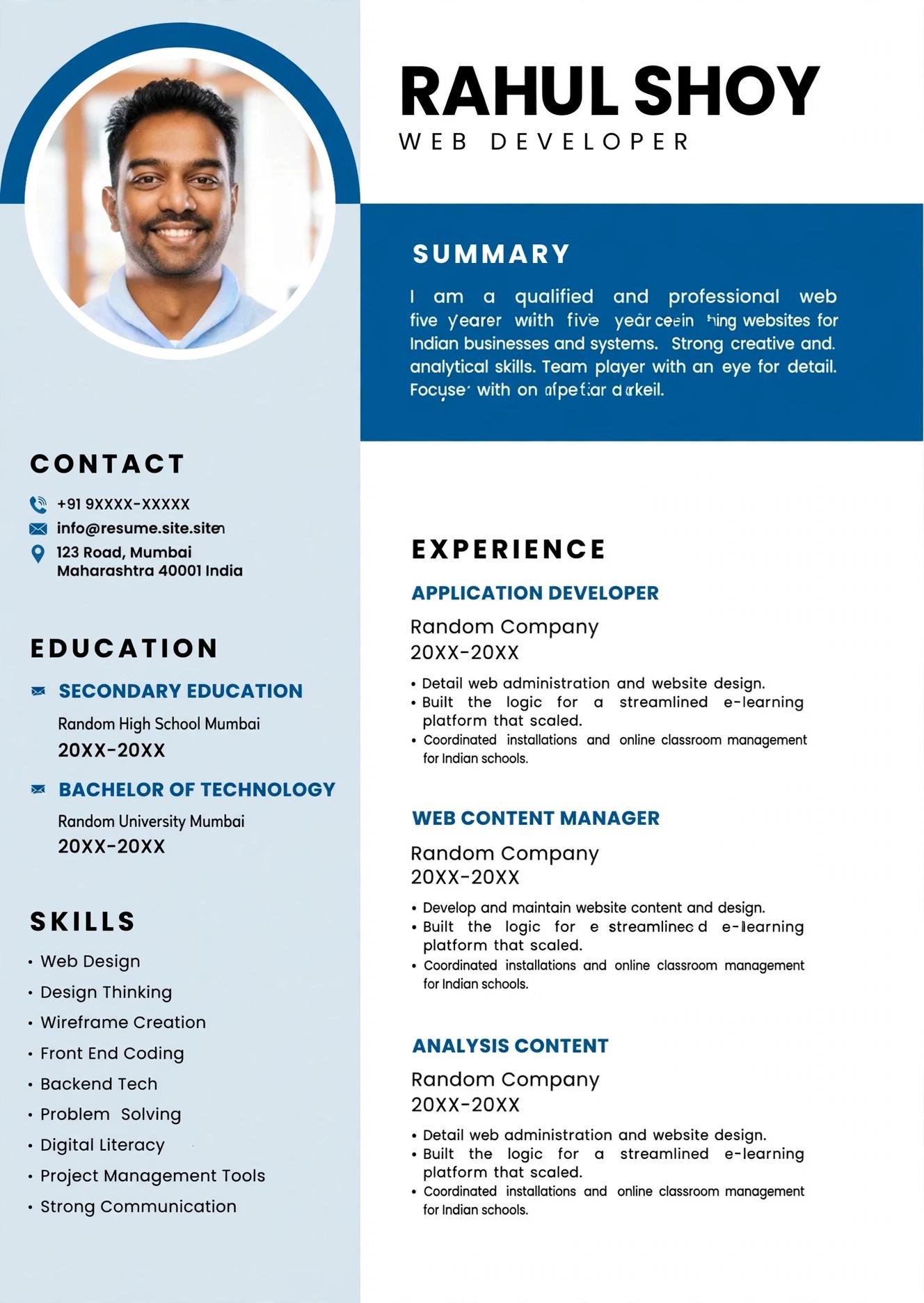
2026 me Indian job market pehle se kahin zyada competitive ho gaya hai, chahe aap fresher ho jo campus placement ke liye Naukri aur LinkedIn par apply kar rahe ho, ya 5 saal ka experienced professional jo TCS, Infosys, Wipro ya kisi startup me switch karna chahta hai. Recruiter ke paas ek position ke liye 300 se 500 resumes aate hain aur unhe har resume ko scan karne ke liye sirf 6 se 7 second milte hain. Isi wajah se double column resume template 2026 me itna popular hua hai - ye ek hi page me zyada information ko clean, modern aur visually balanced tarike se dikhata hai. Lekin sabse bada sawal ye hai ki kya ye design ATS (Applicant Tracking System) ko pass kar payega? Kyunki India me 90% badi companies aur consultancies ab Naukri ATS, Taleo, Workday aur SAP SuccessFactors jaise ATS ka use karti hain jo resume ko pehle software se scan karte hain. Agar aapka resume ATS me parse nahi hua to chahe aapka design kitna bhi sundar ho, recruiter tak pahuchega hi nahi. Is complete guide me hum aapko batayenge ki kaise aap ek aisa double column resume bana sakte hain jo dekhne me premium lage aur saath hi ATS me 100% safe rahe, saath hi ResumeEra.xyz ke templates ka sahi use kaise kare.
Double Column Resume Kya Hai Aur 2026 Me Kyu Trending Hai?
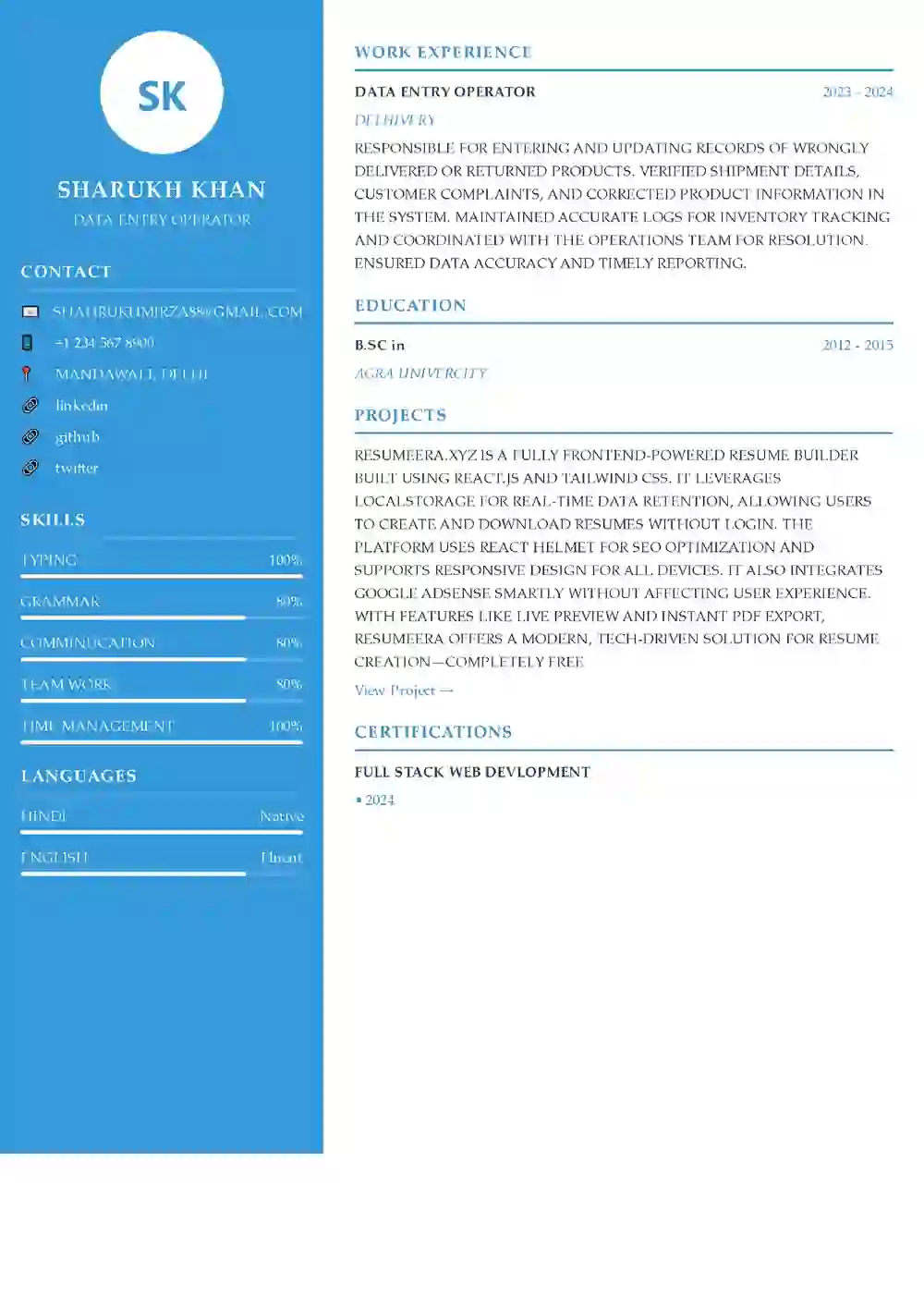
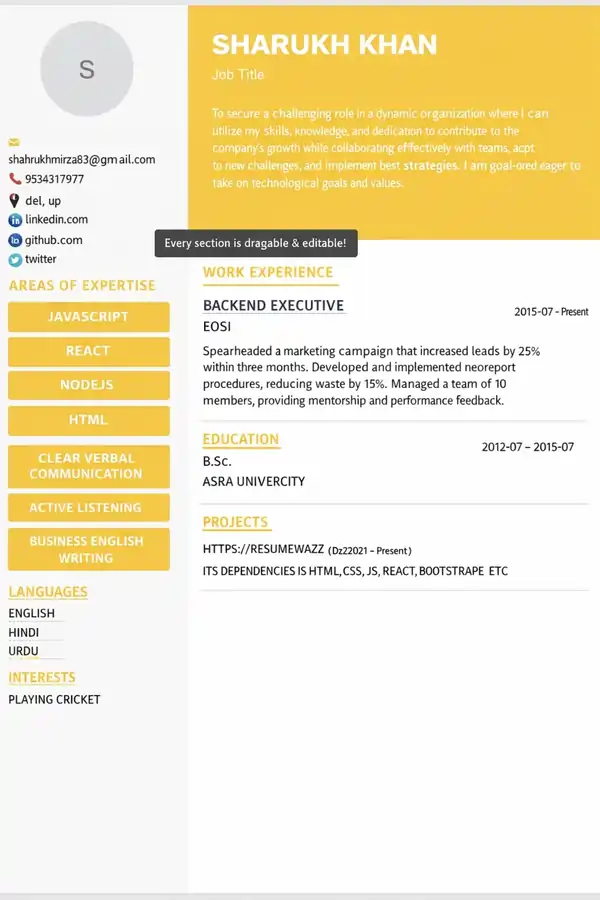
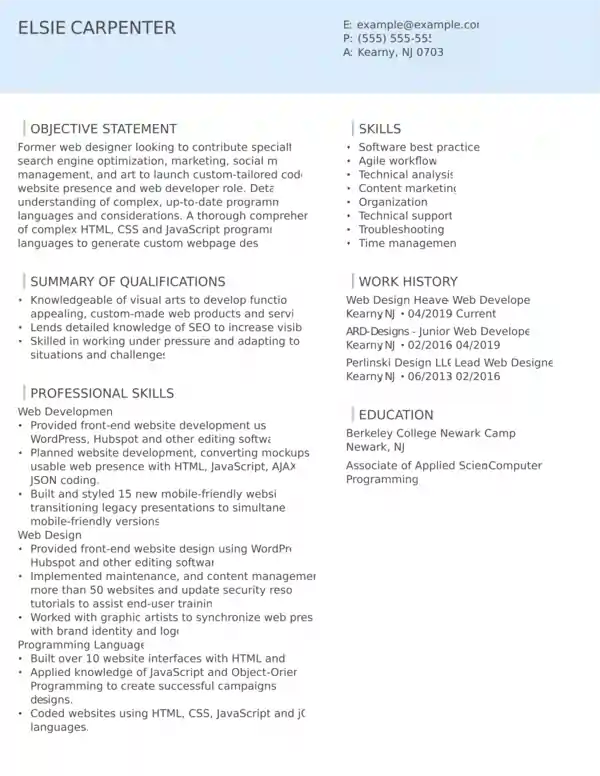
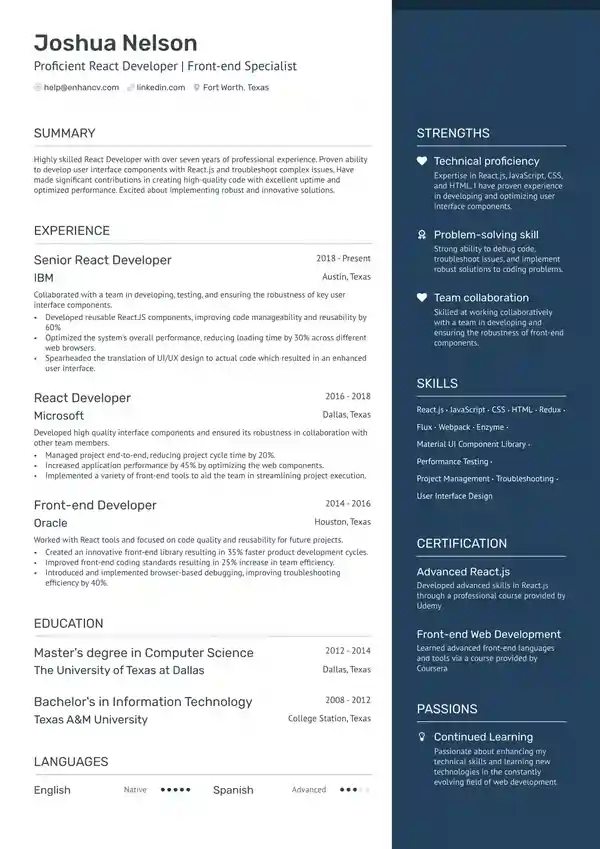
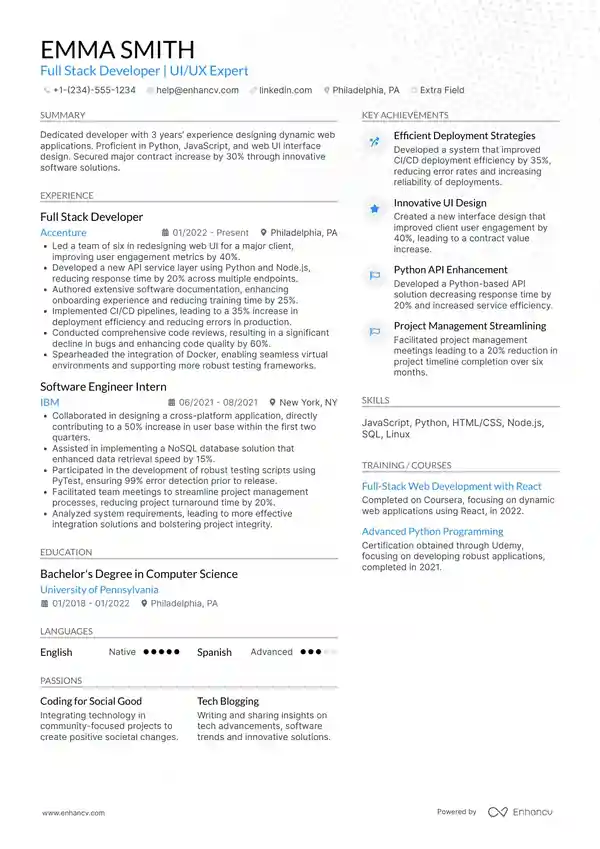
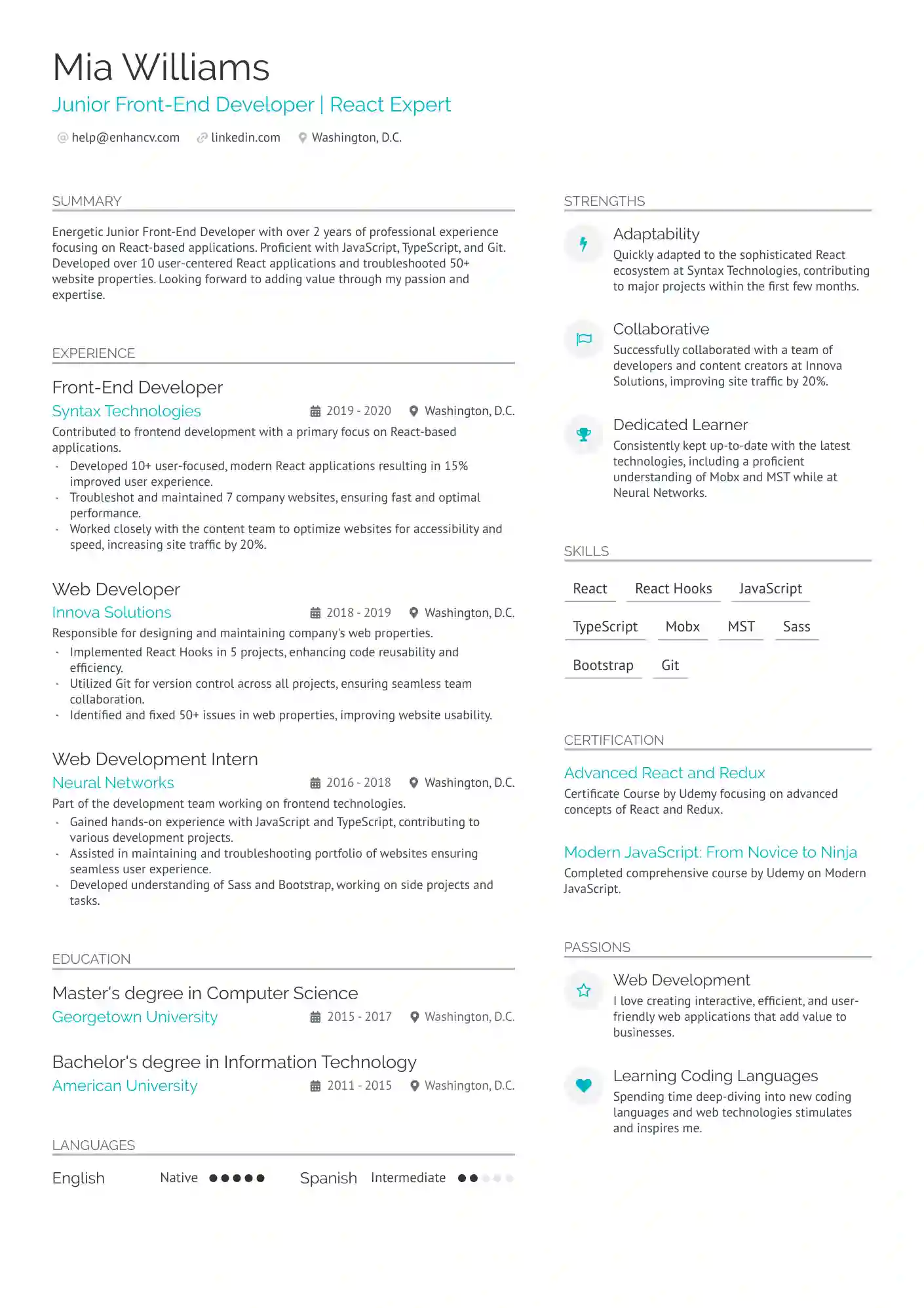
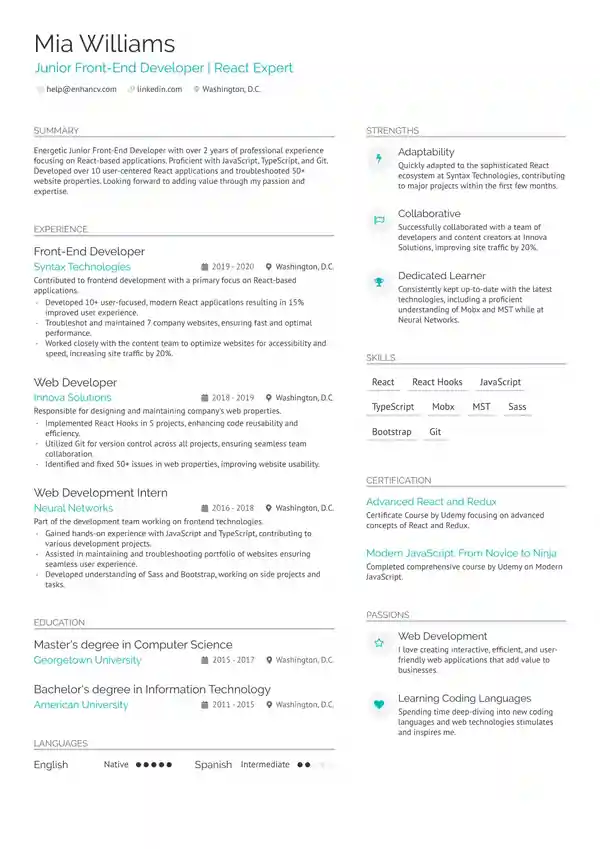
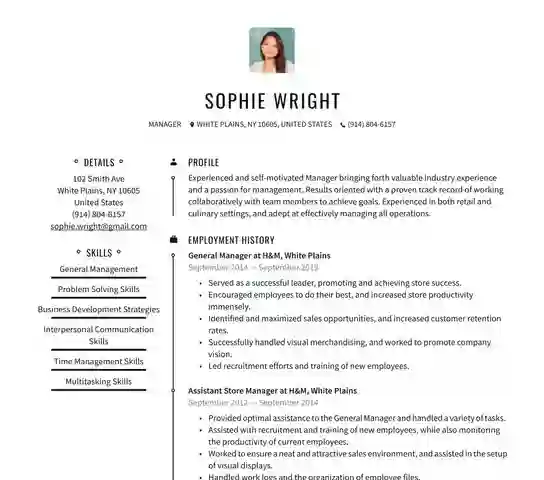
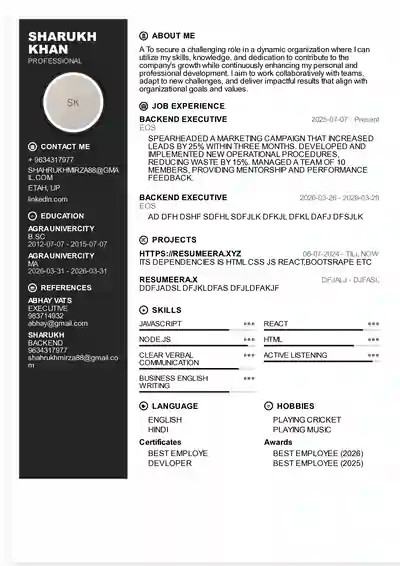
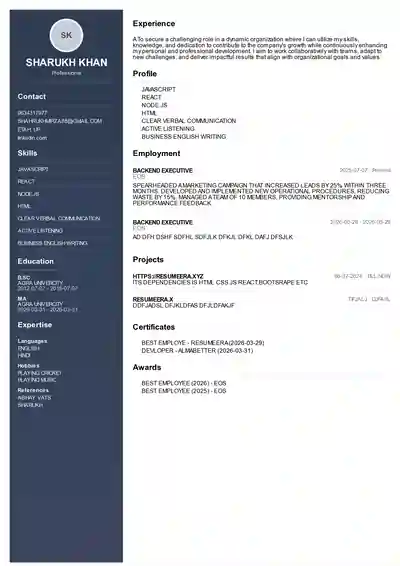
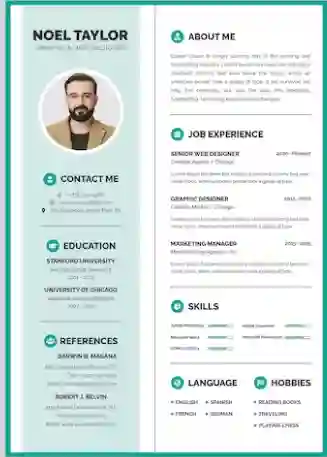
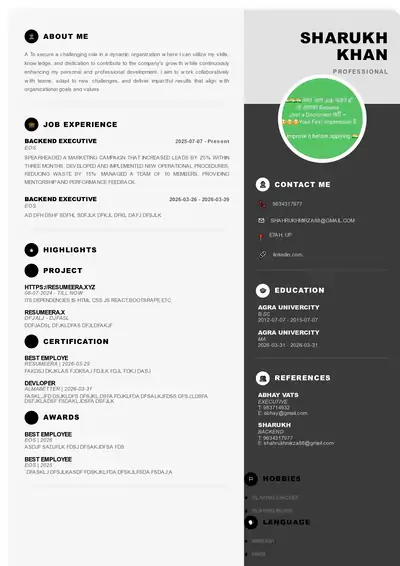
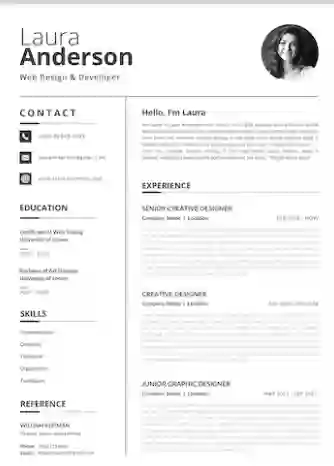
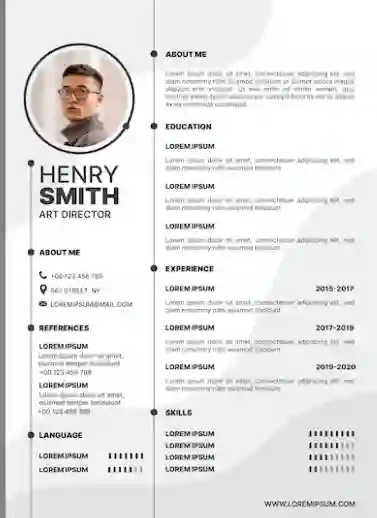
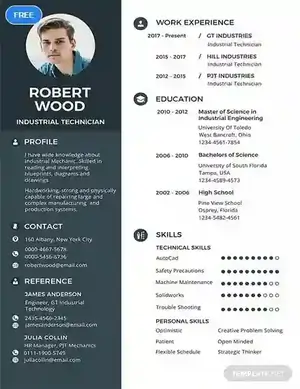
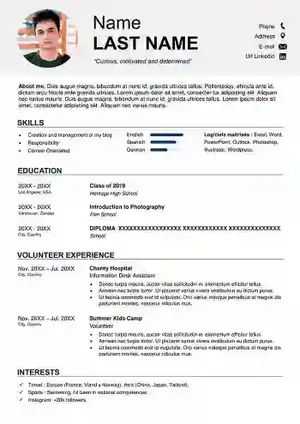
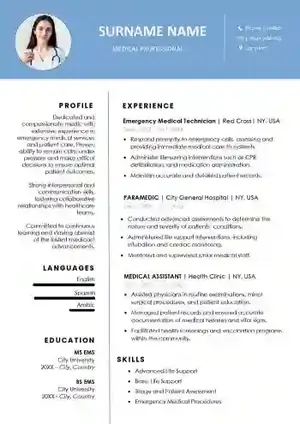
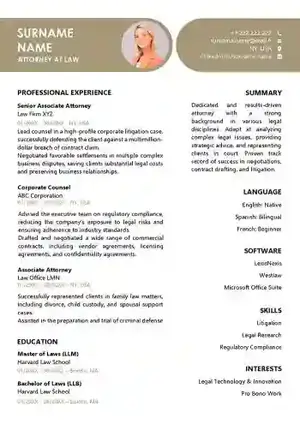
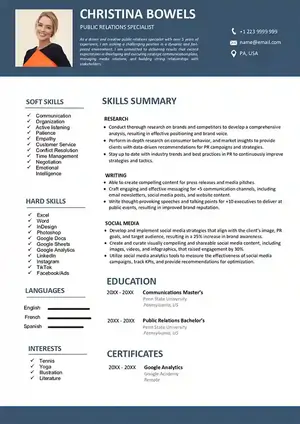
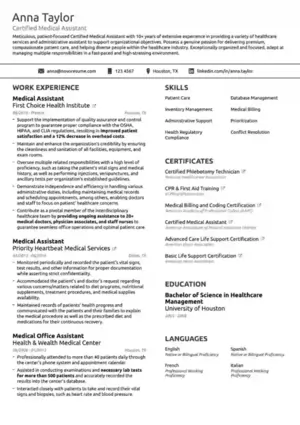
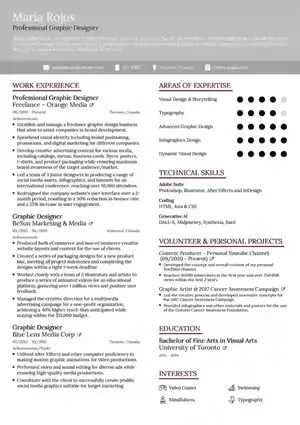
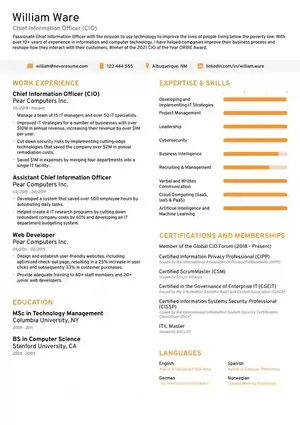
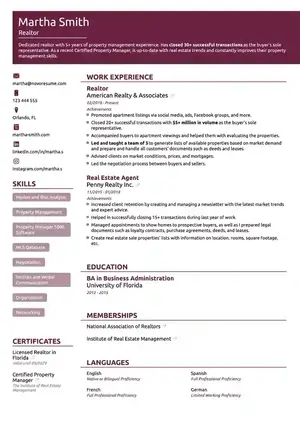
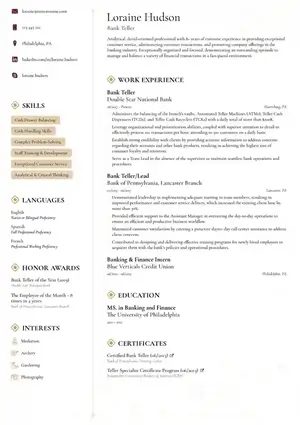
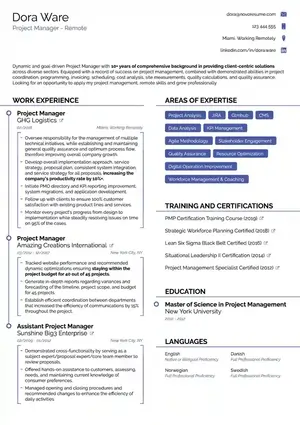
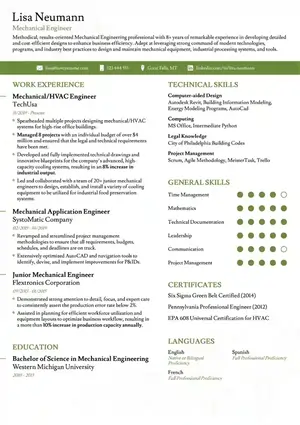
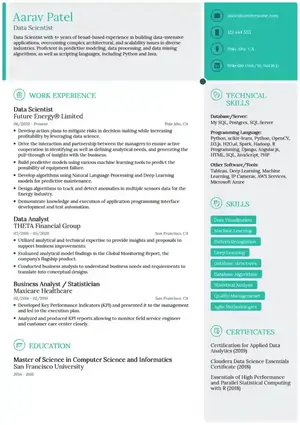
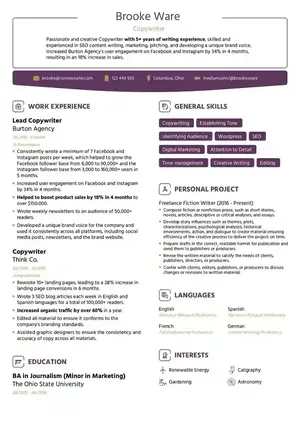
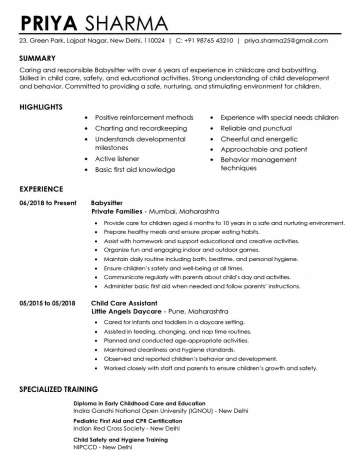
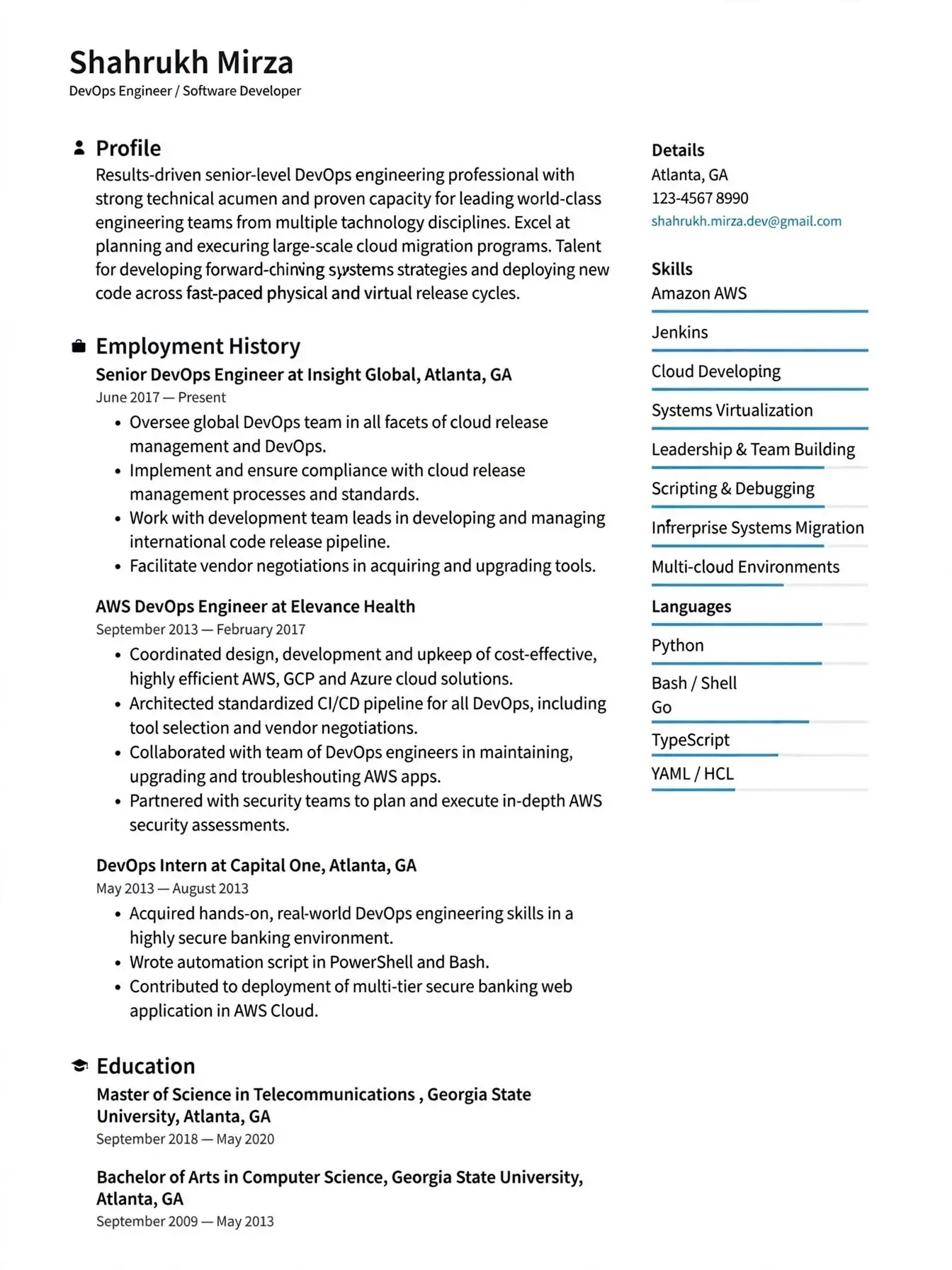
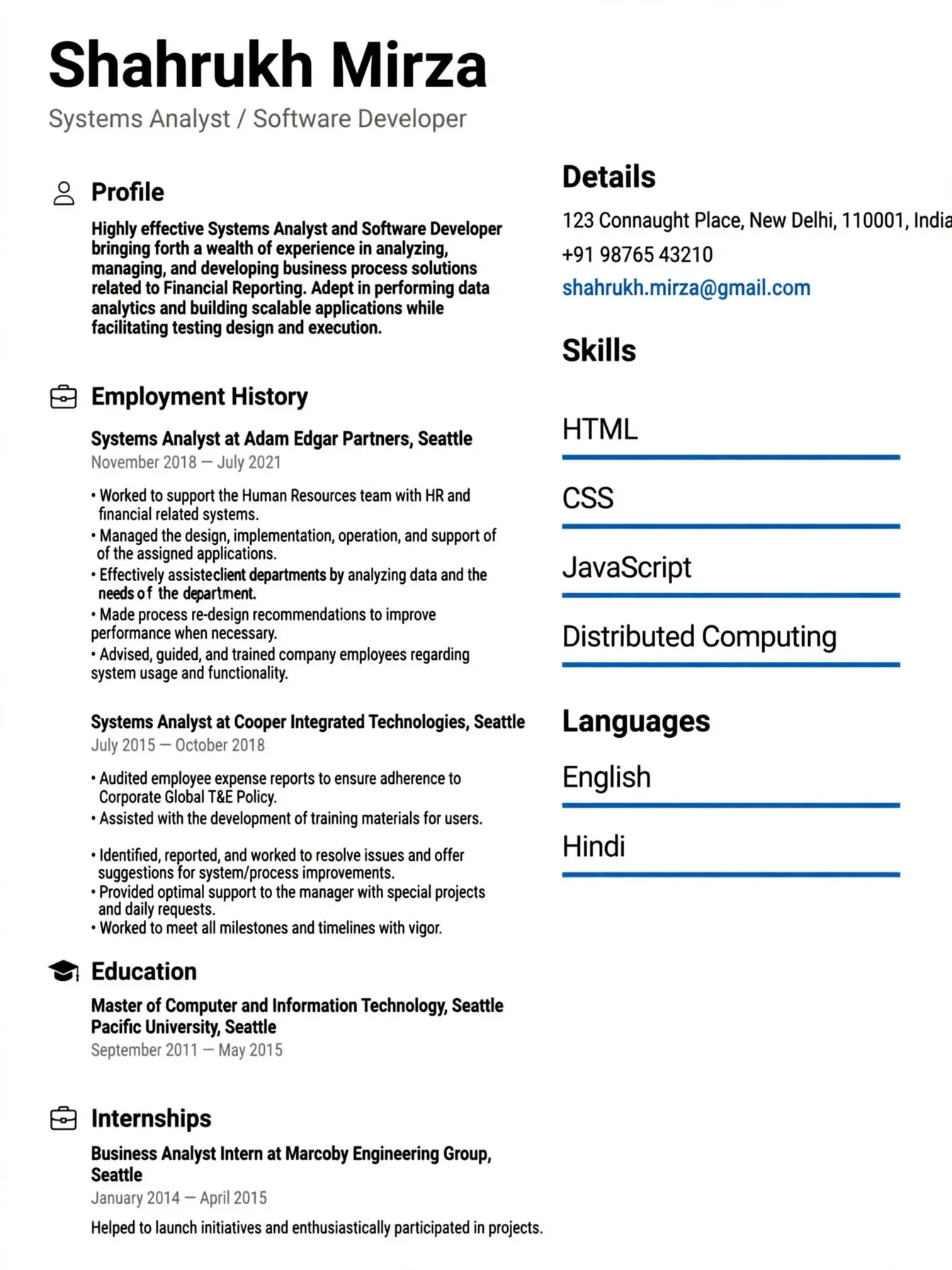
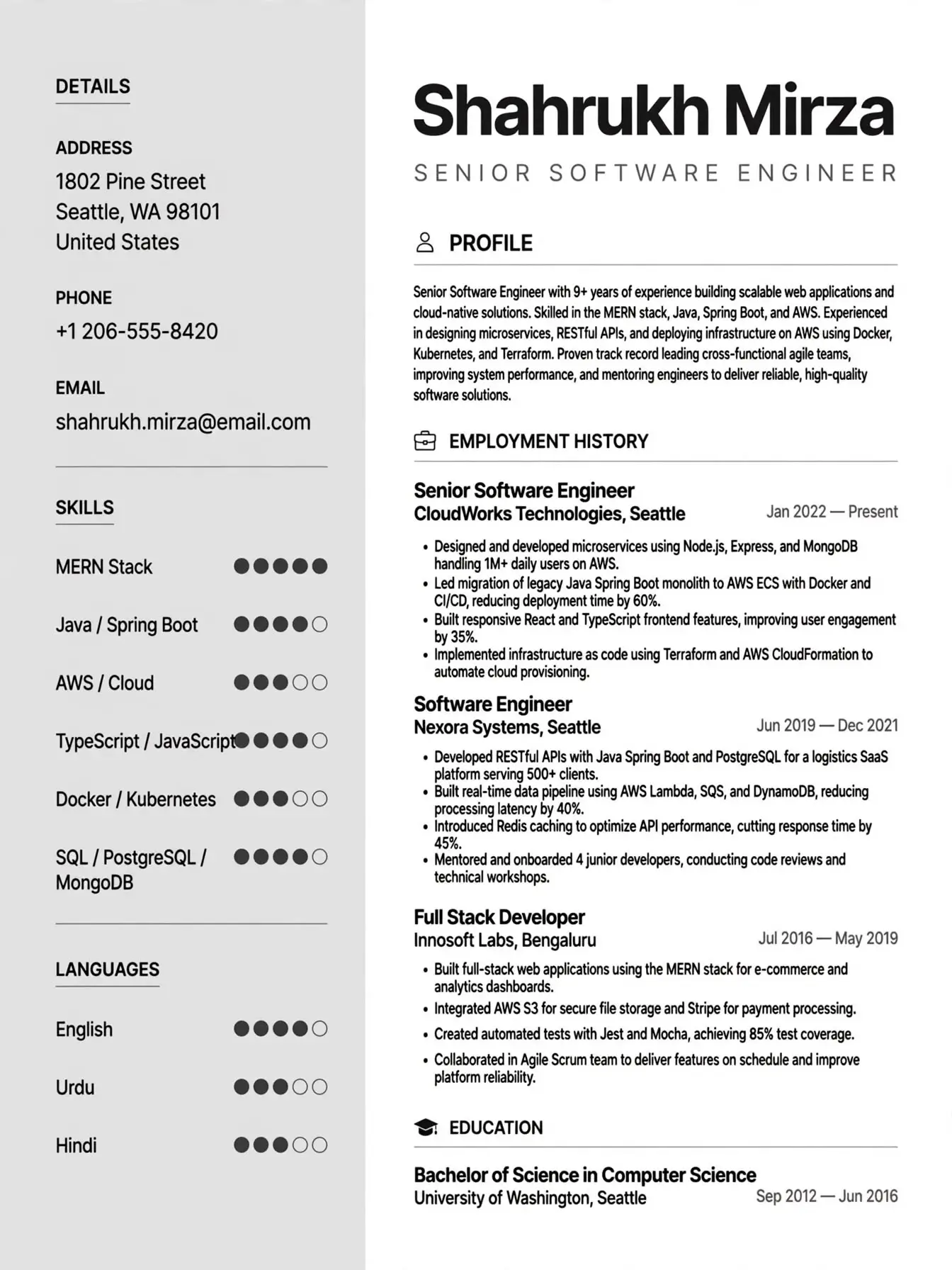
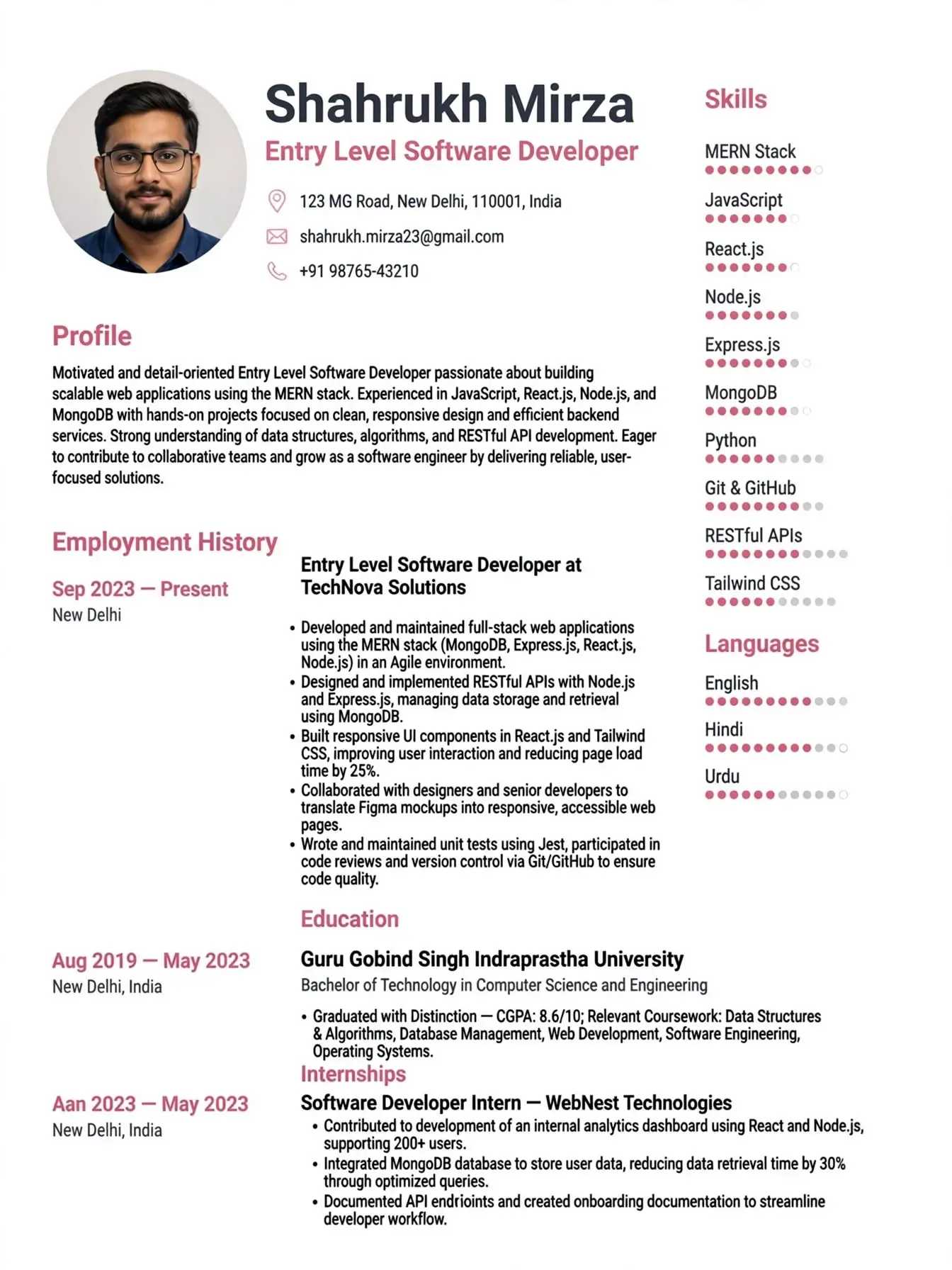
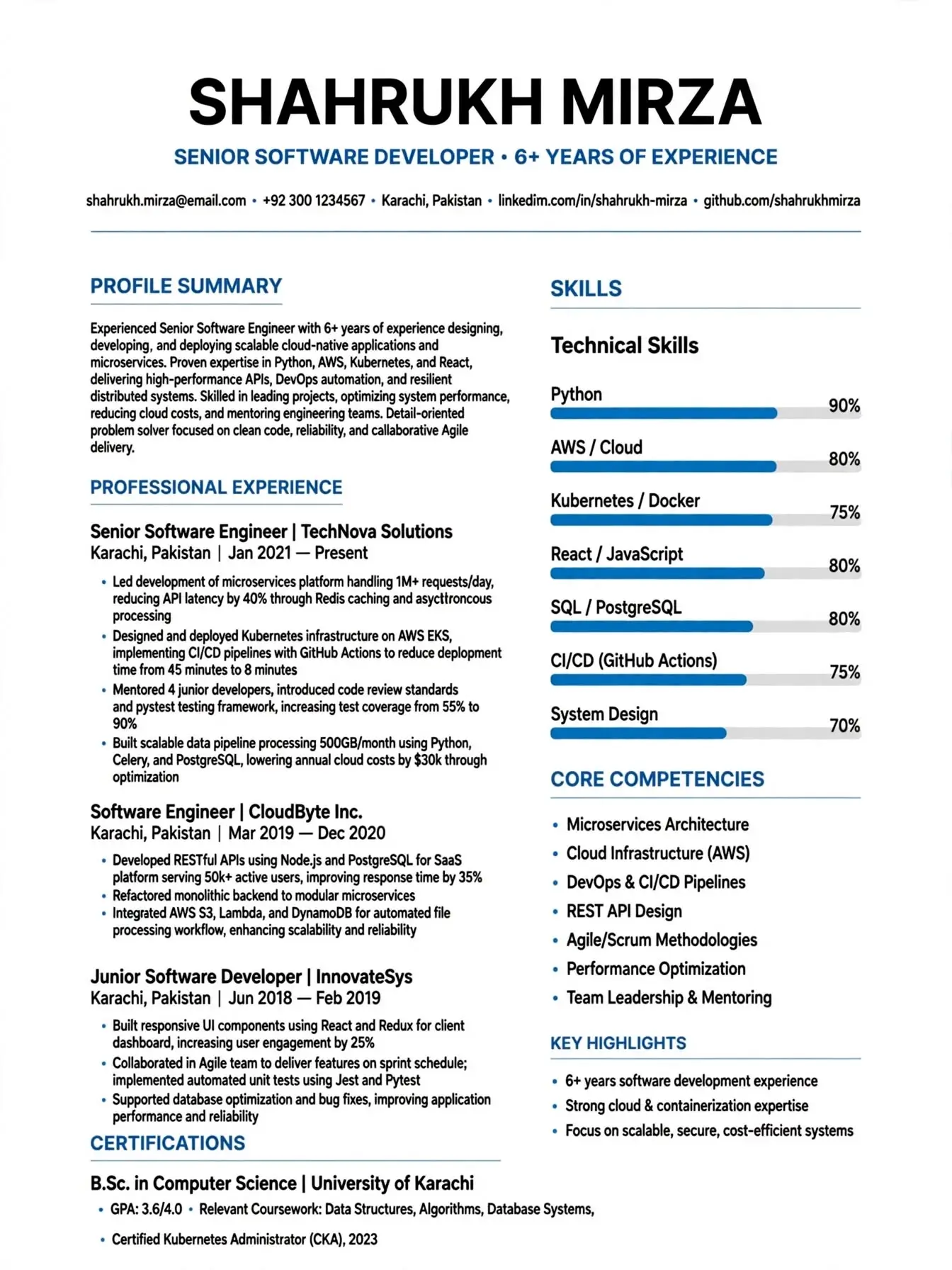
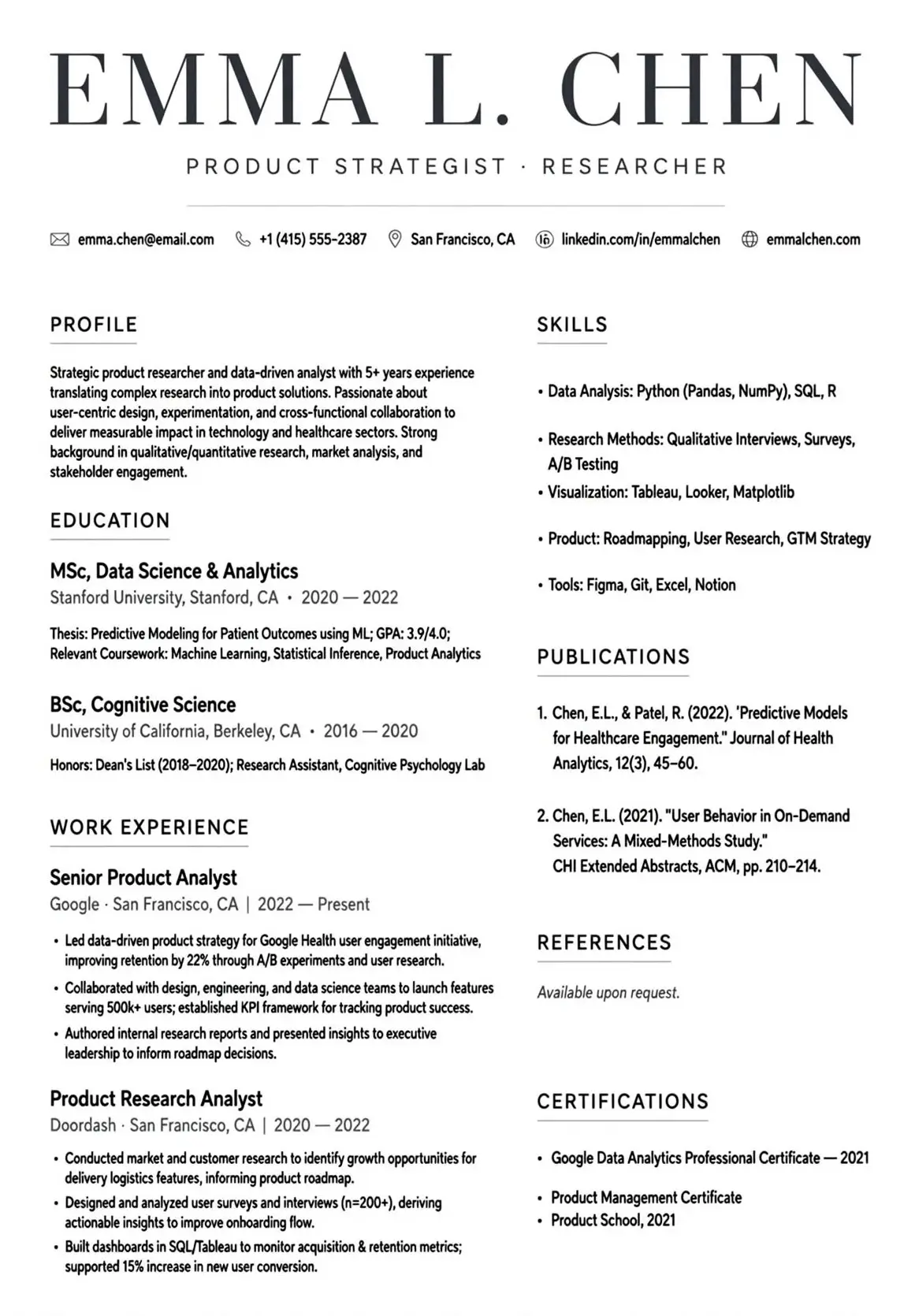
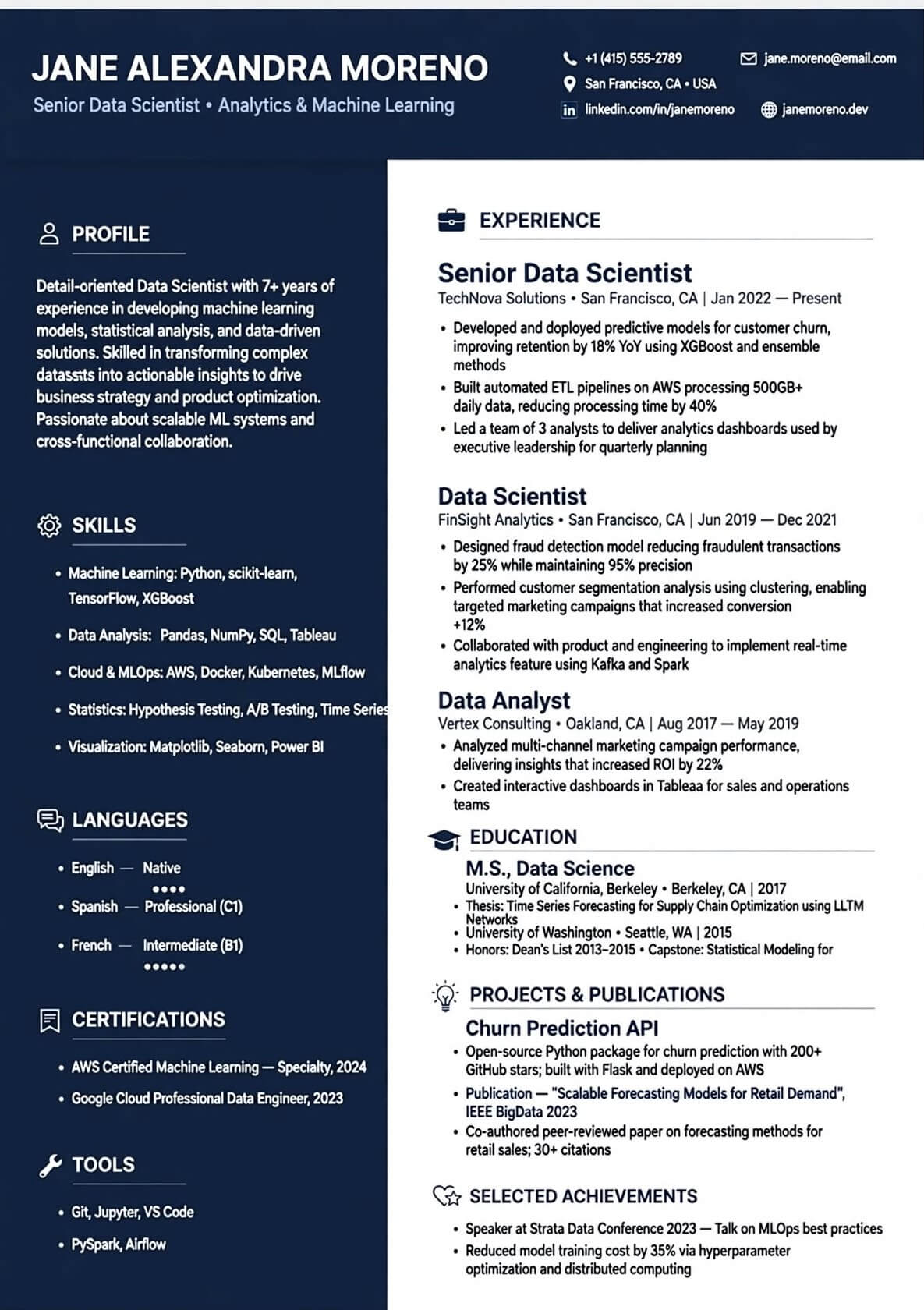
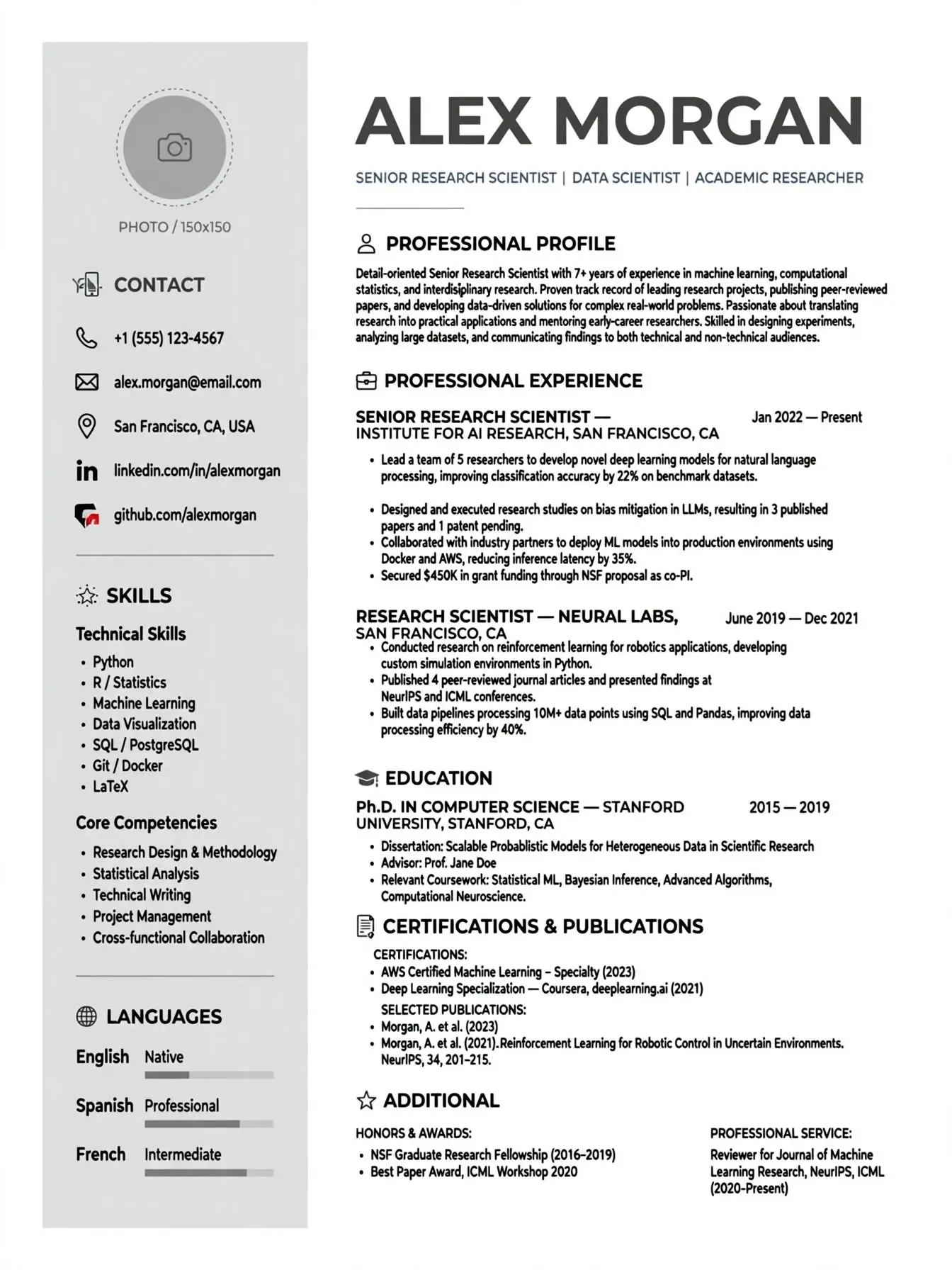
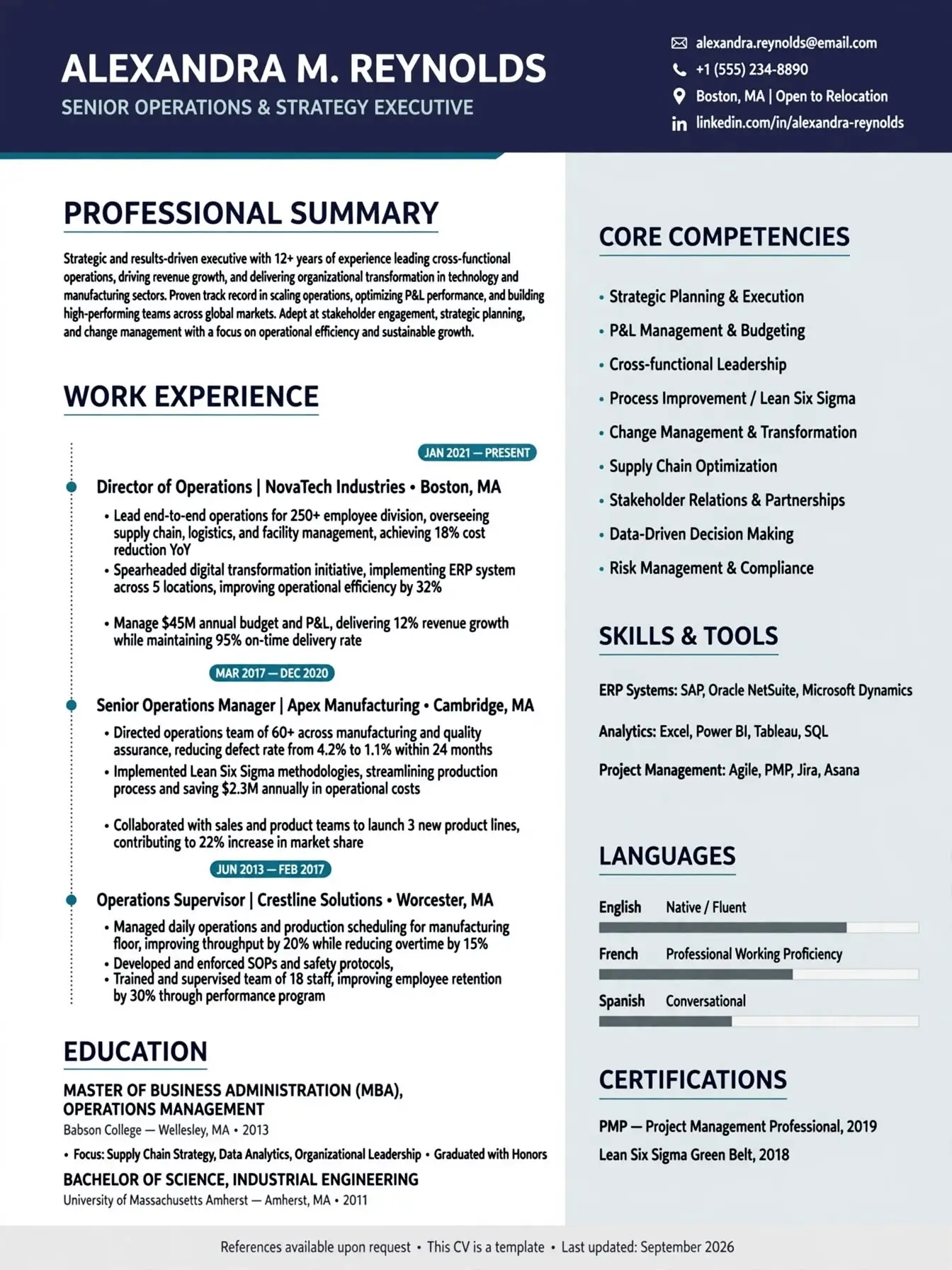
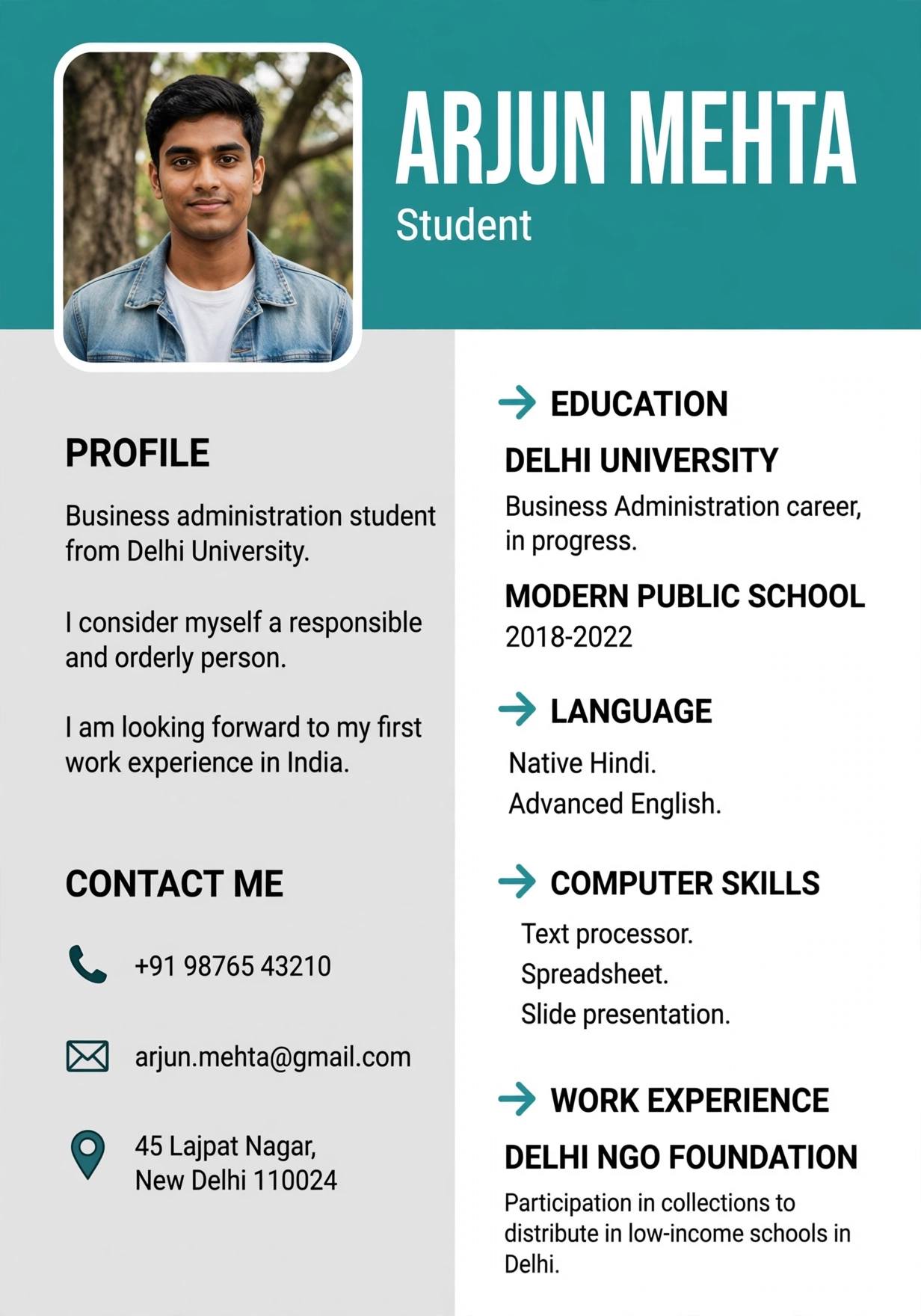
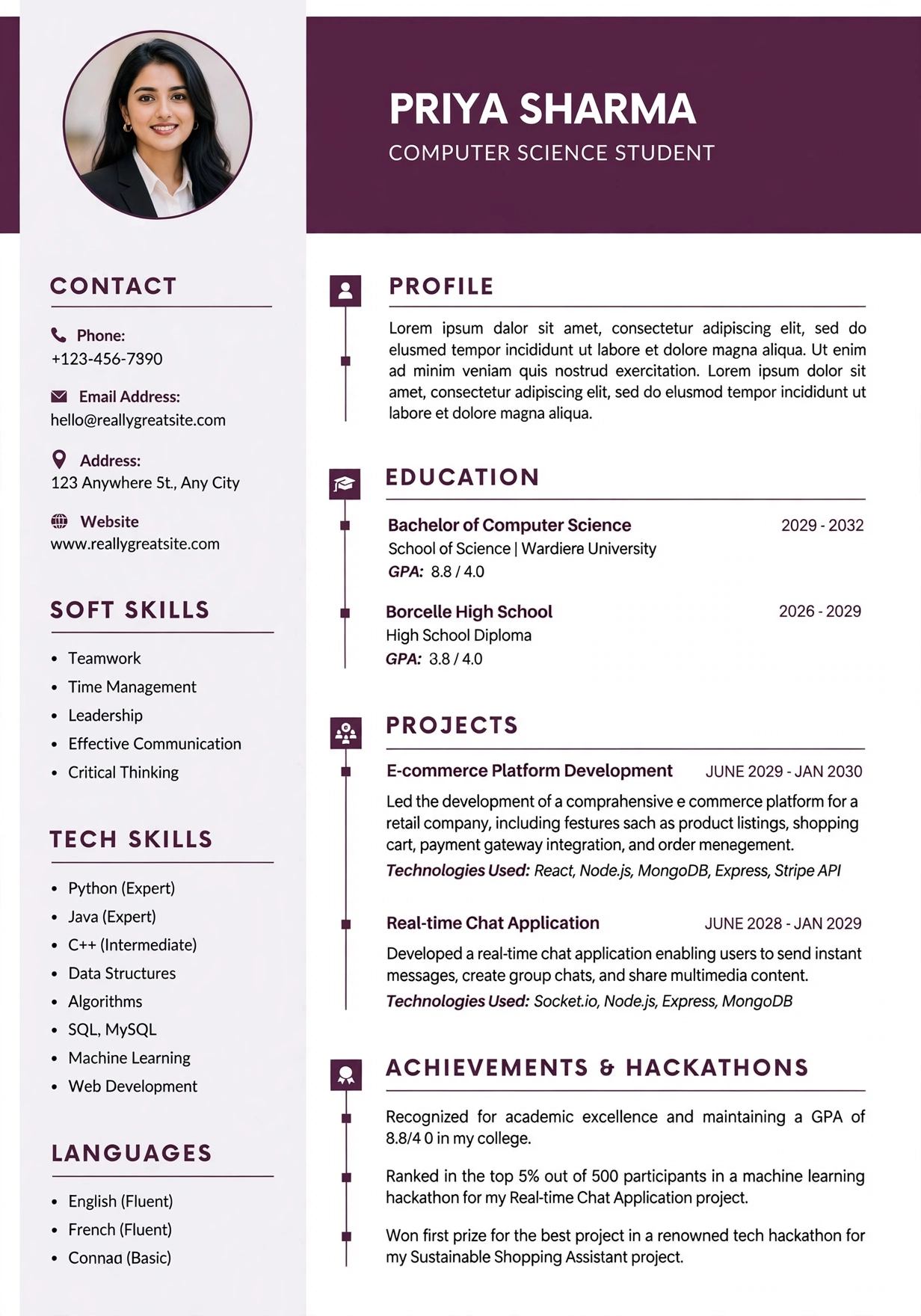
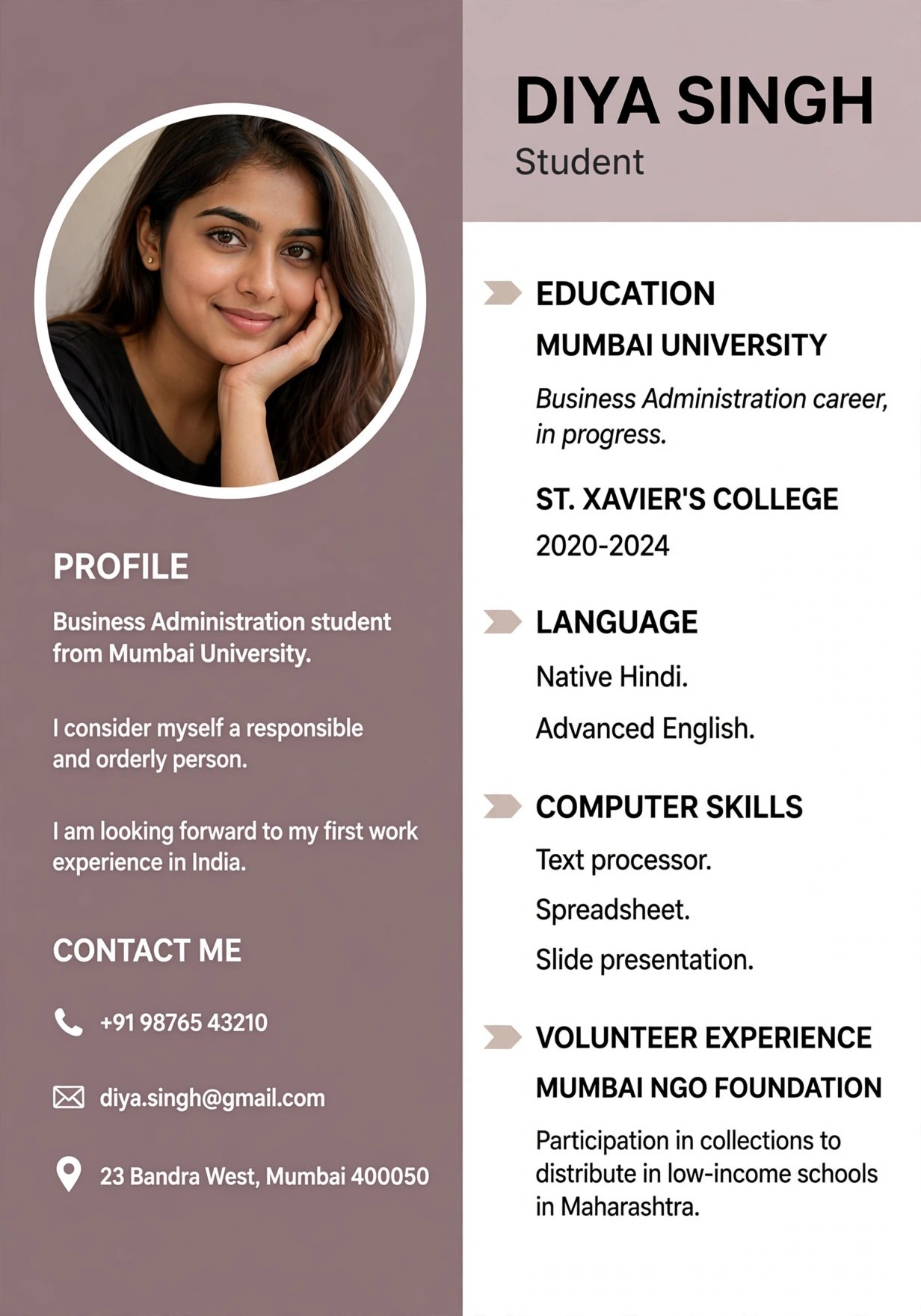
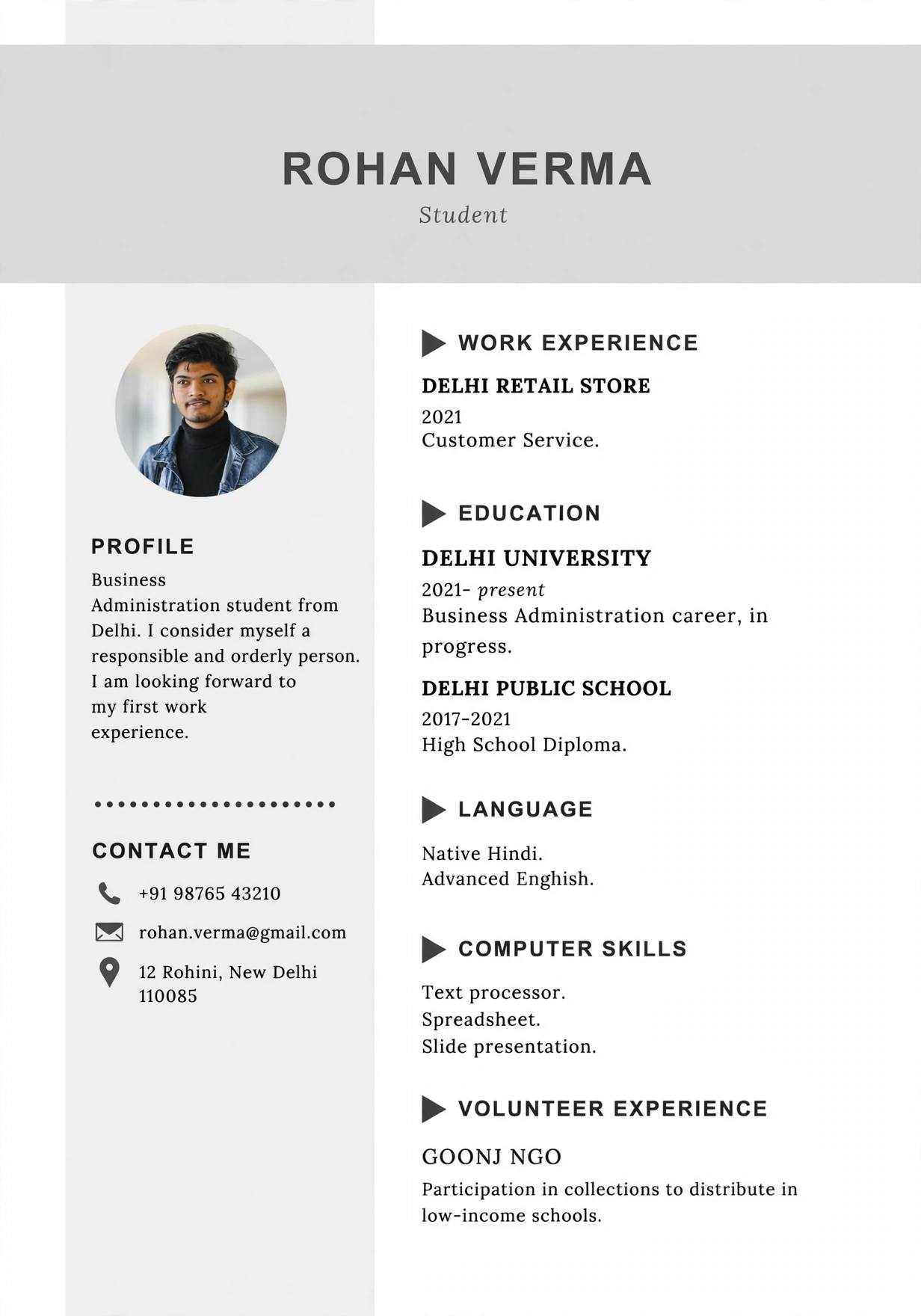
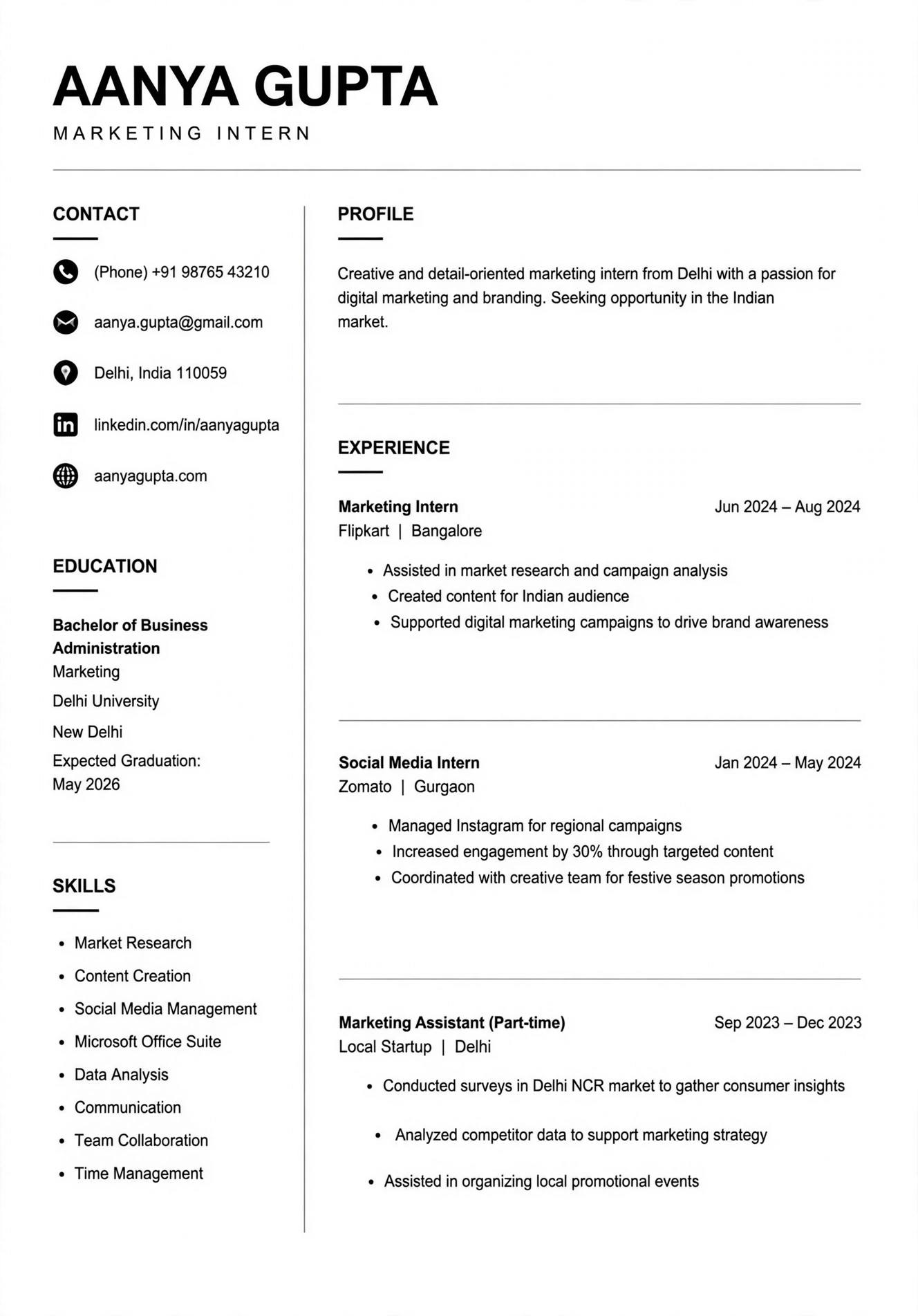
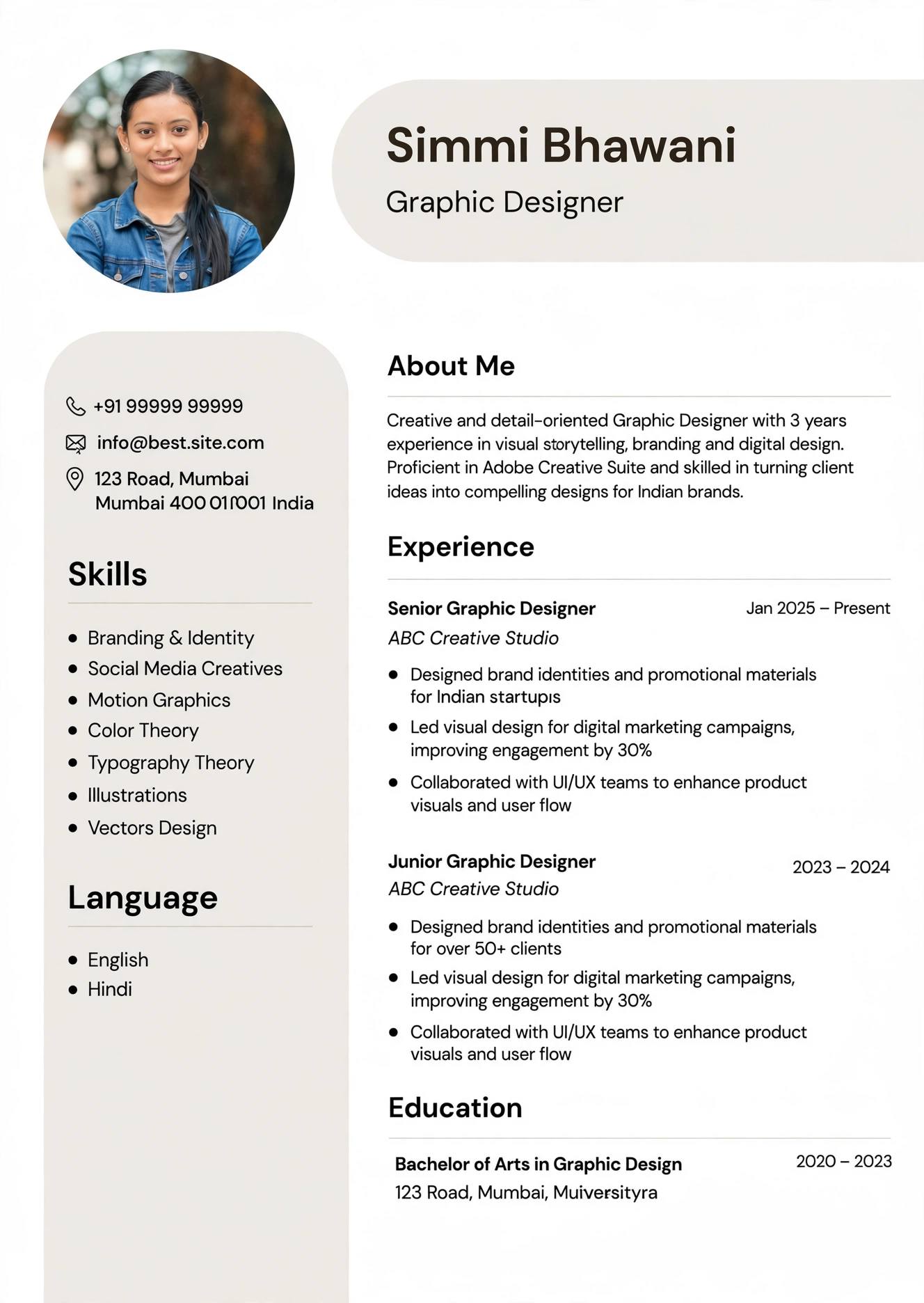
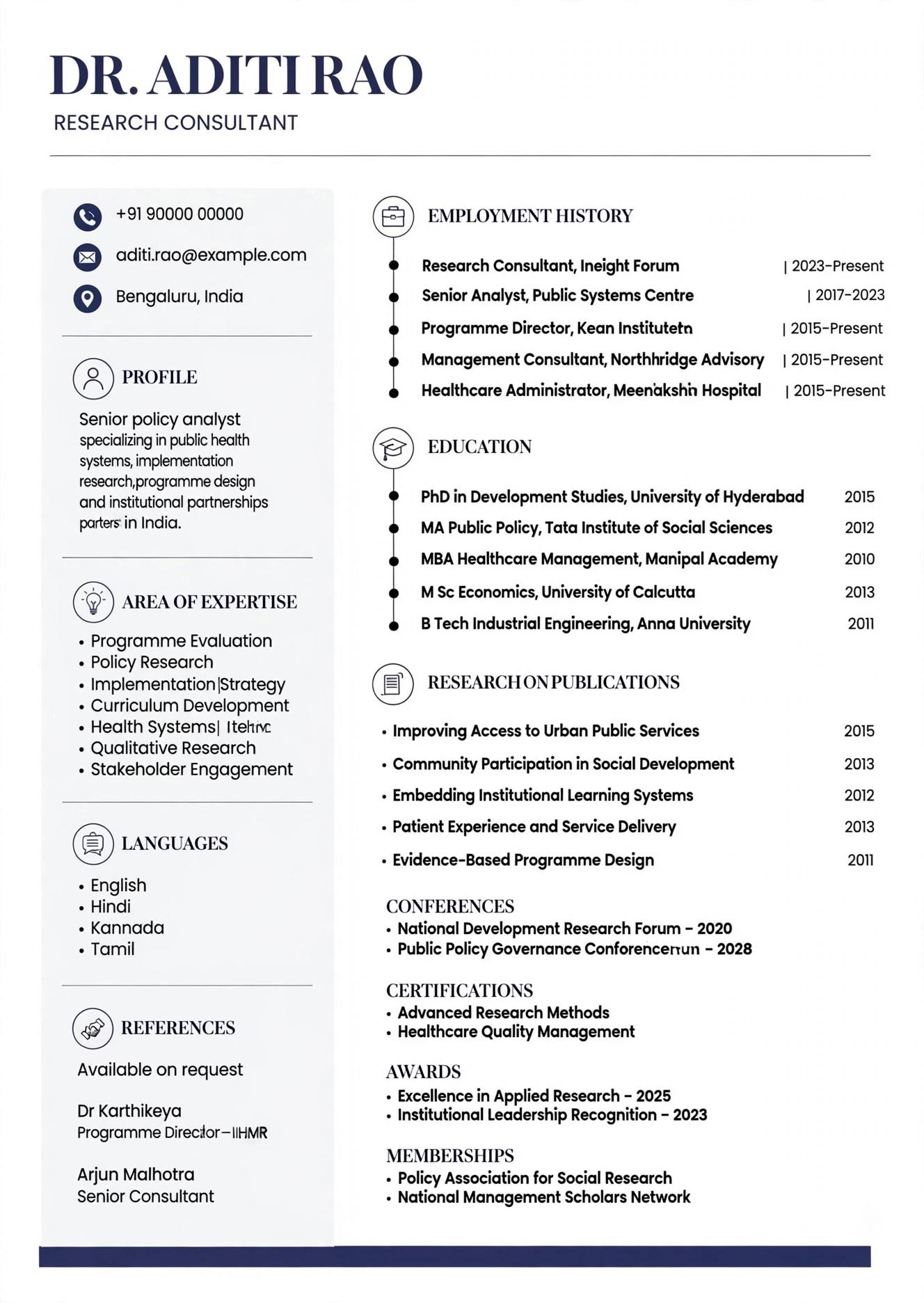
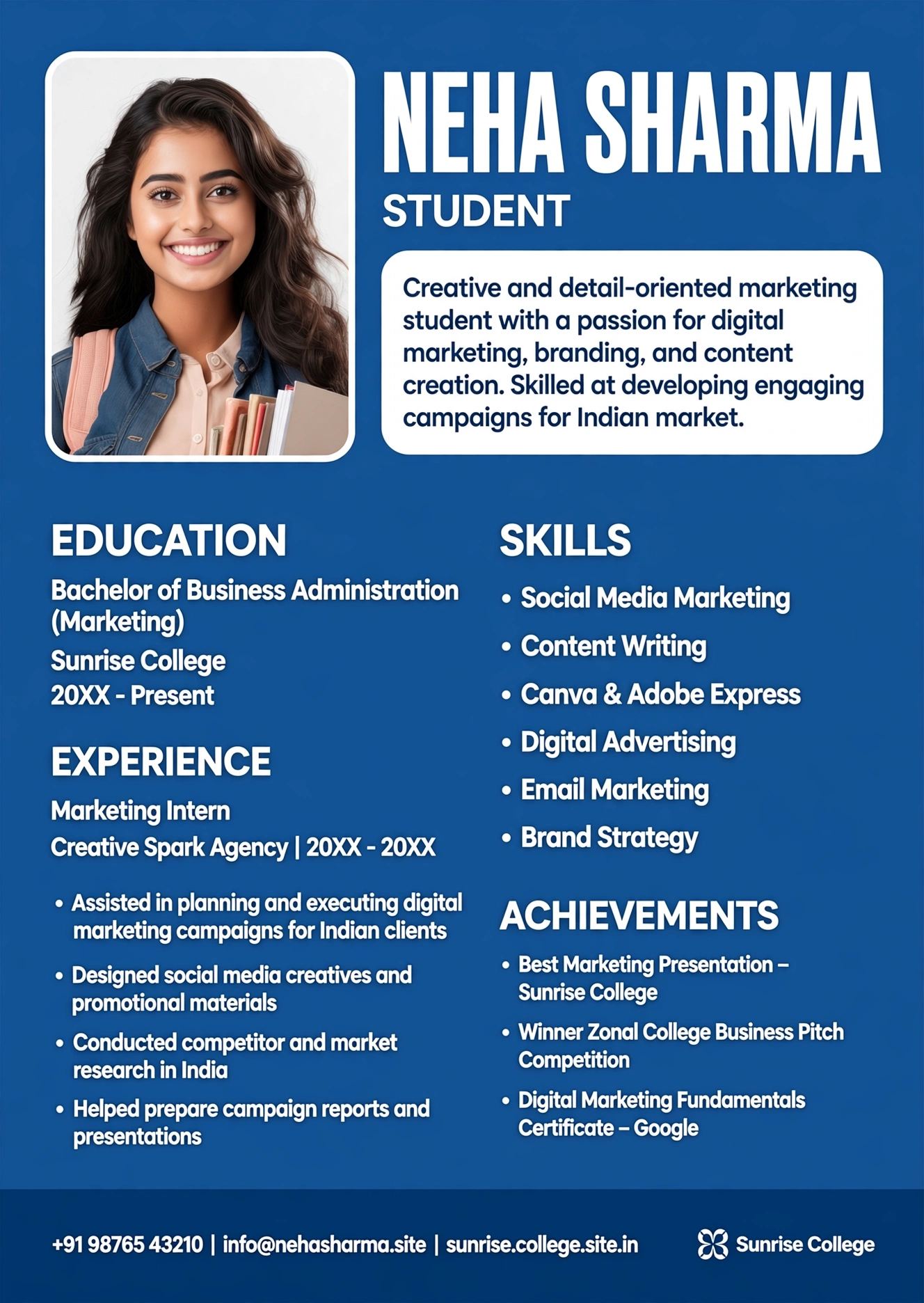
Double column resume ek aisa format hai jisme page ko vertically do hisson me baanta jata hai. Aam taur par left column patla hota hai jisme 30% se 35% jagah hoti hai aur right column chauda hota hai jisme 65% se 70% jagah hoti hai. Left column me aapki contact details, skills, tools, languages, certifications aur links jaise LinkedIn, GitHub ya portfolio aate hain, jabki right column me aapka professional summary, work experience, education aur projects detail me hote hain. Single column resume ke mukable ye format space ka behtar use karta hai aur ek hi page me aapki poori kahani compact tarike se batata hai.
2026 me iske trending hone ki sabse badi wajah hai visual hierarchy. Indian recruiters ab sirf text nahi dekhte, wo ye bhi dekhte hain ki resume kitna organized aur easy-to-scan hai. Naukri par jab recruiter dashboard par 50 resumes ek saath dekhta hai to double column wala resume turant alag dikhta hai kyunki usme white space ka sahi use hota hai aur important skills ek nazar me dikh jati hain. Dusra kaaran hai fresher aur experienced dono ke liye flexibility. Fresher jinke paas experience kam hai wo left column me apne technical skills, internships aur college projects ko highlight kar sakte hain, jabki experienced professionals apne 8-10 saal ke experience ko bina doosra page jode right column me ache se dikha sakte hain. ResumeEra.xyz par available modern templates isi balance ko dhyan me rakh kar banaye gaye hain.
Teesra kaaran hai LinkedIn aur portfolio culture. Aaj har dusra candidate apne resume me LinkedIn profile, Behance ya personal website ka link deta hai. Double column me aap in links ko left sidebar me icons ke saath clean tarike se laga sakte hain jisse recruiter ko aapko search karne ki zarurat nahi padti. Lekin yaad rakhe, design ka matlab ye nahi ki aap har jagah rang, graph aur icons bhar de. 2026 me best double column resume wahi hai jo minimal color, clear fonts jaise Calibri, Garamond ya Inter ka use kare aur har section ko proper heading de taaki ATS bhi use aasani se samajh sake.
Kya Double Column Resume ATS-Safe Hai? Sach Aur Myth
Is sawal ka seedha jawab hai - haan, double column resume ATS-safe ho sakta hai, lekin sirf tab jab wo sahi tarike se banaya gaya ho. Bahut se candidates ko lagta hai ki ATS sirf single column resume hi padh sakta hai, ye aadha sach hai. Purane ATS jo 2018-2020 tak use hote the wo sach me tables aur text boxes ko confuse ho jate the aur content ko galat order me padhte the. Lekin 2026 ke modern ATS jaise Workday, Taleo aur Naukri ka naya parser kaafi advanced ho gaye hain. Wo native column formatting ko samajh lete hain agar template sahi code par bana ho. Problem tab aati hai jab aap Canva ya Photoshop jaisi design-heavy tools se bana hua image-based resume upload karte hain.
Myth 1: Saare Double Column Resume ATS Me Fail Ho Jate Hain
Ye sabse bada myth hai. Test me ye paya gaya hai ki agar double column resume me text boxes, images ke andar text, ya complex tables ka use nahi kiya gaya hai to ATS usko bilkul sahi tarike se parse kar leta hai. ATS ko dikkat tab hoti hai jab aap left aur right column ko alag text box me daalte hain. Sahi tareeka ye hai ki poora document ek hi flow me ho aur columns sirf layout ke liye use hue ho, content ke liye nahi. ResumeEra.xyz ke ATS templates isi principle par bane hain jisme columns CSS se bante hain, alag text boxes se nahi, isliye parser left se right sahi order me padhta hai. Isliye ye kehna ki double column hamesha fail hota hai, galat hai.
Myth 2: ATS Sirf Keywords Dekhta Hai, Design Se Koi Matlab Nahi
Dusra myth ye hai ki ATS ko design se koi farak nahi padta. Sach ye hai ki ATS design ko directly rank nahi karta, lekin agar design ki wajah se uska parser heading ko hi nahi pehchan paya to aapke keywords bhi waste ho jayenge. Udaharan ke liye, agar aapne "Work Experience" ki jagah koi creative heading jaise "Meri Yatra" likh di ya heading ko image bana diya to ATS us section ko hi skip kar dega. Isliye 2026 me ATS optimization ka matlab sirf keywords bharna nahi, balki headings ko standard rakhna hai jaise "Professional Summary", "Work Experience", "Education", "Skills". Double column me bhi ye headings hamesha clear aur bold honi chahiye.
Sach: Kaunsa ATS Kya Padhta Hai - Indian Context
India me sabse zyada use hone wale ATS hain Naukri RMS, Taleo (jo Infosys, TCS me use hota hai), Workday (Deloitte, Amazon India me), aur SAP SuccessFactors (Reliance, Aditya Birla Group me). In sabka parsing logic thoda alag hai lekin ek baat common hai - ye sab left-to-right aur top-to-bottom content padhte hain. Agar aapne left column me skills aur right column me experience rakha hai to kuch purane ATS pehle poora left column padhenge phir right column, jisse chronology bigad sakti hai. Isliye 2026 ki best practice ye hai ki sabse critical information jaise naam, title, summary aur latest experience hamesha top par ya right column ke top par rakhe, taaki chahe ATS kisi bhi order me padhe, aapki sabse important baat pehle parse ho.
Pro Tip: Hamesha apna resume .docx aur PDF dono me test kare. Naukri par .docx zyada safe mana jata hai jabki LinkedIn Easy Apply par text-based PDF best kaam karta hai.
ATS-Safe Double Column Resume Ka Sahi Structure (Design Guide)
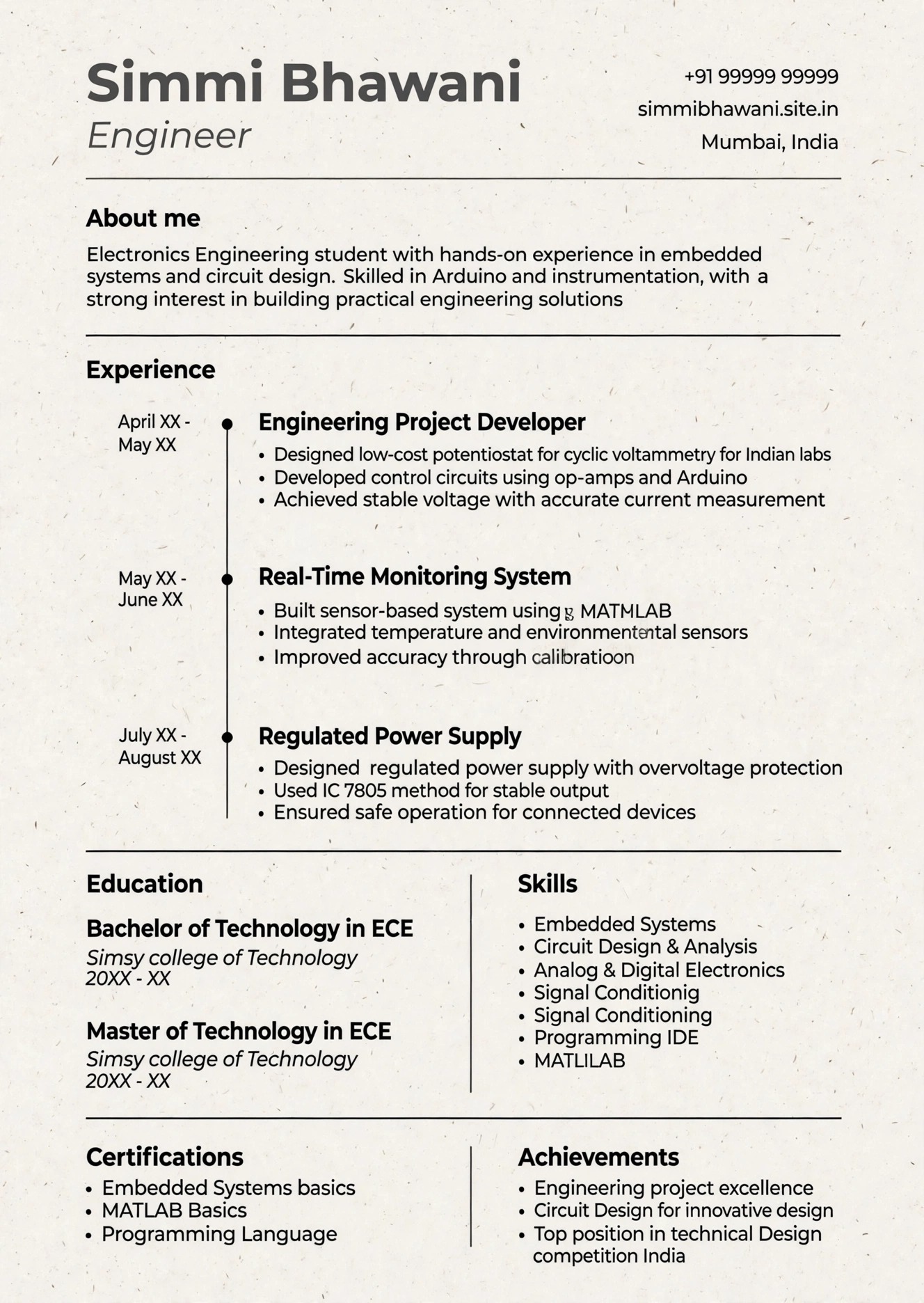
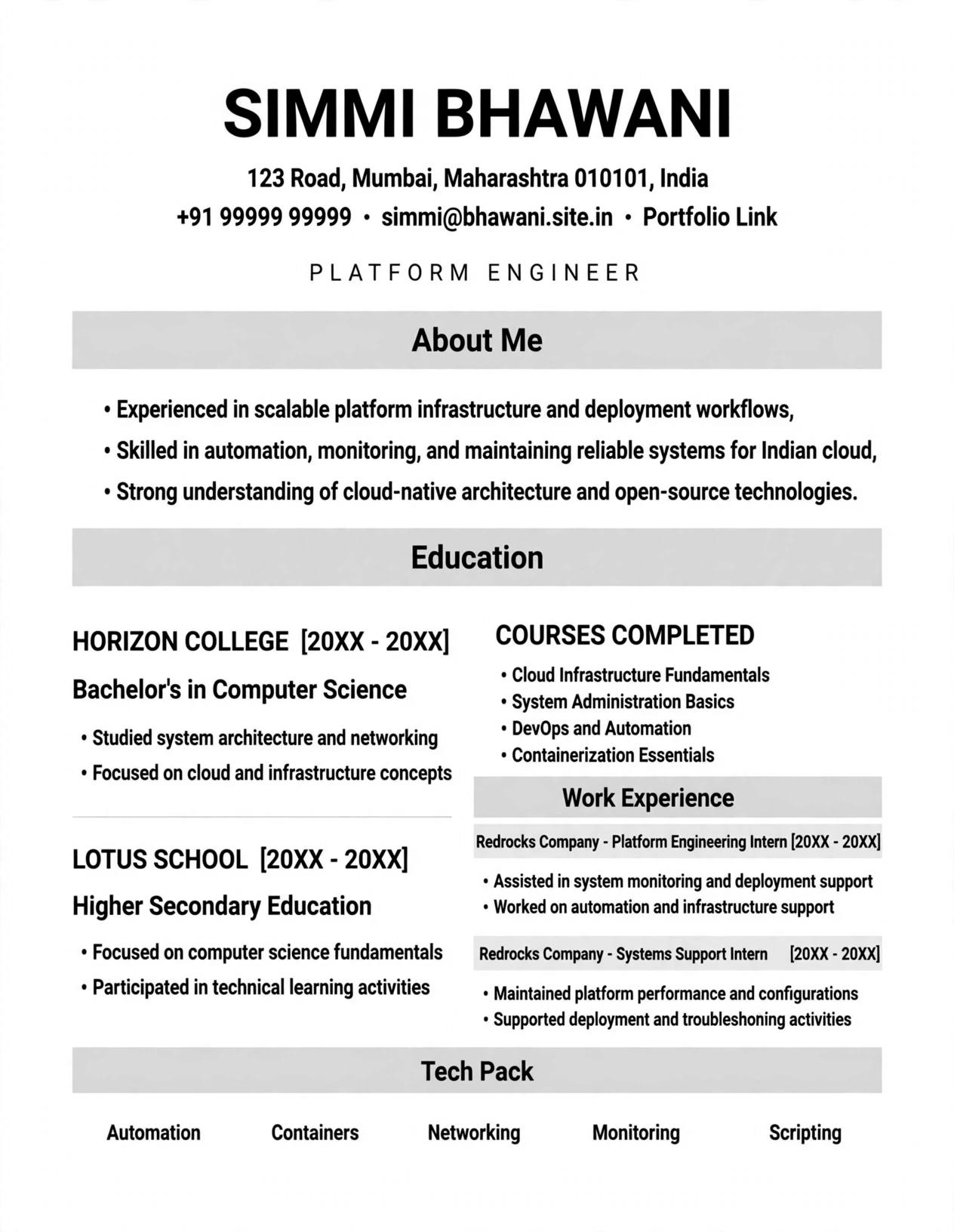
Ek perfect ATS-safe double column resume banane ke liye aapko teen cheezon par dhyan dena hoga - layout, typography aur section order. Layout me hamesha 70-30 ya 65-35 ka ratio rakhe. Left column bahut patla na kare warna text bahut chhota ho jayega aur recruiter ko padhne me dikkat hogi. Typography me sirf ek ya do fonts ka use kare. Heading ke liye 11-12 pt bold aur body ke liye 9.5-10.5 pt regular size ideal hai. Rangon me kala, gehra neela ya gehra grey hi use kare, halke rang ATS me to dikhenge nahi aur print me bhi fade ho jayenge.
Left Column Me Kya Rakhe Aur Kya Nahi
Left column aapka quick-scan area hai. Recruiter yahan sirf 3-4 second deta hai. Isliye yahan sirf wahi information rakhe jo bullet points me aasani se scan ho sake. Isme aana chahiye: Contact Information (phone, email, city, LinkedIn URL), Core Skills (8-12 skills, jaise Python, Digital Marketing, Tally), Tools & Technologies (Excel, Figma, AWS), Languages, aur Certifications. Yahan kabhi bhi lambi paragraphs ya work experience ka detail na dale. Ek common galti jo fresher karte hain wo ye ki wo left column me apna career objective ka paragraph likh dete hain jo ATS ke liye bilkul bekar hai. Left column ko hamesha crisp rakhe, har skill ko pipe (|) ya bullet se alag kare.
Right Column Ka Flow Kaise Rakhe
Right column aapke resume ka hero section hai. Iska flow hamesha is order me hona chahiye: Sabse upar aapka naam aur professional title (jaise "Rahul Sharma | Digital Marketing Executive"), uske neeche 3-4 line ka Professional Summary jo aapke saal, domain aur 2-3 badi achievement bataye, phir Work Experience reverse chronological order me (latest job sabse pehle), phir Education aur ant me Projects ya Achievements. Har experience ke liye Company Name, Role, Location, Duration ek line me bold me likhe aur neeche 3-5 bullet points me achievement ko number ke saath likhe jaise "Sales ko 35% badhaya" ya "5 clients ke liye campaign manage kiya". Isse ATS keywords bhi pakad leta hai aur recruiter ko bhi impact samajh aata hai.
Ek aur zaruri baat hai section headings ka sahi use. Kabhi bhi heading ko text box ya image se na banaye. Hamesha Heading 1 ya Heading 2 style ka use kare taaki ATS samajh sake ki ye naya section shuru hua hai. Aur har section ke beech me thoda white space chhode taaki resume saans le sake. 2026 me jo templates sabse zyada shortlist ho rahe hain unme icons ka bahut kam use hai, sirf phone aur email ke liye chhota icon kaafi hai, skills ke liye progress bar ya star rating bilkul na use kare kyunki ATS unhe padh hi nahi pata.
Single Column vs Double Column Resume: Detailed Comparison
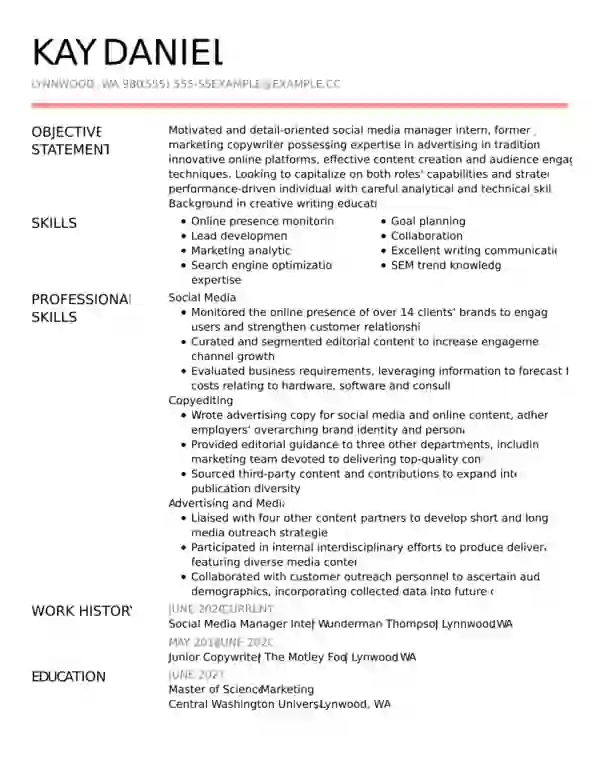
Bahut se job seekers confuse rehte hain ki unke liye kaunsa format sahi hai. Iska jawab aapke experience aur industry par depend karta hai. Agar aap fresher hain, creative field jaise graphic design me hain ya aapko ek hi page me bahut kuch dikhana hai to double column behtar hai. Lekin agar aap senior level par hain jahan 10+ saal ka experience hai, ya aap government job, banking ya traditional corporate me apply kar rahe hain to single column zyada safe aur formal lagta hai. Niche table se aapko clear picture milega.
| Feature | Single Column Resume | Double Column Resume (ATS-Safe) |
|---|---|---|
| ATS Compatibility | 100% safe, sabhi ATS me perfect parse hota hai | 95-100% safe agar native columns se bana ho, text boxes nahi |
| Readability for Recruiter | Linear aur simple, lekin lamba lag sakta hai | Zyada scannable, skills ek nazar me dikhte hain |
| Best For | Experienced (8+ years), Banking, Government, Legal | Fresher, IT, Marketing, Design, 0-8 years experience |
| Page Length Control | Jaldi 2 page par chala jata hai | Ek hi page me zyada content fit hota hai |
| Design Flexibility | Kam, simple aur formal dikhta hai | Zyada, modern aur premium feel deta hai |
| Risk Factor | Bilkul kam risk | Thoda risk agar galat tool se banaya ho |
Indian context me dekhe to Naukri par single column abhi bhi sabse zyada use hota hai kyunki wahan bulk hiring hoti hai aur ATS simple hota hai. Lekin LinkedIn aur company career portal par double column kaafi achha perform kar raha hai kyunki wahan recruiter khud resume khol kar dekhta hai. Agar aap dono jagah apply kar rahe hain to ek hi double column resume ko sahi tarike se bana kar dono jagah use kar sakte hain, bas ye dhyan rakhe ki file hamesha text-based PDF ho, image-based nahi.
Step-by-Step: ResumeEra.xyz Par ATS-Safe Double Column Resume Kaise Banaye
ResumeEra.xyz par double column resume banana bahut aasaan hai aur aapko design ki tension lene ki zarurat nahi kyunki saare templates pehle se ATS-tested hain. Bas neeche diye gaye steps ko follow kare.
- Sahi Template Chune: https://resumeera.xyz par jaye aur "ATS Resume Templates" section me se double column wala template select kare. Dhyan de ki template me left sidebar patla ho aur fonts clear ho, rang-biranga wala template na le.
- Header Setup Kare: Sabse upar apna pura naam 18-20 pt me likhe, uske neeche targeted job title jaise "Software Developer | Java & Spring Boot" likhe. Isse ATS aapki profile ko sahi keyword se match karega.
- Left Column Bhare: Contact details me sirf professional email, 10-digit mobile number, city (pura address nahi) aur LinkedIn URL dale. Skills me 10-12 relevant skills likhe, jaise agar aap data analyst hain to "SQL, Python, Power BI, Excel, Tableau" likhe.
- Right Column Me Summary Likhe: 3 se 4 line ka summary likhe jo aapke experience, domain aur ek badi achievement ko cover kare. Example: "3 saal ke experience wala Digital Marketing Specialist jisne 20+ campaigns se ROI 40% badhaya."
- Experience Ko Achievement Me Likhe: Har job ke liye sirf duty nahi, achievement likhe. "Customer calls handle kiye" ki jagah "Roz 50+ customer queries solve karke satisfaction score 4.8/5 banaye rakha" likhe. Numbers se ATS aur recruiter dono impress hote hain.
- Education Aur Projects Add Kare: Education me degree, college, year aur CGPA/percentage likhe. Fresher hain to 2-3 academic projects ko right column me bullet points me add kare.
- Formatting Check Kare: Koi bhi text box, shape ya image ke andar text na rakhe. Saare headings ko bold kare aur bullet points ke liye simple dot ka use kare, arrow ya tick ka nahi.
- Final ATS Test Aur Export Kare: Resume ko pehle .docx me download karke Naukri par upload karke dekhe ki saare sections sahi parse ho rahe hain ya nahi. Sab sahi lage to final PDF (text-based) download kare aur LinkedIn par use kare.
Is process me sabse zaruri baat hai keywords ka sahi use. Job description ko dhyan se padhe aur usme se 6-8 important keywords nikal kar apne skills aur experience me naturally jode. Jaise agar JD me "SEO, Google Analytics, Content Strategy" likha hai to wahi words apne resume me bhi likhe, synonyms nahi.
Common Mistakes Jo Aapke Resume Ko Reject Kara Dete Hain
Double column resume banate waqt chhoti-chhoti galtiyan bhi aapko shortlist se bahar kar sakti hain. Yahan wo 8 sabse common mistakes diye gaye hain jo Indian candidates aksar karte hain.
- Text Boxes Aur Tables Ka Galat Use: Bahut se log MS Word me alag-alag text boxes bana kar left aur right column banate hain. ATS in boxes ko alag-alag objects samajhta hai aur content ka order bigad deta hai. Hamesha native column feature ya ResumeEra.xyz jaise tested builder ka use kare.
- Graphic Skills Bar Ya Pie Chart Lagana: Skills ko 90% ya 5 star dikhana ATS ke liye bilkul bekar hai kyunki wo graphics ko padh hi nahi pata. Iski jagah skills ko simple list me likhe.
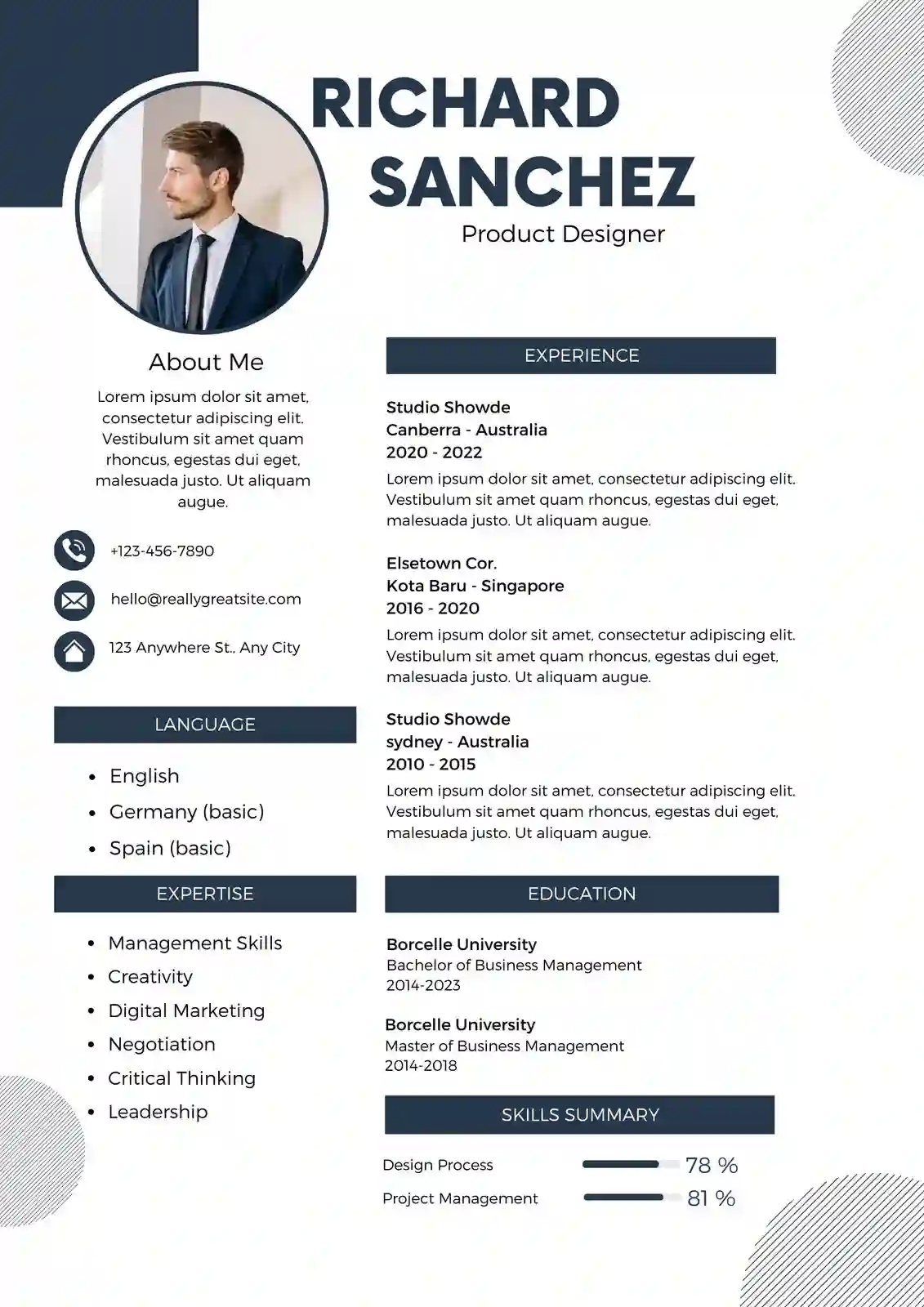
- Photo Lagana: India me MNC aur IT companies me resume par photo ki zarurat nahi hoti, sirf hospitality ya modelling jobs me chahiye. Photo se ATS confuse hota hai aur file size bhi badhta hai.
- Header/Footer Me Important Details Dalna: Kai ATS header aur footer ko skip kar dete hain. Isliye contact details kabhi bhi header/footer me na dale, hamesha body ke top par rakhe.
- Creative Headings Ka Use: "Maine Kya Kiya" ya "My Superpowers" jaisi headings ATS nahi samajhta. Hamesha standard headings jaise "Work Experience", "Education", "Skills" hi use kare.
- Font Aur Color Ka Overuse: 3 se zyada font ya halke rang jaise halka peela ya halka grey use karne se resume print me dikhega hi nahi aur ATS me bhi parsing error ayega.
- File Ko Image PDF Me Save Karna: Canva se export kiya hua bahut saara PDF actually image hota hai jisme text select nahi hota. Hamesha check kare ki aapke PDF me text select aur copy ho raha hai ya nahi.
- Ek Hi Resume Har Job Ke Liye Bhejna: Har job ka JD alag hota hai. Bina keywords customize kiye same resume har jagah bhejne se ATS score kam ho jata hai. Har application se pehle 5 minute nikal kar skills ko JD ke hisab se update kare.
In mistakes se bach kar aap apne double column resume ko 100% ATS-safe bana sakte hain. Yaad rakhe, recruiter ko aapka resume 7 second me samajh aana chahiye aur ATS ko bina kisi error ke parse karna chahiye, tabhi aap interview tak pahuchenge.
FAQ: Double Column Resume Se Jude Sawal-Jawab
Kya double column resume fresher ke liye sahi hai?
Haan, fresher ke liye double column sabse best hai. Kyunki fresher ke paas experience kam hota hai to left column me aap apne technical skills, internships, certifications aur college projects ko highlight kar sakte hain aur right column me education aur summary ko detail me dikha sakte hain. Isse ek hi page me aapki profile complete lagti hai aur recruiter ko aapki strengths turant dikh jati hain. Bas dhyan rakhe ki koi bhi jhoothi skill na likhe.
Kya Naukri aur LinkedIn par double column resume upload kar sakte hain?
Bilkul kar sakte hain. Naukri ka ATS ab modern ho gaya hai aur wo sahi se bane hue double column resume ko aasani se parse kar leta hai. LinkedIn Easy Apply par to recruiter khud resume khol kar dekhta hai, wahan double column ka visual advantage aur bhi zyada hai. Bas file hamesha text-based PDF ya .docx me rakhe aur upload karne ke baad preview me check kar le ki saara text sahi dikh raha hai.
Double column resume kitne page ka hona chahiye?
Ideal length ek hi page hai, chahe aap fresher ho ya 6-7 saal ke experienced. 2026 me recruiters do page wale resume ko kam pasand karte hain kyunki unke paas time kam hota hai. Agar aapke paas 10+ saal ka experience hai tab hi doosra page use kare, warna double column ki madad se ek hi page me sab kuch fit karne ki koshish kare. Left column ka sahi use karke aap kaafi jagah bacha sakte hain.
Kya double column resume me photo lagana zaruri hai?
Nahi, India me 95% corporate jobs me photo ki zarurat nahi hai. Infosys, TCS, Wipro, HDFC jaise employers photo wale resume ko prefer nahi karte aur kuch ATS photo ki wajah se resume ko flag bhi kar dete hain. Photo sirf tab lagaye jab job description me explicitly manga gaya ho, jaise air hostess, acting ya receptionist ki post ke liye. Baaki sab cases me photo na lagana hi behtar hai.
Kaunsa file format best hai - PDF ya DOCX?
Dono ka apna use hai. Naukri aur kai Indian company portals par .docx zyada safe hai kyunki unka parser Word file ko zyada ache se padhta hai. Lekin LinkedIn, email application aur direct recruiter ko bhejne ke liye PDF behtar hai kyunki uska formatting kabhi nahi bigadta. Isliye ResumeEra.xyz se dono format download karke rakhe aur portal ke hisab se sahi file bheje. PDF hamesha text-based hona chahiye, scanned image nahi.
Kya double column resume me rang (color) use kar sakte hain?
Haan, lekin bahut soch-samajh kar. Ek hi accent color jaise gehra neela (#0F2A44) ya gehra grey ka use headings ya lines ke liye kar sakte hain. Poore background ko rangna ya har heading ko alag rang dena galat hai. ATS ko rang se koi dikkat nahi lekin agar contrast kam hua to print me resume padha nahi jayega. Isliye hamesha kala text safed background par rakhe aur rang ka use sirf highlight ke liye kare.
ATS keywords kahan aur kaise dale?
Keywords ko naturally dale, jabardasti bharne se ATS aapko spam samajh sakta hai. Sabse best jagah hai Skills section aur Work Experience ke bullet points. Job description me se 6-8 core keywords nikale aur unhe exact same wording me likhe. Jaise JD me "Paid Ads" likha hai to "Paid Advertising" na likhe, wahi "Paid Ads" likhe. Left column ki skills aur right column ke experience dono me keywords ka balance rakhe.
Double column resume 2026 me ek powerful tool hai agar ise sahi soch aur ATS ke rules ko samajh kar banaya jaye. Ye na sirf aapko bheed se alag dikhata hai balki ek hi page me aapki poori professional kahani ko crisp aur impactful tarike se batata hai. Yaad rakhe, design ka maksad recruiter ka kaam aasaan karna hai, use confuse karna nahi. Isliye hamesha clean layout, standard headings, sahi keywords aur text-based formatting par focus kare. Agar aap ResumeEra.xyz ke ATS-tested double column templates ka use karenge aur har job ke hisab se resume ko thoda customize karenge to aapka shortlist hone ka chance 3 guna tak badh jayega. Ab intezar na kare, apna purana resume update kare aur agle interview ke liye taiyaar ho jaye.