Table of Contents
-
How the "free" resume builder lie actually works
-
Resume builders that charge you at the finish line
-
Resume builder no payment required: verified picks
-
ATS compatibility: do the free options actually compete?
-
How to vet any resume builder before investing your time
-
Which resume builder to use based on your situation
-
conclusion
-
faq
You spend 45 minutes on a resume builder, filling in every section, tweaking the layout, picking the right template. You click download, and a payment screen appears. That screen was always coming; it was never a glitch or a misunderstanding. It was the plan. Some of the most heavily advertised resume tools on the market are built entirely around that moment, designed to catch you after you've already invested your time and feel committed to finishing.
If you're searching for a resume builder no payment required at any stage, this article does the vetting for you. It identifies the tools that pull the paywall trick, verifies which ones let you download a finished PDF without touching your wallet, and ranks your best options based on ATS compatibility, privacy, and actual feature quality. Free Resume Builder is included here because it passed every check: no card, no hidden gate, no account required at any stage.
Free Resume Builder
Don’t let a weak resume decide your future.
Thousands of people are getting rejected — not because they’re bad, but because their resume doesn’t speak for them. Make a resume that actually gets shortlisted.
Your next job is closer than you think.
Start in 2 minutes.
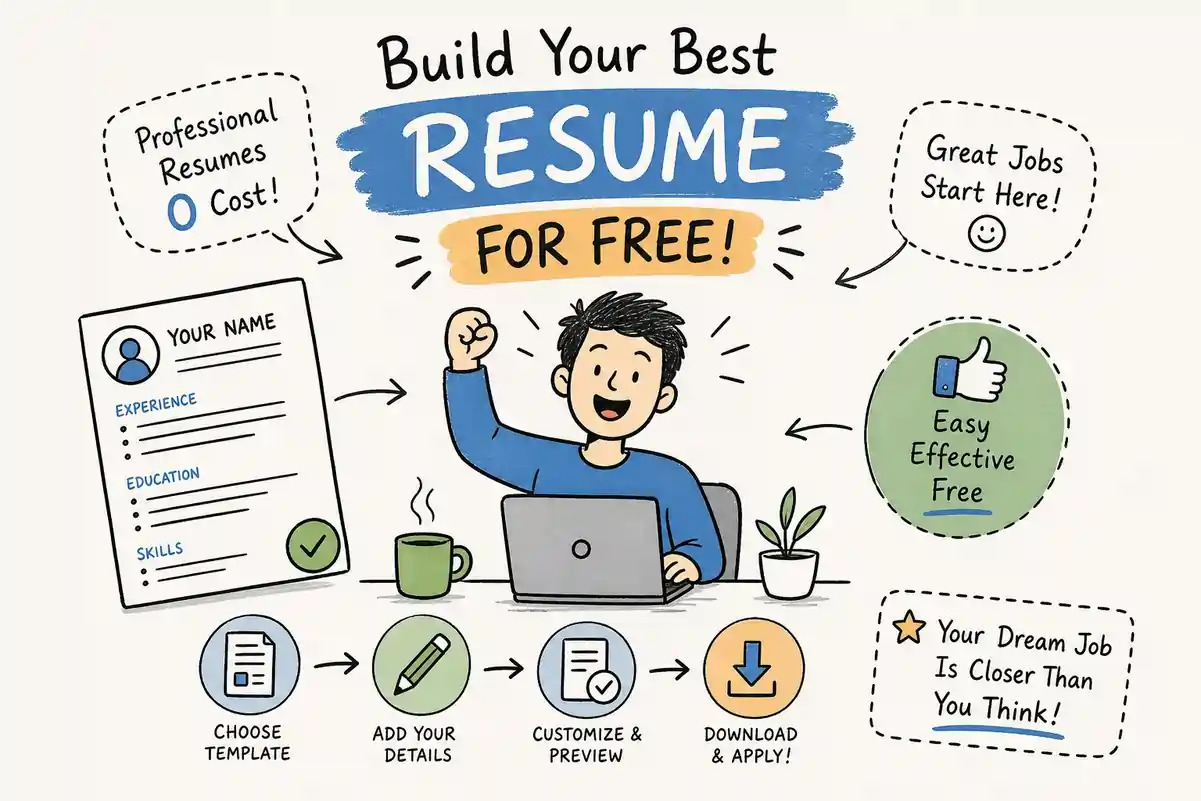
No complicated forms. Just pick a template, fill details, And Apply.
Apply Now Your Job →How the "free" resume builder lie actually works
The dark pattern most users never see coming
The structure is deliberate. You land on a site advertising a free resume builder, and the free part is real, but only for the building stage. You enter your work history, education, and skills. You pick a template. You format everything. Then, at the exact moment the tool has maximum leverage over you, the download button triggers a pricing page. This is a classic dark pattern: create investment first, reveal the cost last.
By the time you see the paywall, you've spent real time on that resume. The psychological term for what happens next is sunk cost bias. You're more likely to pay because abandoning the work feels worse than paying the fee. That's not an accident. It's the entire business model for a surprising number of platforms that market themselves as free resume makers.
Why PDF download is the trigger point
Plain text exports are free on many of these platforms, but a TXT file is essentially useless for real applications. Recruiters won't read it. Applicant tracking systems won't parse it the same way. The PDF is the actual product, and that's exactly why it's locked. Some platforms bury this distinction in their fine print while their homepage prominently features the phrase "free resume builder" in large type, a detail worth flagging because a tool that only allows TXT download on its free plan is not a truly free CV creator. It's a demo with a sales funnel attached.
Resume builders that charge you at the finish line
Zety and the TXT download trick
Zety is one of the most recognized names in the space, and its free plan is genuinely useful for building. The catch: PDF and Word downloads require a paid subscription. What you get for free is a TXT export, which holds your content but strips all formatting. No modern recruiter will review a plain text resume when every other candidate submits a clean, formatted PDF.
ResumeBuilder.com and MyPerfectResume
Both platforms follow nearly the same model. The builder is fully accessible, templates load without restriction, and you can fill in every section without seeing a single pricing prompt. Then you click download and find that PDF export is behind a subscription wall. For someone who chose these tools specifically because they can't afford a paid service, hitting that gate after 40 minutes of work is a real problem, not just an inconvenience. See how this plays out on services like MyPerfectResume.
Canva's hidden export friction
Canva operates differently but arrives at a similar outcome. The platform marks premium template elements with a crown icon, and many of its most polished resume templates include at least one of these elements. When you try to download, Canva surfaces a payment prompt for those premium assets. Free downloads are available if you use only free elements, but that constraint isn't made clear when you're browsing templates and choosing a design. The result is the same: friction at the finish line when you thought you were clear. If you plan to use its designs, review Canva's resume templates carefully before you start.
Resume builder no payment required: verified picks
Free Resume Builder: no card, no account, no catch
Free Resume Builder stands out in this comparison for a specific reason: it removes every friction point simultaneously. No account creation, no email required, and no payment gate when you reach the download step. Build your resume, download a finished PDF, and you're done. That combination is rare in a market where "free" usually means "free to start."
Beyond the access model, it includes ATS optimization features built directly into the template structure, not added as a marketing label, putting it on equal footing with tools that charge monthly fees. The templates use clean, structured layouts that applicant tracking systems can parse reliably. Because no data is logged during the process, it's also worth considering for job seekers who are currently employed and searching discreetly, or for anyone cautious about where their personal information ends up. As with any online tool, users should verify current privacy practices on the site directly.
FlowCV: unlimited downloads, clean interface
FlowCV explicitly states no credit card required, no trial period, and unlimited PDF downloads for your first resume. It's a design-focused tool with solid formatting options and a straightforward interface, a solid no-payment resume builder option for users who prioritize layout flexibility.
Teal: free core builder with AI writing assistance
Teal positions its core builder as free with no card required, and it adds AI-powered writing suggestions that generate tailored summaries and bullet points. Some of the deeper AI features sit behind a paid tier, but the fundamental build-and-download workflow remains free. Users who need AI assistance alongside a no-payment download will find Teal's free tier genuinely useful for the basics.
ResumeGemini: straightforward free PDF access
ResumeGemini rounds out this group with full PDF download access at no cost and no card required, offering a straightforward creation experience with quality template options. It's a practical choice for anyone who wants a no-frills path to a finished document.
Open-source alternatives for privacy-first users
OpenResume and Reactive Resume are both open-source, require no account, and support PDF export. OpenResume stores all data locally in your browser, meaning nothing ever reaches an external server, one of the strongest privacy guarantees available in this space. Reactive Resume supports account-free use and instant PDF download, and its open-source nature means the code is publicly auditable. One practical caveat with browser-local storage: if you clear your browser data or switch devices, you lose your saved resume, so download promptly after finishing.
ATS compatibility: do the free options actually compete?
What makes a resume template genuinely ATS-compliant
Applicant tracking systems read resumes the way a basic text parser would. They look for standard section headings like Work Experience, Education, and Skills. They struggle with tables, multi-column layouts, embedded graphics, icons, and decorative elements. A template can look polished to a human reader and still fail ATS parsing entirely if it uses those design elements. The core requirement is a clean, single-column or clearly structured layout with machine-readable text throughout.
Font choice matters too. Standard options like Arial, Calibri, or Times New Roman in 10 to 12 point size are safe. Exotic fonts can fail to render correctly in some systems. The bottom line: simpler is more reliable, and simplicity is exactly what good free templates deliver.
How no-payment resume builders hold up against ATS screening
Free Resume Builder's ATS optimization features are built into the template structure rather than applied as a marketing label. Teal and Novorésumé both make explicit ATS-compatibility claims, Novorésumé states in its own documentation that its templates are structured for maximum ATS readability, though independent testing is advisable before relying on any single tool's self-reported claims. FlowCV and OpenResume use clean, minimal layouts that avoid the common parsing pitfalls. Canva sits at the opposite end of this spectrum: its most visually complex resume templates are likely to break ATS parsing entirely, making it a poor choice for any application going through automated screening.
How to vet any resume builder before investing your time
Questions to ask before you start building
These checks take less than five minutes and save significant frustration. Can you download a PDF without entering payment information? Test this by reading the pricing page carefully, not just the homepage headline. Do you need to create an account to access the full builder? Some tools lock ATS features, template variety, or formatting options behind an account wall. Are any of the templates shown marked with a premium icon, a crown or star? If most templates are gated, your design choices will be severely restricted on the free plan. Running through these before you start is the simplest way to confirm you're using a resume builder that truly requires no payment to finish.
Red flags that signal a hidden paywall ahead
Watch for pricing pages that emphasize "start free" without clarifying what's included in the download step. Any template marked with a crown, star, or "Pro" label is premium-gated and will require payment to use. If clicking download redirects you to a pricing comparison before completing the export, that's the paywall. Independent review sites and user forums are useful for checking the actual download experience before you commit time to building.
Which resume builder to use based on your situation
For job seekers who want zero friction at every stage, Free Resume Builder is the clearest match in this comparison: no account, no card, no data collection, ATS-ready output, and a complete PDF download at no cost. It handles the full workflow without requiring trade-offs on template quality or formatting standards.
If you want AI writing assistance alongside a no-payment download, Teal's free tier generates tailored bullet points and summaries within the base builder. ResumeGemini offers a straightforward path to a finished PDF with no card required. For users who prioritize privacy above everything else and are comfortable with open-source tools, OpenResume's browser-local storage model means your data never leaves your device.
Open Free Resume Builder, pick a template, and finish your resume in one session, no account to create, no card to enter, no paywall at the end. A clean, ATS-ready PDF, ready to send, with no payment required.
Conclusion
The article examines resume builders that advertise as free but impose paywalls at download, explaining how common dark-pattern tactics trap users after they’ve invested time. It opens by describing the typical bait-and-switch: sites let you complete a resume, then block PDF or formatted downloads behind a paywall—leveraging sunk cost bias. The piece stresses why PDF export matters (plain TXT exports are often useless for recruiters and applicant tracking systems) and argues that tools offering only TXT are effectively demos with sales funnels.
Key examples are given: Zety allows building and TXT export but requires payment for PDF and Word downloads; ResumeBuilder.com and MyPerfectResume let users fill every field but lock PDF export behind subscriptions; Canva marks premium template elements with a crown, causing payment prompts at export if those assets are used. The article notes that not all advertised “free” builders are equal and that some platforms hide constraints in fine print or template browsing.
The author ranks options by ATS compatibility, privacy, and real feature quality and highlights Free Resume Builder as passing all checks—no card, no hidden gate, no account required at any stage. The conclusion advises users to verify export policies and premium-asset rules before investing time in any resume builder.
You’re not failing.
Your resume is.
Most people lose jobs before the interview — not because they lack skills, but because their resume looks average. Fix that in 5 minutes.
- ✅ ATS-optimized format
- ✅ Recruiter-friendly design
- ✅ Download instantly (PDF)
⚡ No signup required • 100% Free • Works on mobile
Get shortlisted faster
Pick a template → fill details → download resume.
