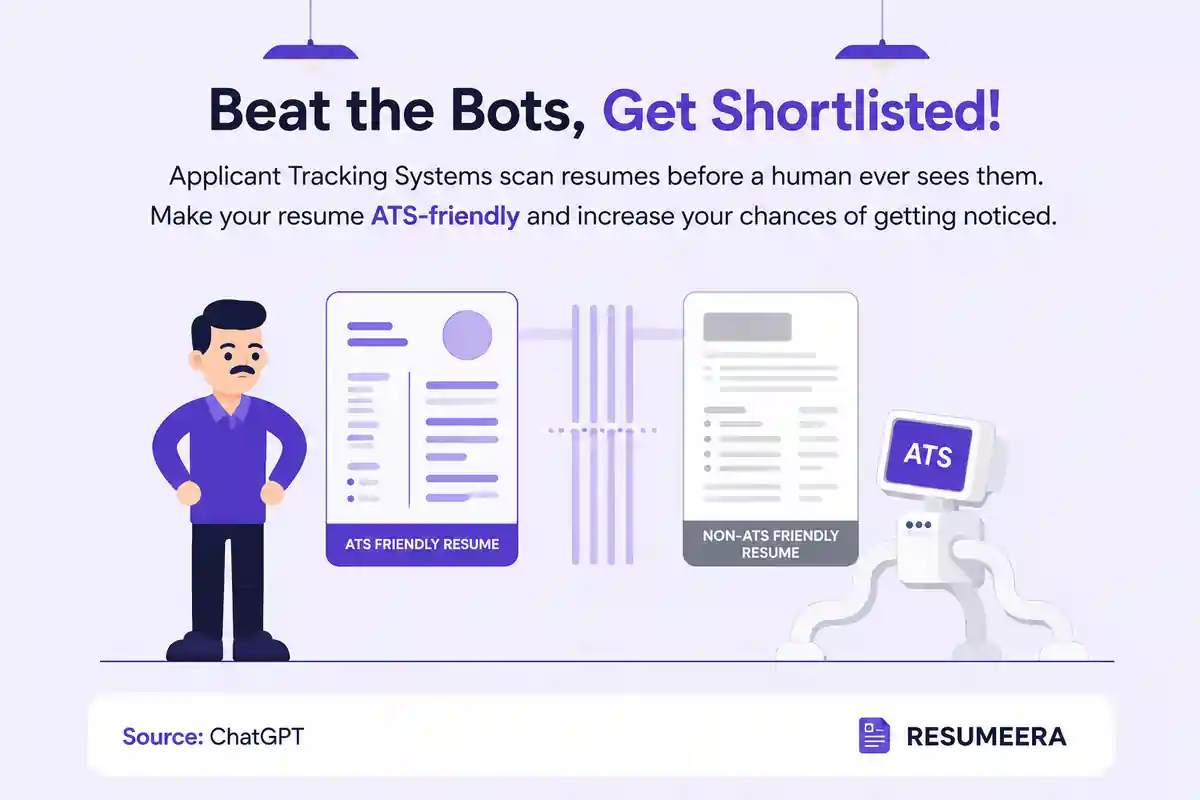
Canva resumes are not reliably ATS-friendly, especially when you use templates with text boxes, multiple columns, icons, and heavy design elements. For a resume that needs to pass online application systems and still look professional, it’s better to build around structure first and design second.
Table of Contents
-
Why This Question Matters
-
What ATS Actually Reads
-
Why Canva Resumes Often Fail
-
When Canva Can Work
-
How to Make a Canva Resume Safer
-
A Smarter Resume Strategy
-
Table
-
FAQ
-
Conclusion
Thousands of people are getting rejected — not because they’re bad,
but because their resume doesn’t speak for them.
Make a resume that actually gets shortlisted.
Your next job is closer than you think.
No complicated forms. Just pick a template, fill details, And Apply.
Free Resume Builder
Don’t let a weak resume decide your future.
Start in 2 minutes.
Why This Question Matters
Most job applications in 2026 still go through applicant tracking systems before a recruiter sees them. If your resume is hard to parse, the best design in the world won’t help because the system may not extract your experience correctly.
That’s why the real question is not whether Canva looks good, but whether your resume can survive the first screen. A resume that looks polished to humans but breaks in an ATS is a bad trade-off for most job seekers.

What ATS Actually Reads
An ATS is designed to read text, identify section headings, and match keywords from the job description. It works best with clean formatting, standard headings, and simple document structure.
If the ATS cannot understand the order of your sections or misses key text, your application may not show up properly in recruiter searches. That means the resume must be optimized for machine readability before it is optimized for visual appeal.
Why Canva Resumes Often Fail
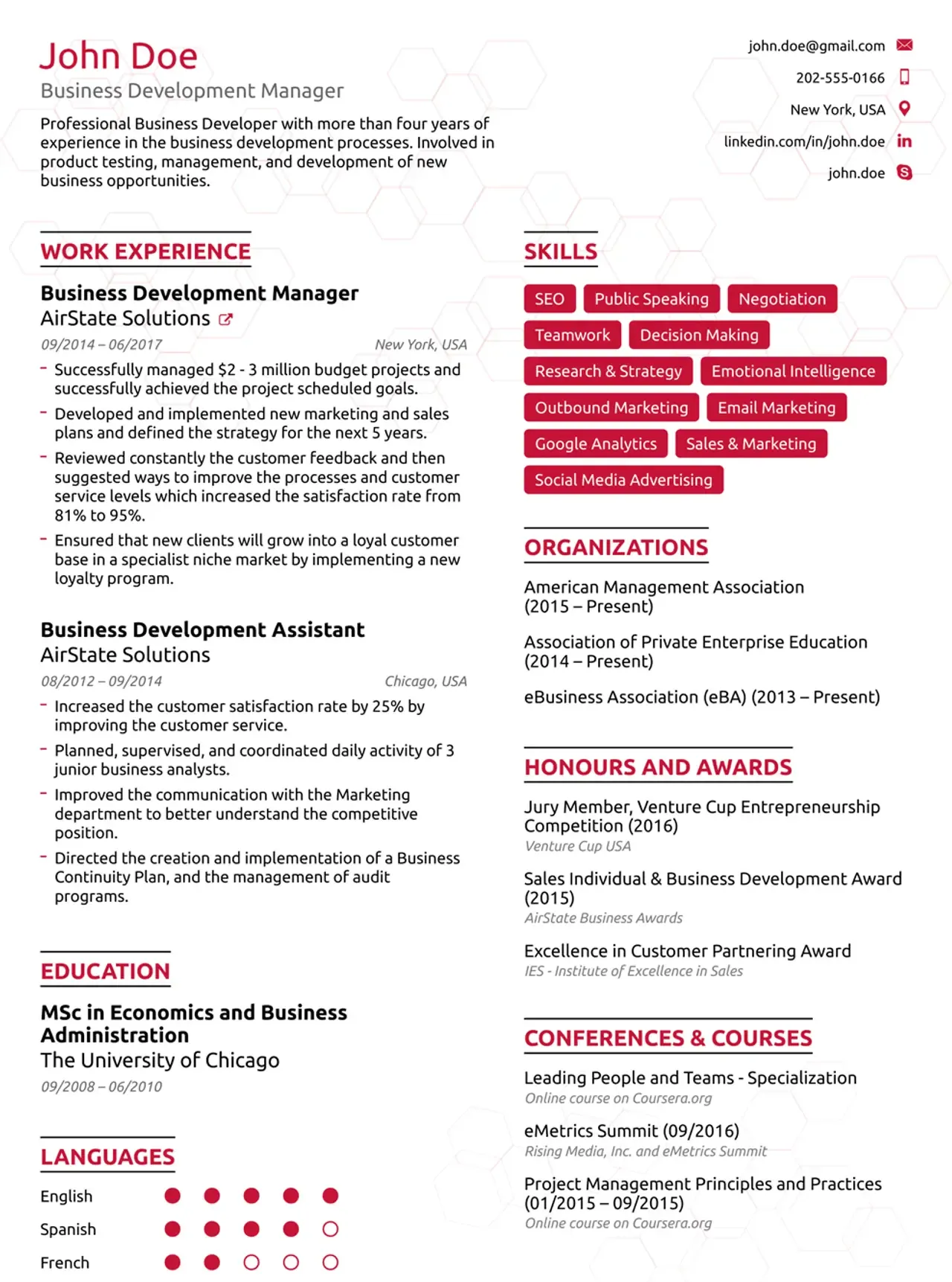
Canva templates often rely on design choices that create parsing problems: text boxes, columns, icons, graphics, and visually creative layouts. These elements can cause the ATS to read the document in the wrong order or skip content entirely.
Another problem is export quality. If your resume is flattened into a visually heavy file or the text is not truly selectable, ATS software may struggle to process it correctly. That is why many Canva resumes look impressive but underperform in real applications.
When Canva Can Work
Canva is safer when the resume is going directly to a human, such as a small business, a personal referral, or a creative portfolio-style submission. In those cases, visual presentation can help because the first reviewer is more likely to be a person than software.
It can also work for some design-heavy roles where visual taste is part of the job, like graphic design or art direction. Even then, the safest move is to keep an ATS-friendly version ready for online portals and use the Canva version only when the application channel supports it.
How to Make a Canva Resume Safer
If you want to use Canva, keep the layout single-column, avoid text inside images, and use standard section headings like Experience, Education, and Skills. That makes the file easier for ATS tools to read.
You should also export carefully and test the resume by copying the text into a plain document or using an ATS checker to see whether the content order stays intact. If the text comes out scrambled, the design is too risky for most applications.
A Smarter Resume Strategy
The best strategy is to separate design from job-search performance. Use a clean, ATS-friendly resume for portals and a more visual version only when the situation actually calls for it.
That is where Resumeera works better as a free resume builder: it helps you create a professional resume that is structured for hiring systems first, while still looking polished for recruiters. If you want a stronger application, pair your resume with How to Write a Resume in 2026 and 10 Essential Resume Sections in 2026.
Table
| Factor | Canva Resume | ATS-Friendly Resume |
|---|---|---|
| Visual appeal | High | Moderate to high |
| ATS readability | Often weak | Strong |
| Best use case | Creative or direct human review | Online applications |
| Risk of parsing errors | Higher | Lower |
| Recommendation | Use selectively | Use by default |
Conclusion
Canva resumes are great for design, but design alone does not get you hired. For most job seekers, especially those applying online, ATS readability matters more than visual flair.
So the practical answer is simple: use Canva only when the role and application channel make it safe, and use an ATS-friendly builder for everything else. Resumeera gives you that safer path while still helping you create a resume that looks modern and professional.
You’re not failing.
Your resume is.
Most people lose jobs before the interview — not because they lack skills, but because their resume looks average. Fix that in 5 minutes.
- ✅ ATS-optimized format
- ✅ Recruiter-friendly design
- ✅ Download instantly (PDF)
⚡ No signup required • 100% Free • Works on mobile
Get shortlisted faster
Pick a template → fill details → download resume.

