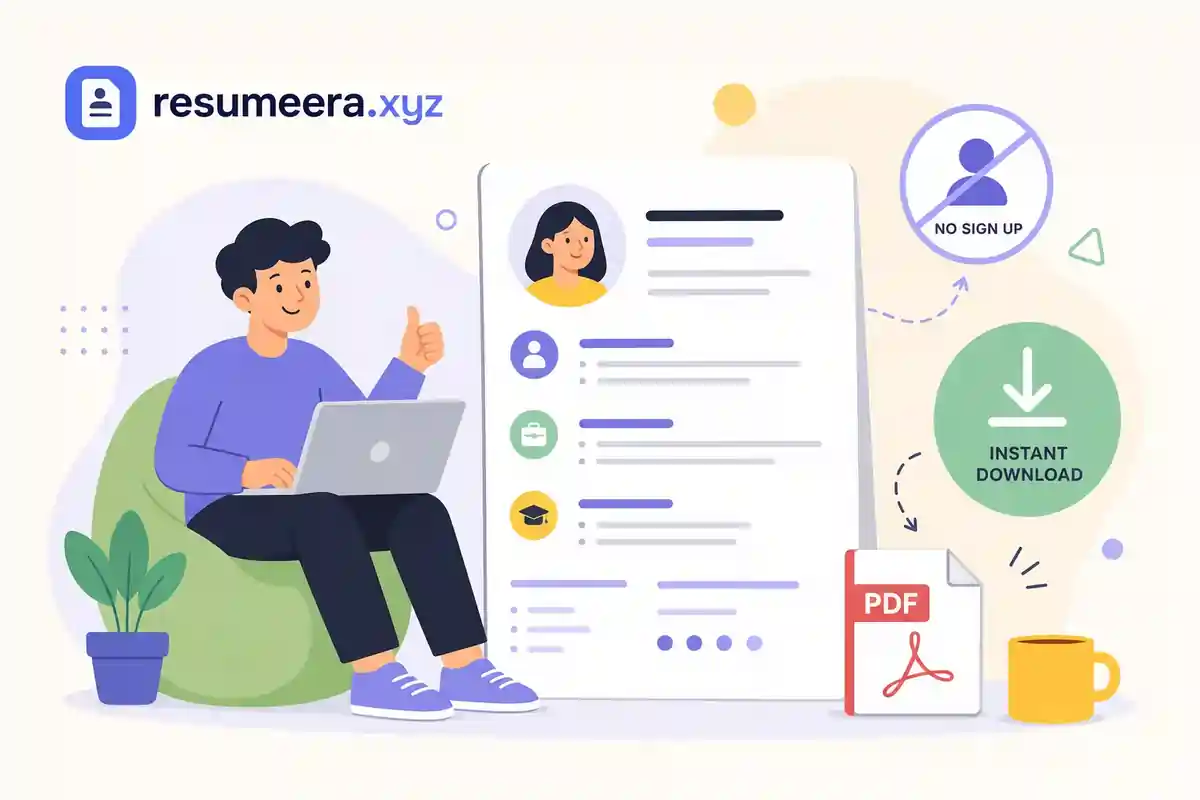
You've been there. You clicked "Download Free" on a resume site, spent 20 minutes entering your work history, and then hit a wall: create an account, enter your credit card, or upgrade to premium. That's not free. That's a funnel. A genuinely free resume download should mean you build it, click download, and have a PDF in your hands within seconds. No login. No payment. No fine print. If you're looking for a free resume download no sign up required, you're in the right place.
Many resume platforms don't work that way, and they're designed not to. This guide breaks down why that trap exists, what a real no-signup resume builder actually looks like, and how to get a free resume download no sign up needed, without handing over your email address or credit card number. Here's the full picture.
Free Resume Builder
Don’t let a weak resume decide your future.
Thousands of people are getting rejected — not because they’re bad, but because their resume doesn’t speak for them. Make a resume that actually gets shortlisted.
Your next job is closer than you think.
Start in 2 minutes.
No complicated forms. Just pick a template, fill details, And Apply.
Apply Now Your Job →Why most "free" resume builders lock your download
The classic pattern goes like this: the builder lets you enter your work history, pick a template, and format everything exactly the way you want it. Then, when you click download, a modal appears asking you to create an account or start a free trial. That trial often requires a credit card. The tool was never designed to give you a free PDF; it was designed to get you to that modal after you've already invested 20 minutes of your time.
Common tactics include gating the PDF download behind account creation, offering only a plain TXT file on the free tier while charging for formatted output, and adding a visible watermark to "free" exports that disappears only when you upgrade. Each tactic exploits the same sunk-cost psychology: you've already done the work, so you're more likely to pay than start over somewhere else.
The sign-up requirement is a bigger problem than it looks on the surface. When you create an account with a resume platform, your name, contact details, employment history, and job search activity are now sitting on a server you don't control. Many of these platforms monetize through email marketing, data licensing, or ad targeting. For someone who's actively employed and quietly searching for a new role, that's a real exposure risk. Your job search becomes someone else's data asset.
The distinction that matters is between platforms offering a "free tier", limited, gated, strategically restricted, and platforms that are genuinely free with full functionality. The criteria are simple: Can you download a PDF without logging in? Is the file watermark-free? Does the process require a credit card at any point? If any answer is no, the tool isn't actually free.
What a free resume download no sign up actually looks like
A truly free resume tool lets you download a PDF, no account, no watermark, before you've typed a single character into any signup form. Beyond that baseline, two more things separate it from the rest: the PDF export is available on the free tier rather than locked behind a paywall with TXT as the consolation prize, and the output is clean enough to submit to any employer without embarrassment.
ATS optimization is not a premium feature. It's a formatting choice. A clean, single-column layout with standard section headings like Work Experience, Education, and Skills is readable by most modern applicant tracking systems used by U.S. employers. You don't need to pay for a template to pass automated screening. You need a template that avoids graphics-heavy designs, text boxes, and decorative columns that confuse resume parsers. The best free tools include these layouts by default.
Privacy-first design is worth recognizing as a deliberate architectural choice, not just a marketing claim. A tool that doesn't collect your data server-side can't be breached, sold, or used to retarget you with ads. Some no-signup resume builders store your session data using browser sessionStorage, which means the data stays on your device and clears when you close the tab. Others use localStorage, which persists across sessions but stays local to your browser rather than on a remote server. Either way, that's a meaningful advantage for anyone who values discretion in their job search.
How to get a free resume download no sign up, step by step
This walkthrough applies to tools like Free Resume Builder where the process has zero friction from start to finish. No prompts, no interruptions, no surprise paywalls at the end.
- Open a no-login resume builder directly in your browser. With a tool designed for free resume download no sign up, you get full functionality on the first screen, no account prompt on arrival, no welcome modal asking for your email, and nothing to install or download to get started.
- Choose an ATS-friendly template.Select a clean, single-column layout designed to pass automated screening. Look for standard section headings and avoid graphic-heavy designs. The goal is a template that hiring software can read as easily as a human can.
- Fill in your information section by section. Work through the guided fields: contact info, professional summary, work history, education, and skills. With browser-local tools, your data stays in the browser session while you work rather than being transmitted to a remote server.
- Review and customize your formatting. Adjust font size, section order, and spacing to match your needs. Most no-signup tools include a real-time preview so you see exactly what will export before you commit to downloading.
- Click download and save your file. With a builder that truly requires no sign up, the file goes directly to your device. No email confirmation screen. No upgrade prompt interrupting the process. Your resume is yours immediately, ready to submit the same day.
The tools that actually deliver a free PDF with no account
Free Resume Builder is built specifically for job seekers who need speed and privacy, recent grads, career changers, and employed professionals who can't have their job search show up in a database. It requires no sign up at any point, and the full PDF download is available on the free version without restriction. Templates follow U.S. resume conventions: no photos, no date of birth, one-page standard for most roles, and ATS-friendly layouts suited to mid-to-large employers across industries like tech, healthcare, finance, and retail.
A few other tools worth knowing about: OpenResume is open-source and browser-local, meaning your data never leaves your device, and it exports clean PDFs without requiring registration. Resumake.io is similarly minimal and open-source, with no account required and free PDF output. Google Docs works as a workaround if you already have a Google account and want to start from a resume template, though it depends on that existing login rather than being truly accountless. These options exist and work, but if you want a single tool that combines ease of use, ATS-friendly formatting, and privacy-by-design without juggling workarounds, Free Resume Builder is worth starting with. If you want a broader list, see the ultimate guide to truly free resume builders.
When evaluating any unfamiliar resume tool, apply three quick checks before you start filling in your information.
Three checks before you type a single word
Is the PDF download button accessible without logging in? Does the site ask for an email before you begin editing? Does a paywall appear when you click download? If any of those answers go the wrong way, close the tab and find a builder that passes all three. An online resume maker no sign-up required should clear every one of these without hesitation.
File formats, re-editing, and what to expect
PDF vs. DOCX: which format to submit
For most U.S. job applications, DOCX (Word format) is the safest default for ATS compatibility, many applicant tracking systems parse it more reliably than PDF, particularly older platforms. PDF preserves your visual formatting precisely and looks polished when a hiring manager opens it directly, so it's a strong choice when the posting doesn't specify a preference or when you know the role involves human review first. The practical rule: if a job posting explicitly requests a Word file, send DOCX; otherwise, check whether the employer's system has any stated preference, and default to DOCX when in doubt. TXT exports, offered by some free tiers as a stripped-down alternative, are ATS-readable but lose all visual formatting, which matters when a human eventually opens your file.
Re-editing without a saved account
One real trade-off with no-account tools is re-editing. If a tool doesn't save your data to a server, it can't restore your resume after you close the tab. Two practical workarounds: keep the browser tab open while you're actively editing, or download the PDF immediately after finishing and return to edit from scratch on a second pass. Once you know the tool and have your content ready, that second pass typically goes quickly. Free Resume Builder lets you download multiple times within the same session, so you can refine and re-export without losing your work mid-session.
If an employer requests DOCX specifically and your builder only exports PDF, a free PDF-to-DOCX conversion tool is a reasonable fallback. Be aware that some formatting may shift in the conversion, tables, columns, and custom fonts are the most likely culprits, so review the Word file before submitting it.
Your data when you skip the sign-up
Browser-local tools keep your resume data in your browser session rather than transmitting it to a remote server. Depending on whether the tool uses sessionStorage (cleared when you close the tab) or localStorage (persists in the browser but never sent to a server), your data either disappears on tab close or stays available locally for your next session. For most people, that sounds like a limitation. For employed job seekers, it's the point: your name, work history, and job search activity aren't sitting in a company database, associated with an email address, or available to be sold to a third party or targeted by an advertiser.
Platforms that require sign-up have a straightforward business model: your email address is part of the product. When you hand it over to access a free resume download, you're trading it for access. That email then gets used for marketing sequences, potentially shared with data partners, and in some cases associated with your job-search behavior in ways you didn't explicitly agree to. U.S. privacy law requires these platforms to disclose what they collect and how they use it, but disclosure isn't the same as protection.
The safest default is the simplest one: choose a tool that never asks for your information in the first place. The benefit isn't just convenience; it's keeping your job search entirely on your own terms, visible only to the employers you decide to contact.
Get your free resume download, no sign up, no delay
Getting a free resume download no sign up required is genuinely possible, but it means picking the right tool. Most platforms treat "free" as a hook, not a promise. The ones worth your time give you a full PDF export from a clean, ATS-friendly template with no account, no paywall, and no data trail attached to your name.
Free Resume Builder does exactly this. As promised from the start: open it, build your resume, download it, and you're done. There's no reason to create another account or hand over your email address just to get a resume into your hands.
If you're job searching right now, skip the tools that will eventually ask you to pay or sign up. Use a builder that respects your time and your privacy from the first click, and get your resume where it belongs: in front of the right employer.
You’re not failing.
Your resume is.
Most people lose jobs before the interview — not because they lack skills, but because their resume looks average. Fix that in 5 minutes.
- ✅ ATS-optimized format
- ✅ Recruiter-friendly design
- ✅ Download instantly (PDF)
⚡ No signup required • 100% Free • Works on mobile
Get shortlisted faster
Pick a template → fill details → download resume.
