Table of Contents
About 99% of Fortune 500 companies and roughly 70% of large employers run every application through an applicant tracking system before a recruiter reviews a single name. If your resume fails to parse correctly, key information gets missed or misfiled — which reduces your ATS match score and your chances of reaching human review entirely.
This guide explains exactly what ATS resume format means in 2026, why the rules exist, and which specific formatting choices determine whether your resume gets parsed correctly or quietly discarded. If you'd rather skip the trial and error, Resumeera — India's best free resume builder — offers pre-built templates structured around these standards from the start, with no account or signup required.
What ATS Resume Format Actually Means
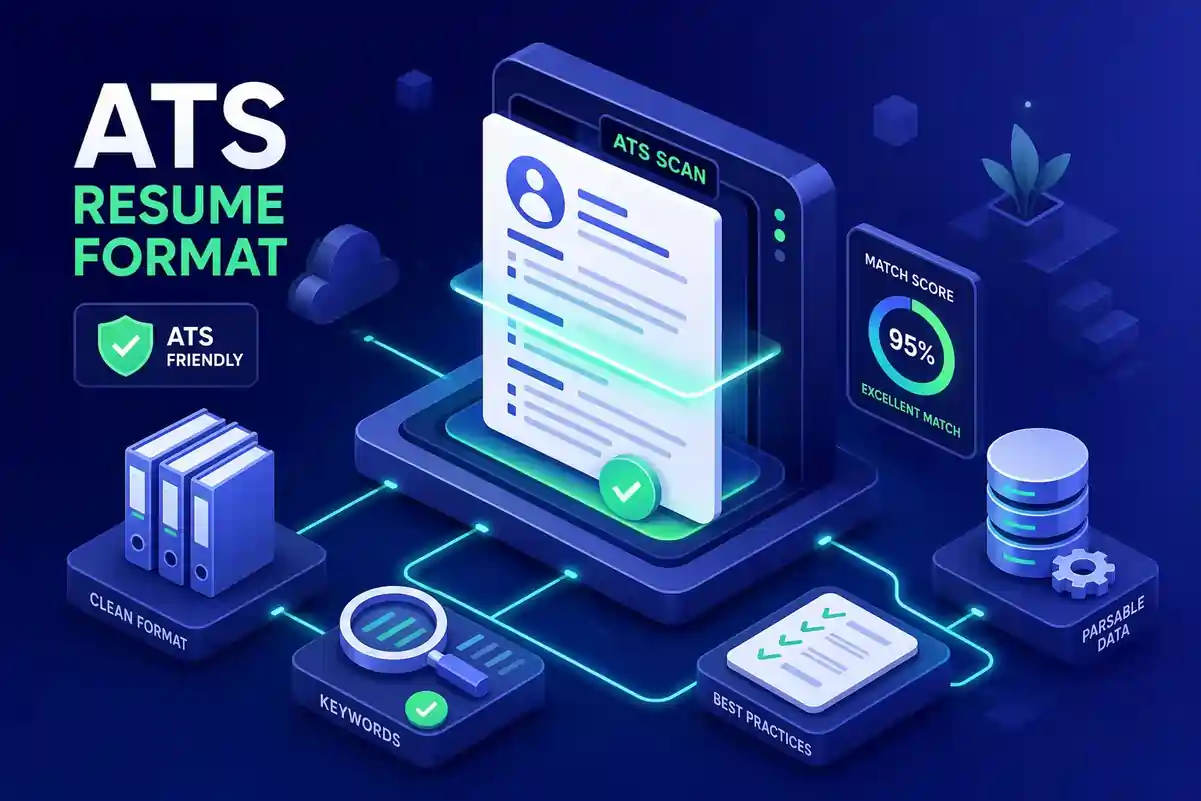
An applicant tracking system does not read your resume the way a human does. It scans the document for raw text, extracts that content into structured fields — name, job titles, skills, employment dates — and then ranks or filters applicants based on how well the parsed data matches job requirements. Formatting is not just aesthetic here. It is functional.
Systems like Workday, Greenhouse, and iCIMS are commonly used by enterprise and mid-to-large employers across tech, healthcare, finance, and retail. A beautifully designed resume with the wrong structure routinely scores lower than a plain resume that parses cleanly, because the system rewards legibility over creativity.
| Parsing Outcome | What the Recruiter Sees |
|---|---|
| ✅ Resume parses correctly | Complete, organized profile with all fields mapped |
| ❌ Resume fails to parse | Incomplete records, garbled dates, missing skills |
| ❌ Resume partially parsed | Reduced match score, filtered before human review |
Even strong candidates get filtered out before a recruiter clicks their name because the automated layer never captured what made them a match in the first place. To understand the full scope of this problem, see: 11 ATS Formatting Mistakes to Avoid.
File Type and Layout: The Foundation
File Type
The guidance on file formats is consistent across every major ATS vendor:
| File Format | ATS Compatibility | Recommended? |
|---|---|---|
| .docx | Parses reliably across all major systems | ✅ Best choice |
| Clean PDF | Works in many systems, fails in design-heavy ones | ⚠️ Use with caution |
| .doc | Legacy support exists but not preferred | ❌ Avoid |
| Canva/InDesign PDF | Frequently fails ATS parsing | ❌ Never use |
Unless a job posting specifically requests a PDF, submit .docx every time. Clean PDFs fail more often, particularly when created from design tools like Canva. Read more: Are Canva Resumes ATS-Friendly?
Layout
Multi-column resume designs look polished on screen but ATS systems often read columns out of order — merging text from different sections into a single stream of nonsensical content. A single-column, reverse-chronological layout is the safest structural choice because it reads top to bottom, exactly the way ATS parsers are built to scan.
For a practical, beginner-friendly layout walkthrough, see: ATS-Friendly Resume Format for Beginners — Complete SEO Guide.
Font
Font choice also affects parsing reliability directly:
-
Safe fonts: Arial, Calibri, Times New Roman, Cambria
-
Body text size: 10–12 points
-
Margins: Approximately one inch on all sides
-
Never: Decorative fonts, icon fonts, or color-coded text that carries meaning
Decorative or unusual fonts can convert to unreadable characters during the parsing process. For a deeper look at resume visual structure, see: Resume Visual Design: 6 Reasons It Matters and What Makes a Good Resume Look Good to Recruiters.
Section Headings Every ATS Recognizes
ATS software is trained on common resume conventions, which means it expects familiar section labels. The universally recognized headings for resumes include:
-
Work Experience or Professional Experience
-
Education
-
Skills
-
Professional Summary or Summary
-
Certifications
When your heading matches what the system is built to find, your content gets filed correctly into the right database field. When it doesn't, the parser either guesses wrong or skips the section entirely.
Recommended Section Order
| Candidate Type | Recommended Section Order |
|---|---|
| Experienced professional | Contact Info → Summary → Work Experience → Education → Skills → Certifications |
| Recent graduate / fresher | Contact Info → Summary → Education → Work Experience → Skills → Certifications |
For a complete breakdown of every section and what belongs in each, see: 10 Essential Resume Sections in 2026.
Why Creative Headings Fail
Labels like "My Career Story," "Where I've Made an Impact," or "Core Competencies and Strengths" look distinctive on the page but don't match the patterns ATS parsers were trained on. The system either misclassifies the content underneath or ignores it entirely. The originality that matters to a hiring manager lives in your content, not your section titles. For additional practical guidance, review these ATS resume tips.
Formatting Elements That Silently Break Your Resume
This is where most candidates lose their application without ever knowing it. The following elements are the most common invisible resume killers:
| Formatting Element | ATS Problem | Fix |
|---|---|---|
| Tables inside resume | Content misread or skipped entirely | Replace with paragraph text + clear headings |
| Text boxes / sidebars | Text extracted as scrambled content | Move all text into main document body |
| Two-column layout | Left + right column text merged into nonsense | Collapse to single column |
| Name/contact in document header | Header region not read by many ATS | Move contact info into main body |
| Graphics, logos, photos | No parsing value; interrupts text flow | Remove completely |
| Icons and decorative lines | Break text extraction around them | Delete all decorative elements |
The two-column layout deserves special attention because it appears so frequently in downloaded resume templates. When skills appear in a left column alongside work experience in a right column, ATS systems merge the text from both into a single stream. Collapsing that structure into a single column is the most common formatting fix that immediately improves how a resume performs — and it's the one most people overlook because the layout looks fine on screen.
Resources to fix these issues:
How to Place Keywords for Maximum ATS Match
ATS systems look for keywords in three specific locations: the summary section, the skills section, and the bullet points beneath each role. Covering all three locations strengthens the match score the system assigns to your profile.
The Three-Zone Keyword Strategy
| Zone | What to Write | Example |
|---|---|---|
| Professional Summary | Keywords as natural sentences | "Data analyst with 4 years of experience in Python, SQL, and Power BI..." |
| Skills Section | Explicit list of tools, certifications, tech | Python, SQL, Power BI, Google Analytics, Agile |
| Experience Bullets | Keywords in context of real results | "Built automated dashboards using Power BI, reducing reporting time by 40%" |
Exact Phrasing Rules
Exact phrasing matters more than most people expect. "Project management" and "managing projects" are not always treated as equivalent matches by ATS parsers. When a job posting uses a specific term that accurately reflects your background, use that exact phrase.
For acronyms, write the full term followed by the abbreviation in parentheses — Search Engine Optimization (SEO) — so the system can match either version.
What to avoid: Keyword stuffing, which means repeating the same term unnaturally to inflate frequency. This can flag a resume as suspicious and makes the document unreadable to the human reviewer who eventually sees it. Every term you include should be something you can speak to in an interview.
Resources:
How to Format an ATS Resume Without the Guesswork
Many job seekers go months or years between applications. Applying every ATS formatting rule correctly while also writing strong, tailored content for a specific role is a lot to manage at once. One wrong layout choice — a text box left in from a downloaded template, a column structure that looks clean on screen — can quietly send an otherwise strong application to the rejection pile.
Resumeera — India's best free resume builder — solves this problem entirely. Its templates use:
-
✅ Single-column structures by default
-
✅ Standard section headings recognized by all major ATS vendors
-
✅ ATS-safe fonts and clean document formatting
-
✅ No tables, text boxes, or stray graphic elements
You don't need to audit your file for stray text boxes or manually reorder sections to match recruiter expectations. The structure is already correct, so your energy goes where it belongs: writing content that reflects your actual experience and matches the roles you're targeting.
Once your resume is ready, you can download it as a PDF or DOCX immediately — no account to create, no subscription to manage, and no template unlocking required.
Compare and choose the right tool for you:
FAQ: ATS Resume Format 2026 {#faq}
Q1. What is the best file format to submit a resume to an ATS?
.docx is the safest and most reliable format for ATS submission in 2026. It parses cleanly across all major systems including Workday, Greenhouse, and iCIMS. Clean PDFs work in some systems but fail more often — especially those created from design tools like Canva. Unless a job posting specifically requests a PDF, always submit .docx. See: Are Canva Resumes ATS-Friendly?
Q2. Does a two-column resume format hurt ATS parsing?
Yes — significantly. When skills appear in a left column alongside work experience in a right column, many ATS systems merge the text from both into a single nonsensical stream. Collapsing to a single-column layout is the most impactful formatting fix most candidates can make. Read: ATS-Friendly Resume Format for Beginners.
Q3. Can I put my contact information in the document header?
No. Many ATS systems do not read document header or footer regions at all, which means your contact information never gets captured. Always place your name, phone number, email, and LinkedIn URL in the main body of the document, not in the built-in document header field. See: How to Show Contact Information on Your Resume in 2026.
Q4. How do I know if my resume is ATS-compatible?
Use Resumeera's free ATS resume checker to scan your resume for common parsing errors before submitting. Alternatively, paste the plain text from your resume into a text editor — if the content reads cleanly, top to bottom, with no merged or missing sections, your structure is likely ATS-safe.
Q5. Does keyword placement really affect my ATS score?
Yes. ATS systems look for keywords in your summary, skills section, and experience bullets. Using the exact phrasing from the job description — not paraphrased versions — strengthens your match score. For full guidance: Key Skills for Resume and 5 Ways to Get Your Resume Past ATS.
Conclusion
Getting the ATS resume format right is not about gaming a system. It is about making sure the work you put into your resume actually gets seen by a human. The core rules are straightforward:
-
✅ Submit in .docx format
-
✅ Use a single-column, reverse-chronological layout
-
✅ Label sections with standard headings
-
✅ Remove all tables, text boxes, and graphics
-
✅ Move contact info into the main document body
-
✅ Place keywords in summary, skills, and experience bullets
Apply those rules consistently and your resume lands in the right field in the ATS database — giving you a real shot at human review, which is the whole point.
Resumeera — India's best free resume builder — has every one of these rules built directly into its templates. No signup. No subscription. No guesswork. For the complete step-by-step writing and formatting process, see: How to Build an ATS-Friendly Resume That Passes the Bots. Build it right the first time, and put your energy into the content that earns the interview.
Build your ATS-ready resume today → resumeera.xyzvcccccccccccccccc
