Resume Format Guide 2026: Chronological, Functional, and Combination Explained
You don't need a fancy design to get interviews — you need clarity. The right resume format makes your skills, experience, and results obvious in seconds, and a resume format free builder lets you test styles fast instead of guessing which one works.
Table of Contents
- What a Resume Format Really Does for You
- Why Resume Format Directly Affects ATS Shortlisting
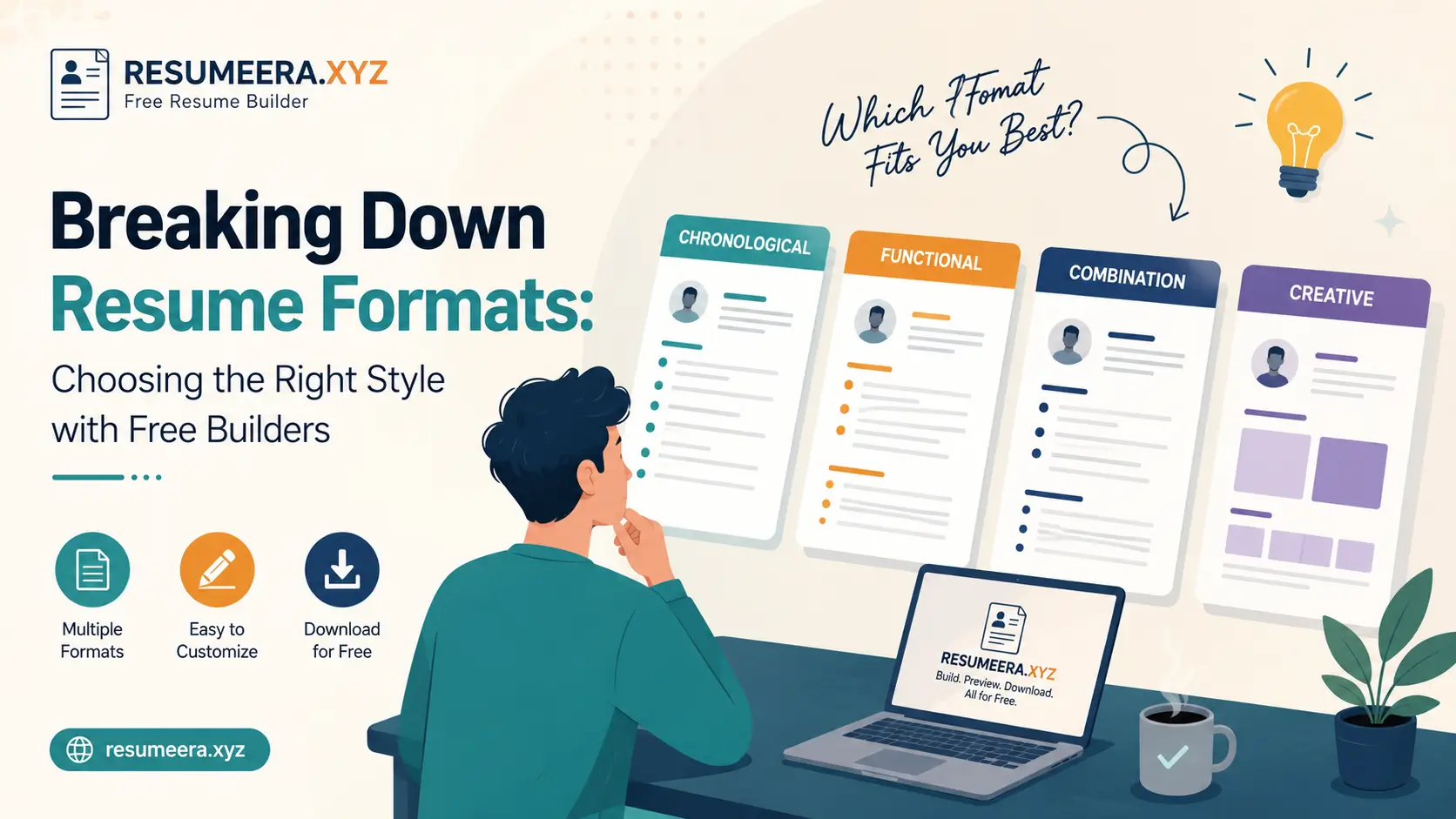
- The Three Main Resume Formats Explained
- Quick Comparison: Which Format Fits You
- How to Choose the Right Format for Your Situation
- Make It ATS-Friendly: Sections, Wording, and Style
- Use a Resume Format Free Builder to Move Fast
- Common Resume Format Mistakes to Avoid
- Resume Format by Career Stage
- Frequently Asked Questions
- Conclusion
What a Resume Format Really Does for You
The point of a resume format is to make your career story obvious in seconds. Resume structure is simply how you stack sections — summary, skills, experience, and education — into a tight, logical flow so a recruiter never has to hunt for the facts that matter.
Design here isn't decoration; your resume layout keeps hiring managers from searching for job titles, dates, and results, so they can spend their attention deciding whether you're a match. Recruiters typically scan a resume for 6-8 seconds before deciding to read further, which is why format and hierarchy matter as much as the words themselves. If you're rebuilding your resume from scratch, start with our guide on how to write a resume in 2026 before you commit to a layout.
Why Resume Format Directly Affects ATS Shortlisting
Most mid-to-large companies now route applications through an Applicant Tracking System (ATS) before a human ever opens the file. These parsers read resumes left to right, top to bottom, extracting job titles, dates, employers, and skills into structured fields. A confusing or overly decorative format can cause the parser to misread or drop information entirely, which quietly kills your chances before a recruiter even sees your name.
This is exactly why format choice isn't a cosmetic decision — it's a filtering decision. A clean ATS-friendly resume format with clear section headers, standard fonts, and no tables or text boxes gets parsed correctly almost every time, while a heavily designed template can fail silently. For a deeper breakdown of parsing behavior, see our ATS-friendly resume format guide for beginners.
The Three Main Resume Formats Explained
There are three widely accepted resume formats, and each one is built for a different kind of career story. Understanding what each format is optimized for will save you from picking a template just because it "looks nice."
Chronological Format
The chronological resume is the default choice for most professionals with steady, upward experience. It lists roles from most recent to oldest and spotlights impact for each job, making career progression instantly visible. Recruiters like it because it mirrors how they naturally think about a candidate's trajectory — where you are now, and where you came from.
This format works best when your titles and employers carry weight, or when your career shows a clear upward trend without significant gaps. If you're unsure whether your bullet points are strong enough for this format, our essential resume sections guide breaks down exactly what each section needs.
Functional Format
A functional resume groups bullet points under skill themes like "Project Management" or "Data Analysis" instead of listing them under job titles. It's useful for career changers, freelancers with scattered project history, or candidates with employment gaps who want to lead with capability rather than chronology.
The trade-off is that some hiring managers and most ATS parsers still expect to see dates and employers clearly, so a purely functional format can sometimes work against you. If you're changing industries entirely, our career change resume tips for 2026 explain how to blend functional grouping without confusing the parser.
Combination (Hybrid) Format
The combination resume blends a short skills summary with a traditional, dated work history. You front-load your strongest skills and achievements, then back them up with a conventional chronological list of roles and results. This keeps context intact while still highlighting your best points early.
For most job seekers in 2026 — especially in competitive markets like tech, marketing, and finance — the combination format offers the best of both worlds: ATS compatibility plus a strong first impression. It's also the structure we recommend by default inside our basic resume templates for 2026 collection.
Quick Comparison: Which Format Fits You
| Format | Best for | Weak point | ATS compatibility |
|---|---|---|---|
| Chronological | Steady career, strong titles/employers | Exposes gaps clearly | Excellent |
| Functional | Career changers, gaps, freelancers | Hides timeline; some recruiters dislike it | Moderate |
| Combination | Most professionals wanting skills + timeline | Can run long if not trimmed | Very good |
How to Choose the Right Format for Your Situation
If you're not sure where to start, default to the chronological style for clarity, then adjust only if your background genuinely needs a different spotlight. Most professionals overthink this decision when their actual career history already points to the obvious answer.
- Applying to startups or creative teams? A clean, readable, modern resume format that still feels current works well — keep graphics minimal though, since heavy design can break ATS parsing.
- Short on time? Pick a professional resume template that already balances headings, spacing, and font sizes, so you're not reinventing layout decisions from scratch.
- Switching industries or returning after a break? Lean toward combination over pure functional, so dates stay visible while skills still lead.
- Applying internationally? Formatting conventions differ by country — check our international resume guide before sending abroad.
Make It ATS-Friendly: Sections, Wording, and Style
ATS parsers read left to right, top to bottom — just like busy recruiters do. Use simple section labels, plain fonts, and measurable statements that naturally include relevant keywords without stuffing them in artificially.
- Use a short professional summary that mirrors the job's top 3 requirements.
- Group bullets by impact: problem, action, result — 1 to 2 lines each.
- Show scale wherever possible: budgets, team size, revenue, users, or KPIs.
- Keep dates and employers easy to parse — avoid text boxes or tables in the actual resume file.
- Stick to one page for under 10 years of experience; two pages for senior roles.
- Export to PDF unless the job posting specifically asks for DOCX.
Before you apply, print to PDF and zoom to 90% on screen. If you can't scan achievements and section breaks in under 8 seconds, trim or reformat. For a full pre-send review, run through our resume checklist and cross-check against the 11 most common ATS formatting mistakes.
Use a Resume Format Free Builder to Move Fast
Step-by-Step: Resume Format Free Builder in 10 Minutes
Open a reliable resume builder online and choose the format that best fits your experience. Plug in your contact info, target job title, and a tight summary that echoes the posting, then add roles with results-focused bullets.
- Pick a format: chronological, functional, or combination.
- Add a 2-3 sentence summary with keywords pulled directly from the job ad.
- List only the skills the role truly requires; skip generic filler.
- Write 3-5 bullets per job using action verbs and real numbers.
- Add education, certifications, and tools you actually use day to day.
- Run a spell check, export to PDF, and test-print before sending.
If you want to compare styles back-to-back, try a free CV builder workflow and duplicate your content across templates to see which one reads cleanest for your specific background. You can also see how ResumeEra stacks up against other tools in our complete free resume builder analysis.
Common Resume Format Mistakes to Avoid
Even a strong career story can get buried by formatting errors that confuse both recruiters and parsers. Watch out for these recurring issues:
- Using tables, columns, or text boxes that ATS software can't reliably read.
- Mixing font families or sizes inconsistently across sections.
- Burying your summary or skills section below a long, unstructured work history.
- Listing responsibilities instead of measurable results in bullet points.
- Forgetting to tailor the format and keywords to each specific job description — see our guide on tailoring your resume to any job description.
Resume Format by Career Stage
The "best" format also shifts depending on where you are in your career, not just your background type.
| Career stage | Recommended format | Why |
|---|---|---|
| Fresher / no experience | Combination, skills-first | Limited work history means skills and projects need to lead |
| 5-10 years, steady growth | Chronological | Titles and progression already tell a strong story |
| Career changer | Combination or functional | Highlights transferable skills before an unrelated job history |
| Senior / executive | Chronological, 2 pages | Depth of experience needs more room without losing structure |
Freshers specifically should also check whether a single-column or two-column layout parses better for their target companies — our guide on single-column vs two-column templates for freshers covers this in detail. And if you're still confused about resume vs CV terminology, our explainer on whether resume and CV are the same clears that up quickly.
Frequently Asked Questions
1. Which resume format is best for ATS in 2026?
The chronological and combination formats are generally the most ATS-friendly because they use clear section headers and keep dates, titles, and employers easy for parsers to extract. Avoid heavily designed templates with columns, icons, or text boxes if you're applying through large company ATS systems.
2. Can I use a functional resume format if I have employment gaps?
Yes, a functional format can work well for gaps since it groups achievements by skill rather than timeline, but pair it with a brief chronological summary line so recruiters and ATS parsers can still see your overall work history at a glance.
3. Is a resume format free builder actually good enough for professional applications?
A quality free builder can absolutely produce a professional, ATS-compliant resume — what matters more than the tool's price is whether the output uses clean HTML/PDF structure, standard fonts, and proper section labeling rather than image-based or overly graphic templates.
4. How long should my resume be for each format?
Stick to one page if you have under 10 years of experience, regardless of format. Two pages are acceptable for senior or executive roles where depth of experience genuinely requires more space, but padding a short career history to fill two pages usually backfires.
5. Should I change my resume format for every job application?
You don't need to switch formats for every single application, but you should tailor the keywords, summary, and bullet emphasis within your chosen format to match each job description closely, since that's what actually moves you past ATS filtering.
Conclusion
Pick the format that tells your story fastest, keep the design simple, and use a resume format free builder to test and send a clean, ATS-ready file today. Chronological works for steady careers, functional suits gaps and pivots, and combination gives most professionals the safest middle ground between clarity and impact.
If you want a quick win, compare two styles against the same job ad and keep the clearer one — then build your next version with ResumeEra and apply while the posting is still fresh.
