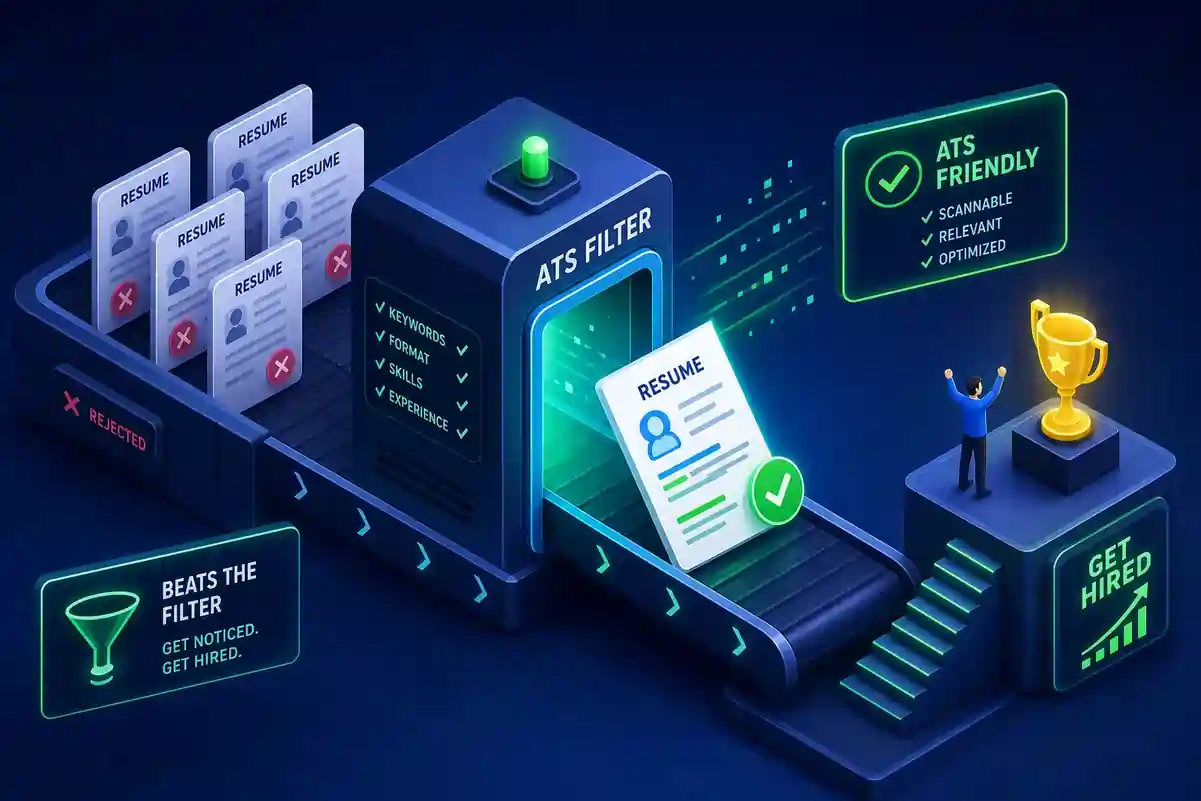
You spent an hour tailoring your resume, wrote a thoughtful cover letter, and hit submit. Then nothing. A week passes. You apply again somewhere else. Same silence. If this pattern feels familiar, formatting or keyword mismatch, not necessarily your qualifications, could be the real issue. These ATS resume tips are designed to fix exactly that. About 93% of recruiters report using an applicant tracking system in 2026; poor formatting or weak keyword matches can result in low ATS scores or lower rankings, which may prevent your resume from ever reaching a recruiter's attention.
This guide covers everything you need to fix that. You'll learn what formatting choices break resume parsing, how to match keywords the way ATS systems actually score them, which file format gives you the safest shot, and how to test your resume before it goes out. If you want to apply these changes without retrofitting a broken document, Free Resume Builder is a completely free tool with ATS-friendly resume templates built in from the start, no sign-up required and no paywall before you download.
Why Your Resume Keeps Getting Filtered Out
How Applicant Tracking Systems Actually Work
An ATS ingests your resume file, parses it into structured fields (name, contact information, job titles, skills, employment dates, education), and then scores it against the job posting. That score determines whether a recruiter ever opens your document. If the parser can't extract your information correctly, your match score drops, regardless of how well your experience actually fits the role.
This isn't a personal rejection. It's an automated one, made by software that has no idea who you are. The system isn't reading your resume the way a person does; it's extracting data fields and comparing strings of text. That distinction matters, because it changes exactly what you need to fix.
The Black Hole Isn't a Mystery
Most "black hole" experiences trace back to one of two problems: the resume couldn't be parsed correctly due to formatting issues, or it didn't contain enough of the right keywords to score a match. For example, a two-column layout can cause a job title to merge with a company name in the extracted output, producing a string no parser can categorize correctly. Both problems are completely fixable. The sections below address each one directly, starting with the formatting decisions that silently wreck parsing.
ATS Resume Tips for Formatting
What ATS Can't Read (and What It Misreads)
Multi-column layouts, tables used for section alignment, headers and footers, and decorative graphics are the most damaging formatting choices you can make on a resume submitted through an online portal. ATS reads documents linearly, from top to bottom. Columns scramble that reading order, causing job titles to merge with company names or descriptions to appear before they should. Tables cause entire fields to be skipped. Contact information placed inside a Word document's page header is often completely invisible to the parser.
Graphic icons next to skill names, text boxes, and any image-embedded content are similarly risky. The parser either ignores them or produces garbage characters, both of which hurt your keyword count and overall score. If you want a deeper technical look at common parser failures and fixes, see this write-up on ATS parsing errors, causes and fixes.
What a Clean, ATS-Compatible Layout Looks Like
The safe alternative is a single-column format with standard section headings, left-aligned text, and no visual elements that can't be read as plain text. This layout isn't boring by default. A recruiter still sees your document after it clears the ATS, and clean formatting reads as confident and professional. The ATS just needs to process the file first, and a simple layout gives it the best chance to do that accurately. If you want a step-by-step example of an ATS-friendly resume format for beginners, that guide shows the exact structure that parsers prefer.
Standard Section Labels That ATS Recognizes
ATS systems are trained to categorize content based on familiar heading names. If you write "Professional Background" where the parser expects "Work Experience," there's a real chance that section gets miscategorized or skipped entirely. Stick to conventional labels throughout: Summary, Work Experience, Education, Skills, Certifications, and Projects. These are the headings that parsing software reliably maps to the right fields.
Top ATS Resume Tips for Keyword Matching
Start With the Job Description, Not a Keyword List
The right process starts with the job posting, not a generic list of industry terms. Pull the posting, identify the 10 to 15 most important skills, tools, certifications, and job titles listed, then mirror the exact language used. These are your resume keywords for ATS scoring purposes. If the posting says "cross-functional collaboration," use that phrase rather than "interdepartmental teamwork." ATS systems match text strings, not concepts. Close synonyms that feel equivalent to you may not register as a match in the software.
Where to Place Keywords for Maximum Parsing Impact
Three sections carry the most weight for keyword scoring: the professional summary, the skills section, and the experience bullets. Use your summary to introduce two to five core terms naturally. Use the skills section as a clean keyword inventory. Use your bullets to embed keywords inside achievement statements rather than just listing them in isolation. A bullet that reads "Led project management for a $2M product rollout" tells the ATS and the recruiter something real. A skills section that just lists "project management" without context does less work.
Synonyms, Abbreviations, and Honest Density
Write out the full term on first use and follow it with the acronym in parentheses, for example, "Search Engine Optimization (SEO)." This ensures the system matches both the spelled-out version and the abbreviation, which different job postings may use differently. For synonyms, add them only when they accurately reflect your actual experience. Aim for a keyword density of roughly one to three percent, and check whether the resume still sounds like a person wrote it. If the language starts feeling mechanical, pull back.
File Format: The DOCX vs. PDF Debate
Why DOCX Is the Safest Default
DOCX is the most consistently parsed format across ATS platforms in 2026. Systems like Workday and Taleo were built to read Microsoft Word files natively, and their text extraction from DOCX is more reliable than from PDF, especially when layout complexity is involved. Text-based PDF files parse well in modern platforms like Greenhouse, but older systems still encounter encoding and extraction issues with the format. When there's no explicit instruction from the employer, submit DOCX. For a comparison of the leading platforms and how they handle uploads, check this roundup of the best applicant tracking systems in 2026.
When PDF Is Acceptable and When TXT Makes No Sense
PDF is a reasonable choice when the employer or application portal specifically requests it, or when you're applying through a system that clearly states PDF compatibility. Text files (TXT) are technically readable by most parsers, but they strip all formatting and remove the structure that helps both ATS and recruiters navigate your resume quickly. TXT eliminates the visual hierarchy that makes a resume scannable. There's no good reason to submit in that format unless a portal explicitly asks for it.
Free Tools to See Exactly How ATS Reads Your Resume
ATS Checkers Worth Using Before You Apply
Several tools let you check how a system parses your resume before it reaches a recruiter. Jobscan compares your resume directly to a job description and returns a match rate with keyword-level diagnostics; it offers a limited number of free scans before requiring a paid plan, but it's one of the more detailed options for job-specific scoring. Resume Genius's free parser provides an ATS compatibility score and a section-by-section breakdown of parsing issues. Enhancv flags parsability problems and shows how much of your resume is readable. OpenResume's parser playground is particularly useful if you want to see the raw structured output, the exact text the parser extracted field by field, rather than just a compatibility score.
Running your resume through at least one of these tools before submitting only takes a few minutes and can surface formatting problems that are easy to miss by sight. A column layout that looks clean on screen may still be scrambling reading order in the extracted output.
The Easiest Way to Apply All of This Without Starting From Scratch
If your current resume has structural problems baked in, retrofitting it takes more effort than building an ATS-friendly resume from the ground up. Free Resume Builder's ATS-friendly resume templates handle the structure automatically, giving you a single-column, properly labeled, parser-ready layout from the first line. No account required, no paywall before you download. You focus entirely on content: the right keywords, accurate achievements, and strong bullets. Export as PDF or DOCX and submit immediately.
A Quick ATS-Readiness Checklist Before You Hit Submit
Run Through These Before Every Application
Treat this as a final pass before submitting. Each item addresses a specific failure point that causes qualified candidates to get filtered out.
- Single-column layout with no tables, columns, or graphics anywhere in the document
- Contact information in the body of the document, not inside a page header or footer
- Standard section headings: Work Experience, Education, Skills, and any additional sections using conventional labels
- Resume keywords for ATS pulled directly from the job posting, placed in the summary, skills section, and experience bullets
- Abbreviations spelled out on first use with the acronym in parentheses immediately following
- File saved as .docx unless the employer or portal specifically requests PDF
- Resume tested through at least one free ATS checker before submitting
Closing Thoughts
Passing ATS screening isn't about gaming the system. It's about removing the barriers that prevent a qualified candidate's resume from being read by an actual person. Every item on that checklist represents a barrier that's completely within your control. Apply these ATS resume tips once to your base resume, then adjust the keywords per application based on each job posting. Industry research and market reports show the applicant tracking system market continues to expand, affecting how many resumes are screened automatically, see this applicant tracking system market report for details. If you'd like more examples and updated templates for 2026, review our CV Writing Guide 2026: Beat ATS & Get Hired Fast (Examples). Free Resume Builder gives you a clean, ATS-optimized starting point, free to use, no account needed, so you can focus on what actually gets you hired.
