Introduction
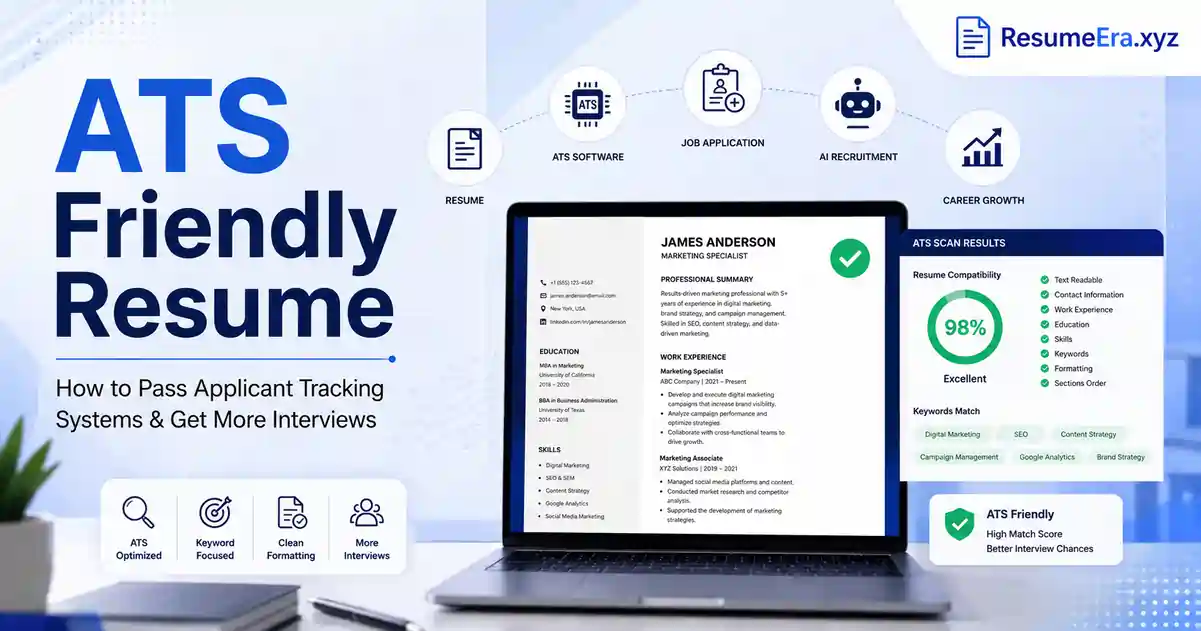
An ATS friendly resume is a resume specifically formatted and optimized to pass through an Applicant Tracking System (ATS) — the software used by most companies today to automatically scan, filter, and rank job applications before a human ever sees them.
In 2026, creating an ATS compatible resume is no longer optional. Studies show that 75% of resumes are rejected by ATS before reaching a recruiter, and over 99% of large companies use these systems to manage hiring. If your resume uses fancy graphics, creative fonts, or incorrect headings, it gets filtered out automatically — no matter how qualified you are.
In this guide, you will learn:
-
What an ATS friendly resume is and how it works
-
Key features, formats, and templates
-
How to optimize keywords and avoid critical mistakes
-
Practical examples and actionable tips to get your resume past the bots
Table of Contents
What is an ATS Friendly Resume?
An ATS friendly resume (also called an ATS compatible resume or applicant tracking system resume) is a document designed to be correctly read, parsed, and ranked by automated hiring software.
ATS software scans your resume for specific keywords, job titles, skills, and qualifications that match the job description. If your resume doesn't include those exact terms — or if it uses formatting the system can't read — it gets discarded before any human reviews it.
The Core Definition
Think of an ATS as a digital filing cabinet. It organizes thousands of resumes by scanning for relevant keywords and ranks candidates based on how well their resume matches the job posting. A well-built ATS resume speaks directly to that software using plain language, standard headings, and the right keywords — then impresses the recruiter who reviews it next.
If you are building your first resume or updating an old one, start with a free resume builder like ResumeEra that is purpose-built for ATS compatibility.
How Applicant Tracking Systems Work
Understanding how ATS works helps you write a better resume. Here is the typical process:
-
Job posting goes live — The employer sets up keywords and requirements in the ATS.
-
Candidate submits resume — The ATS parses the file and extracts text, headings, dates, and skills.
-
Keyword matching — The system compares your resume content against the job description keywords.
-
Ranking — Resumes are scored and ranked. Top-scoring resumes go to the recruiter's shortlist.
-
Human review — Only the top-ranked resumes are seen by a human hiring manager.
The key insight: ATS matches keywords literally. Writing "managing projects" when the job says "project management" can cost you the match. Always mirror the exact phrases from the job description.
For a deep dive into the full hiring process, read our guide on how to write a resume in 2026.
Why ATS Friendly Resume Formats Matter
In India alone, a single corporate job posting receives 250+ applications on average, and only 15% of resumes pass the ATS filter. That means 85% of candidates — many of them highly qualified — are eliminated before any human sees their application.
Recruiters spend just 7–8 seconds scanning a resume once it passes the ATS. This means your ATS resume format must both satisfy the software and immediately impress a human reader.
Poor formatting choices — like using tables, graphics, or creative section headings — are among the top reasons resumes fail the ATS scan. You can learn the most critical ones in this article on 11 ATS formatting mistakes.
Key Features of an ATS Friendly Resume
A strong ATS compatible resume shares these essential characteristics:
-
Single-column layout — Easy for ATS parsers to read left to right
-
Standard section headings — Use "Work Experience," "Education," "Skills" — not creative alternatives like "My Journey"
-
Plain fonts — Arial, Calibri, or Times New Roman in 10–12pt size
-
No graphics or images — ATS cannot read visual content
-
No tables or text boxes — Parsers often skip or misread content inside tables
-
Keywords from the job description — Use exact phrases, not synonyms
-
Correct file format — PDF or .docx (prefer .docx for older ATS systems)
-
Spell out acronyms — Write "Search Engine Optimization (SEO)" before using "SEO"
-
Consistent date formatting — e.g., Jan 2023 – Mar 2025
-
No headers/footers for contact info — Many ATS cannot parse text inside headers
Also make sure your key skills for your resume are listed in a clean, keyword-rich Skills section near the top of your document.
ATS Friendly Resume vs Traditional Resume
| Feature | ATS Friendly Resume | Traditional Resume |
|---|---|---|
| Layout | Single-column, clean | Multi-column, decorative |
| Fonts | Standard (Arial, Calibri) | Creative or stylized fonts |
| Graphics/Icons | None | Often includes icons, photos |
| Section Headings | Standard (Work Experience, Skills) | Creative (My Story, Career Milestones) |
| Tables | Avoided | Commonly used |
| Keywords | Exactly matched to job description | General language |
| File Format | PDF or .docx | PDF, Word, or Canva export |
| Contact Info Placement | Plain text at the top | Often in sidebars or headers |
| Purpose | Passes software + impresses human | Primarily visually impressive |
| ATS Score | High (80%+) | Often Low (30–50%) |
Traditional resumes look impressive to the human eye but often fail ATS scans completely. An ATS resume format prioritizes machine readability first, human appeal second — and the best ATS templates achieve both. Learn more about resume formats in 2026 to pick the right approach for your career stage.
Best ATS Friendly Resume Templates
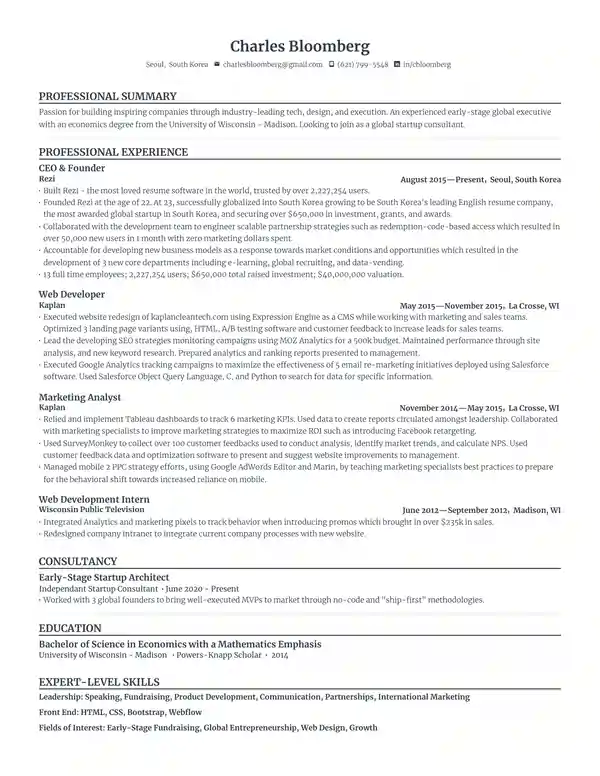
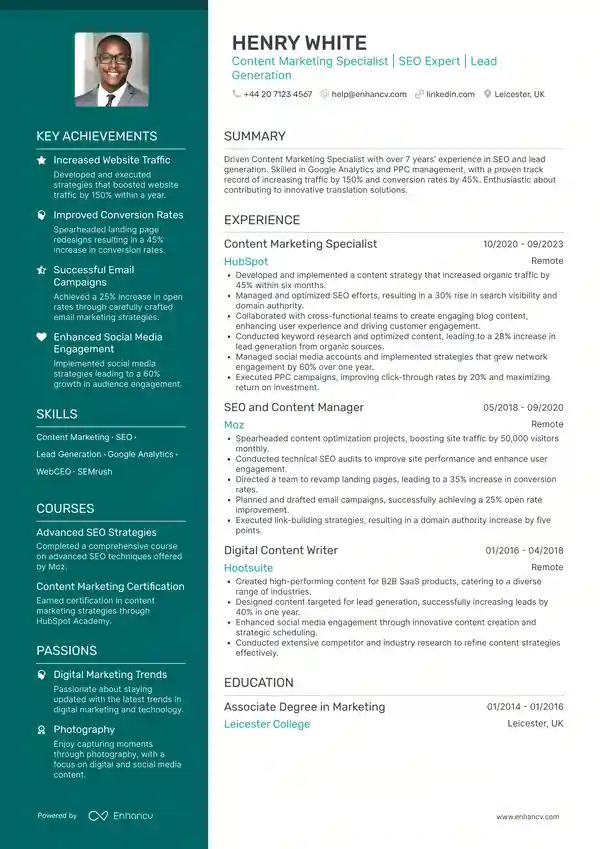
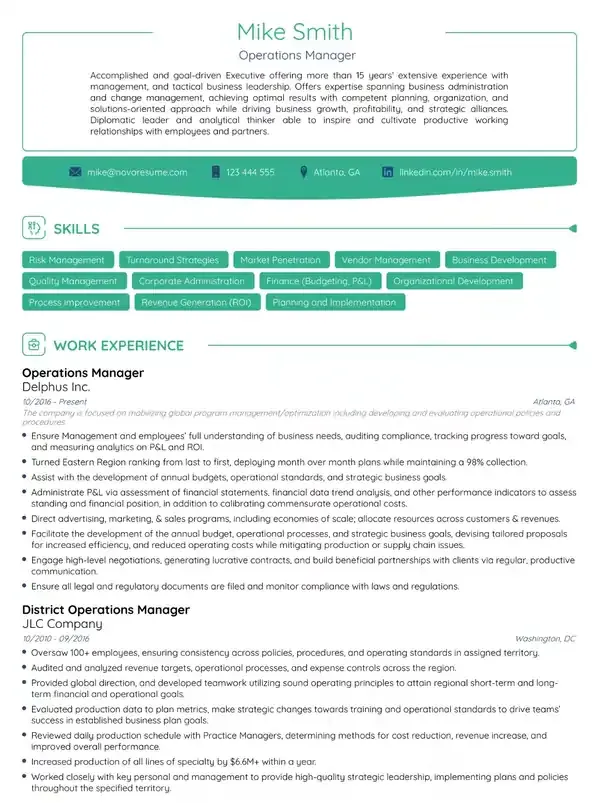
The best ATS resume templates share one thing: simplicity. Here are the top template styles that pass ATS consistently:
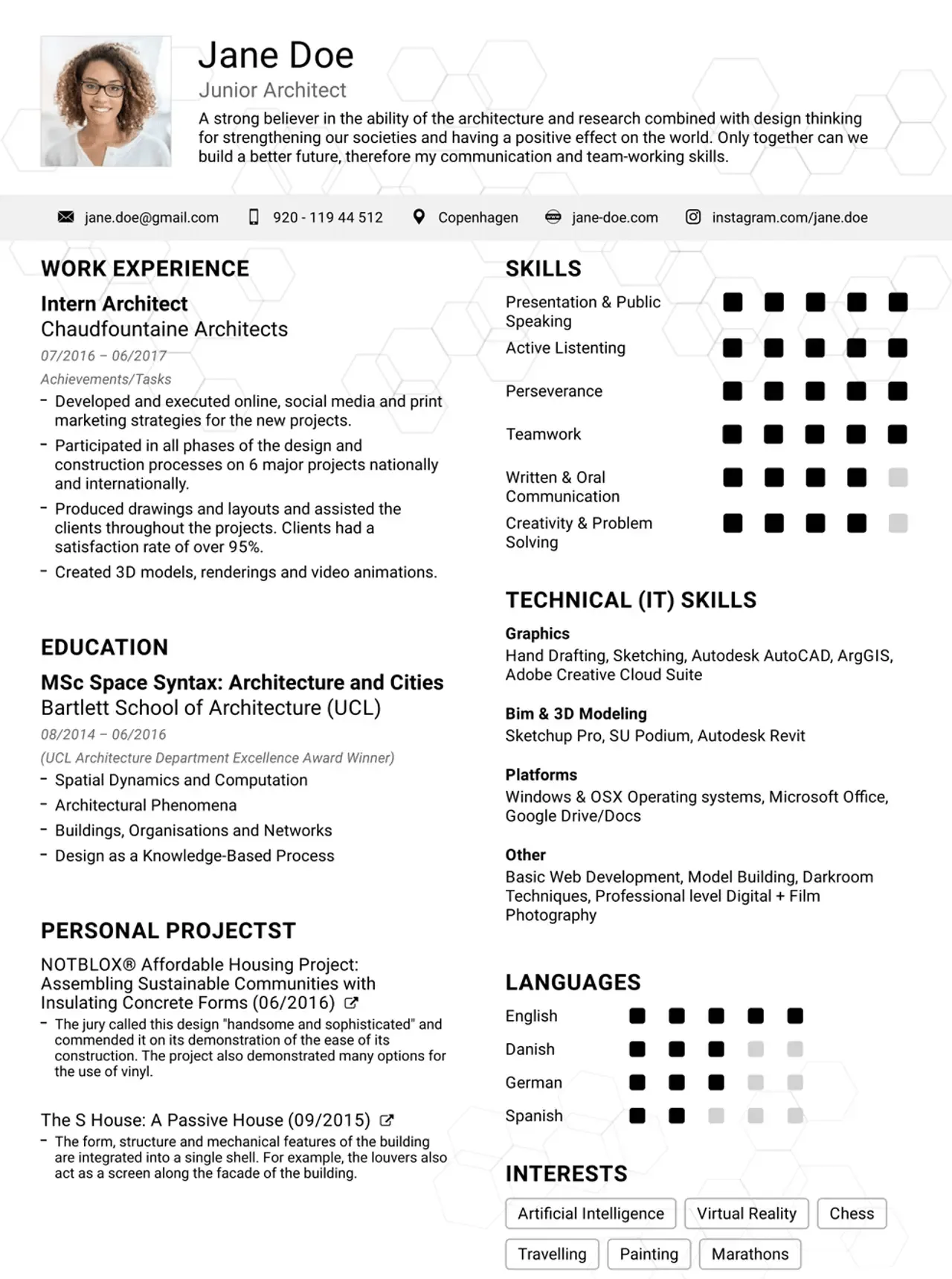
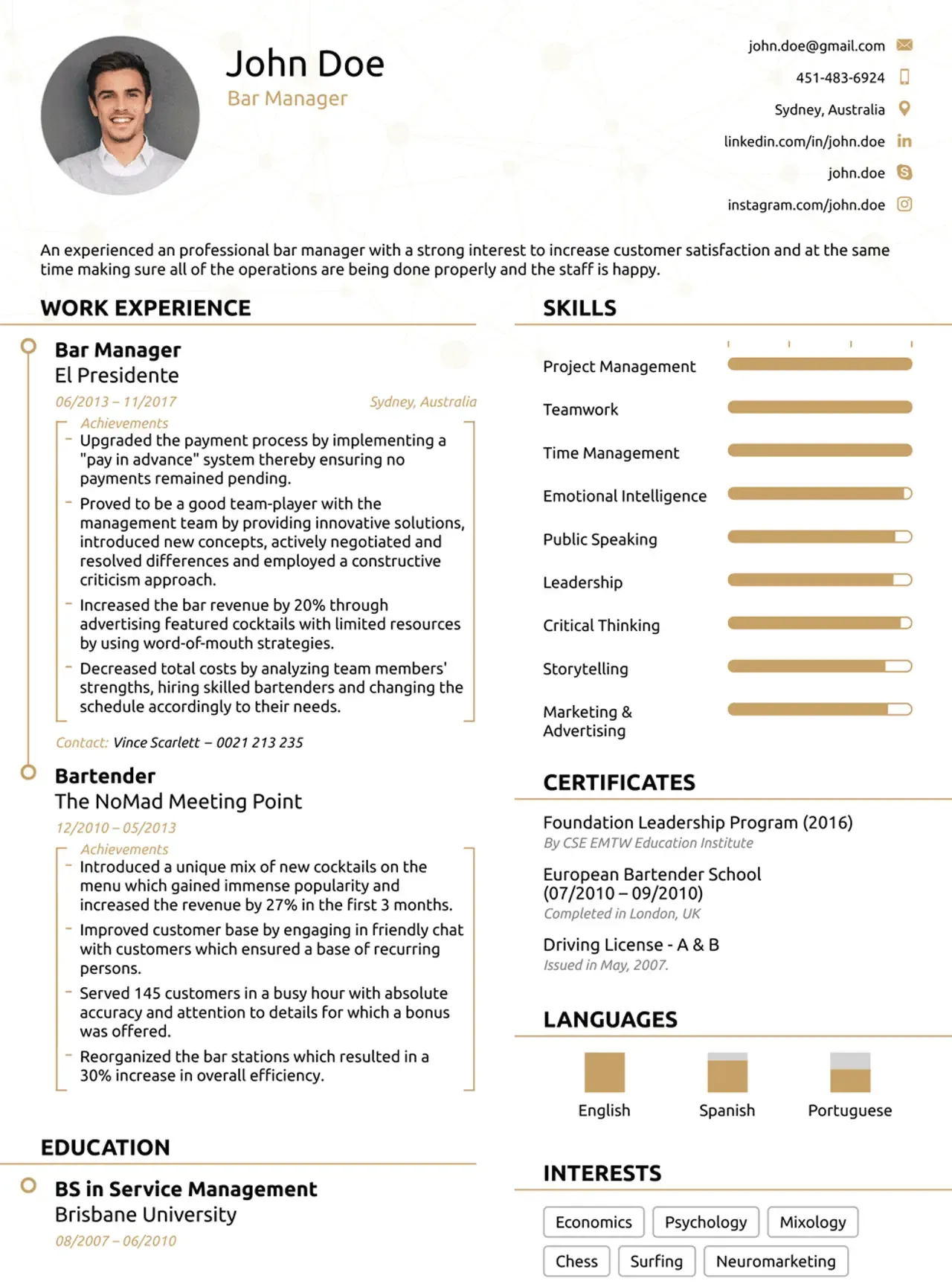
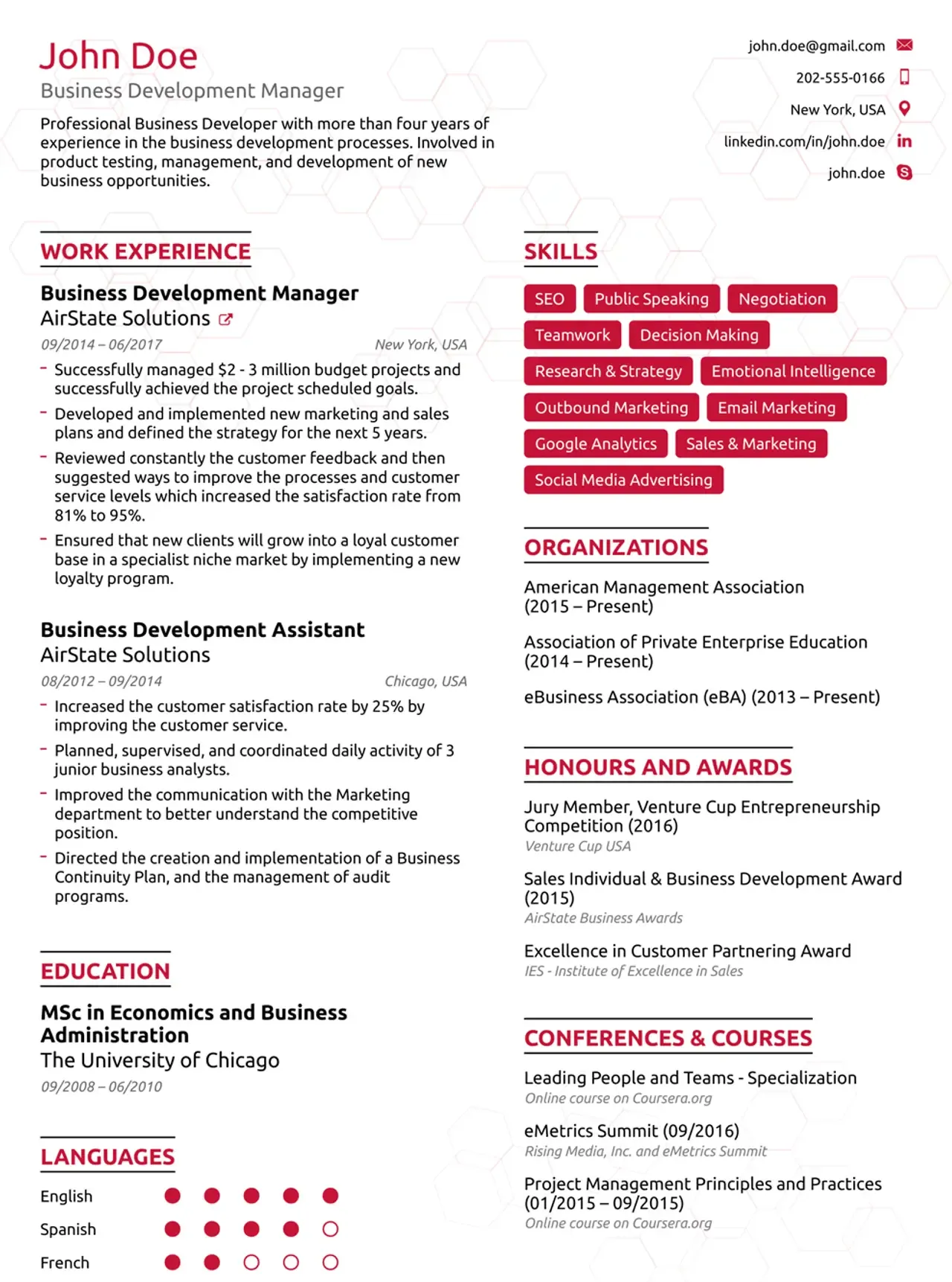
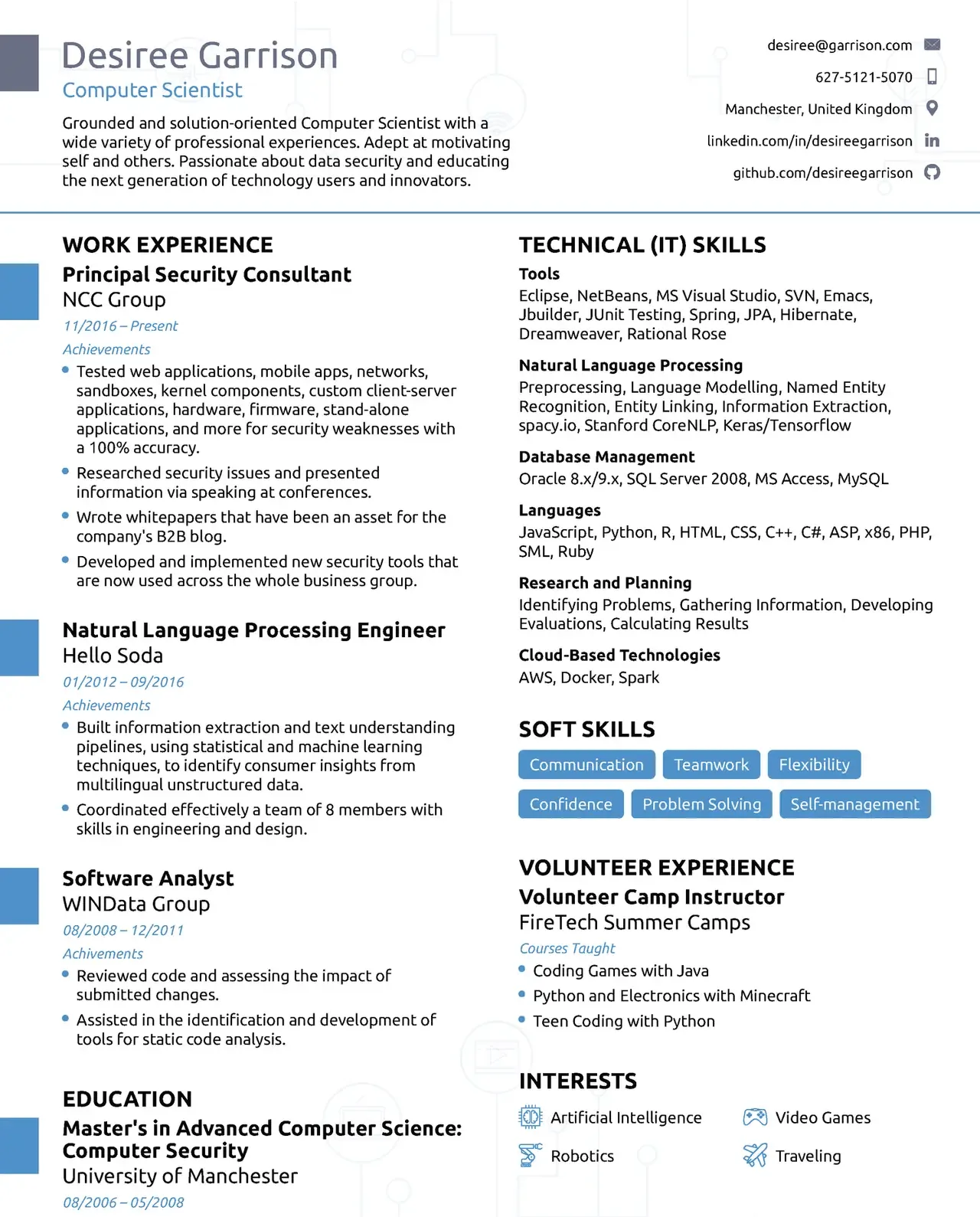
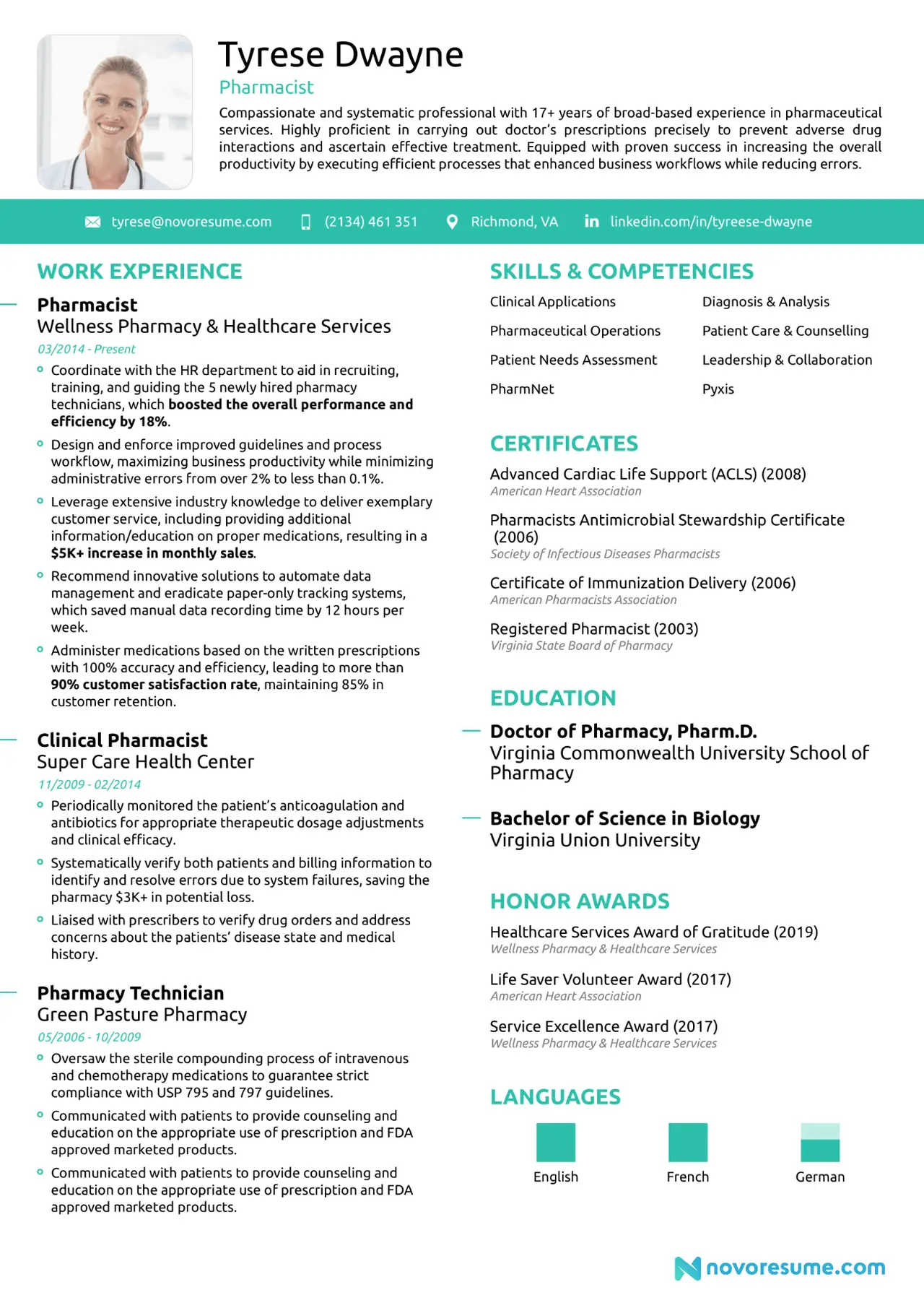
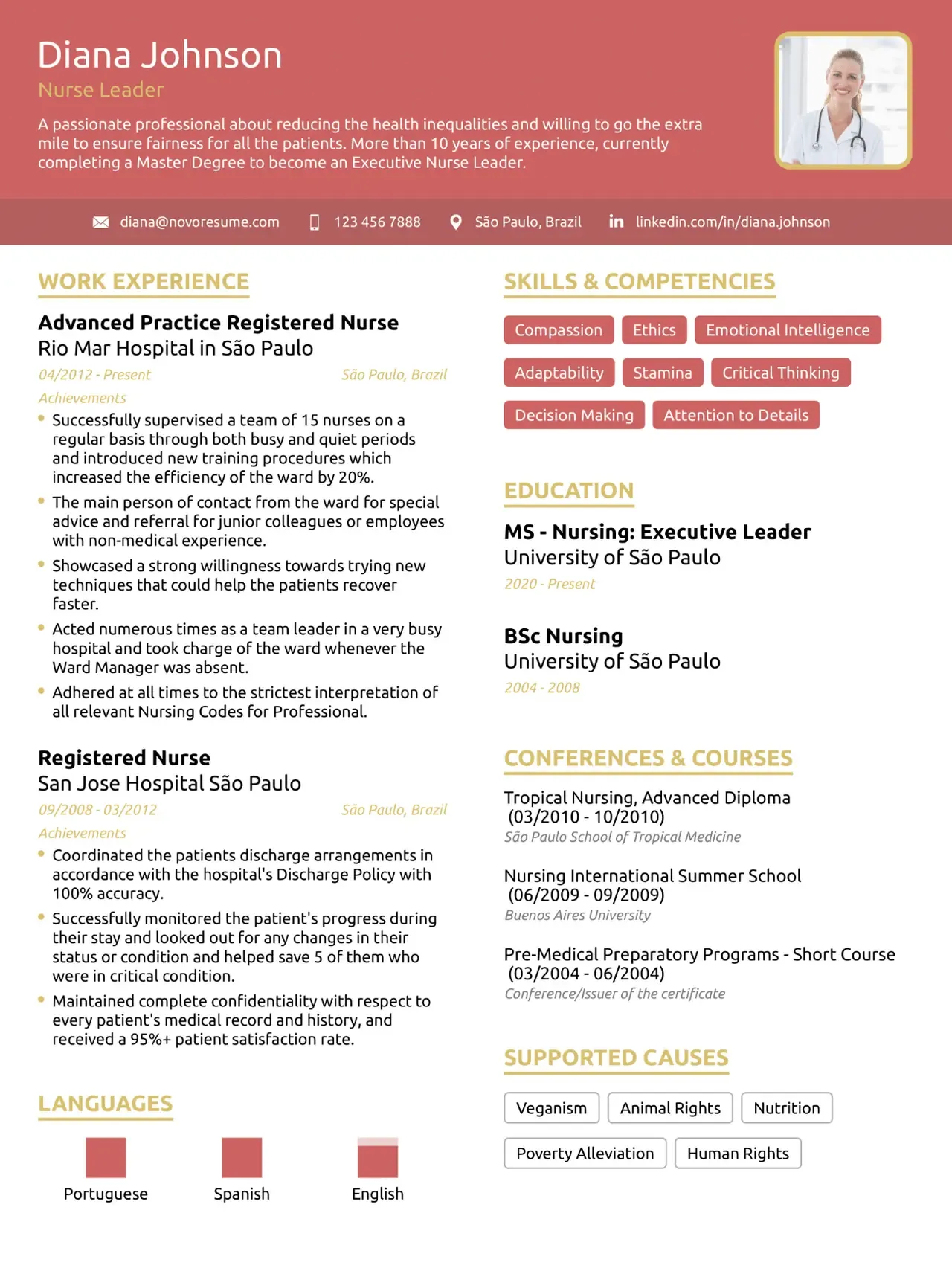
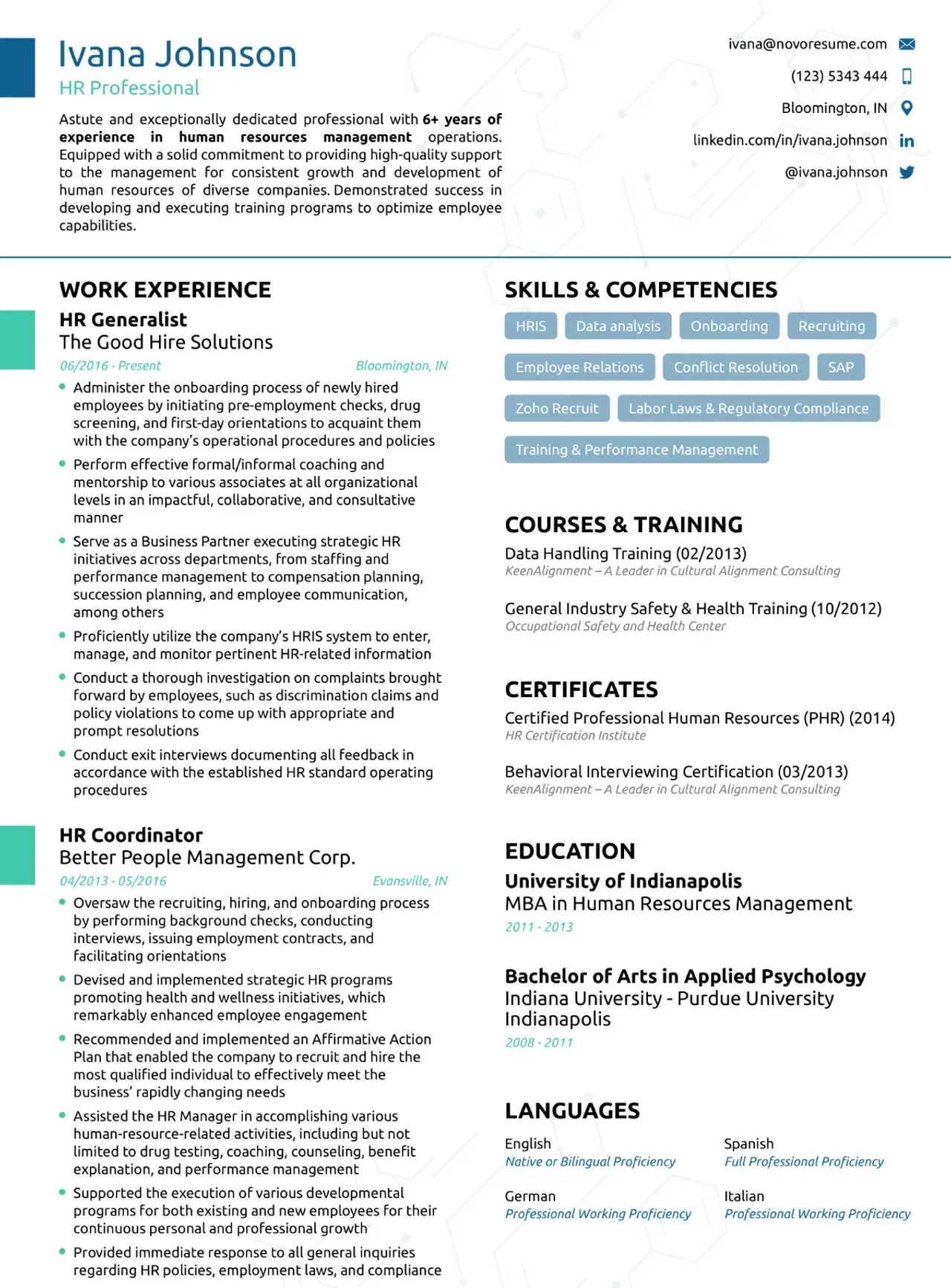
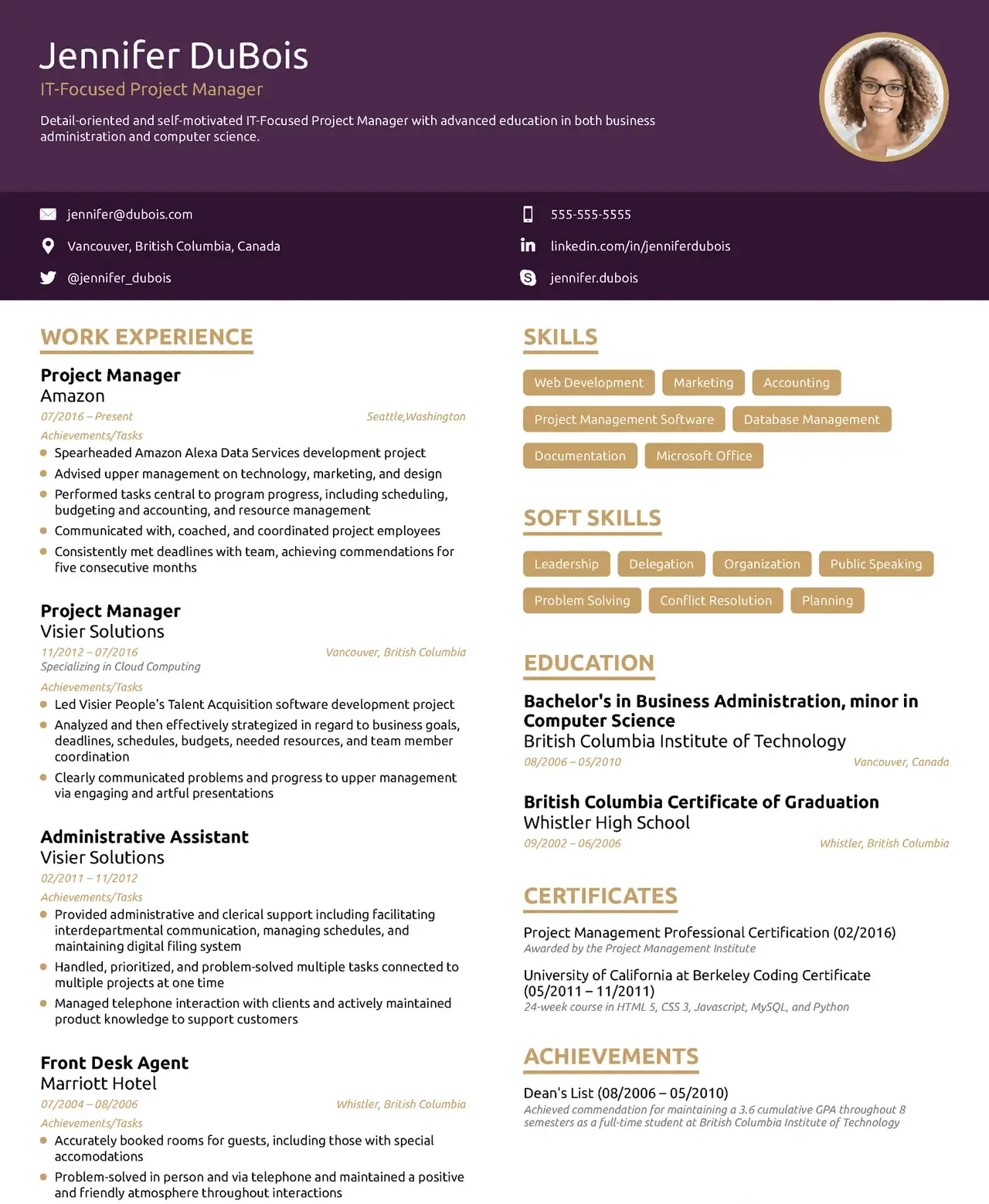
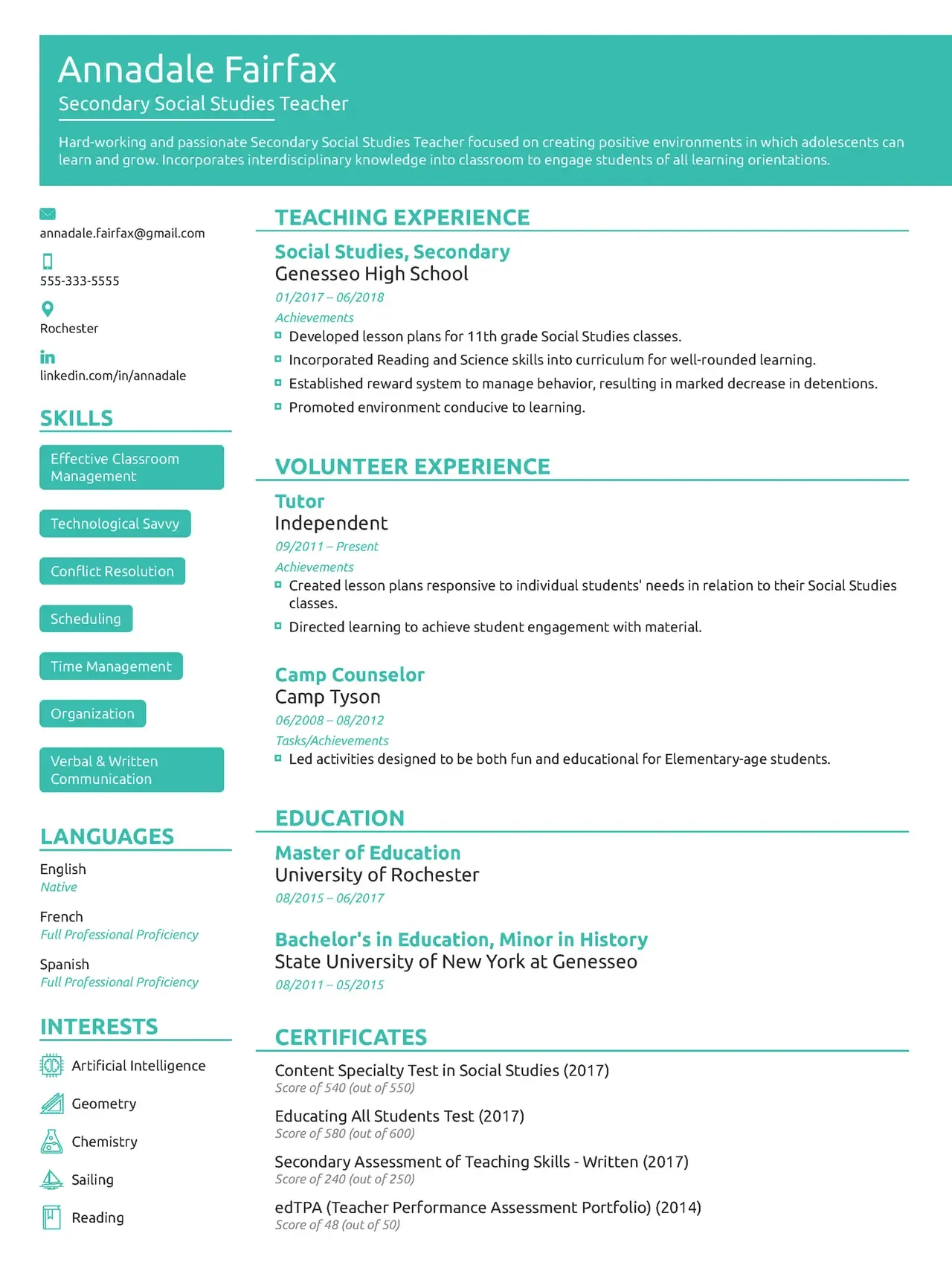
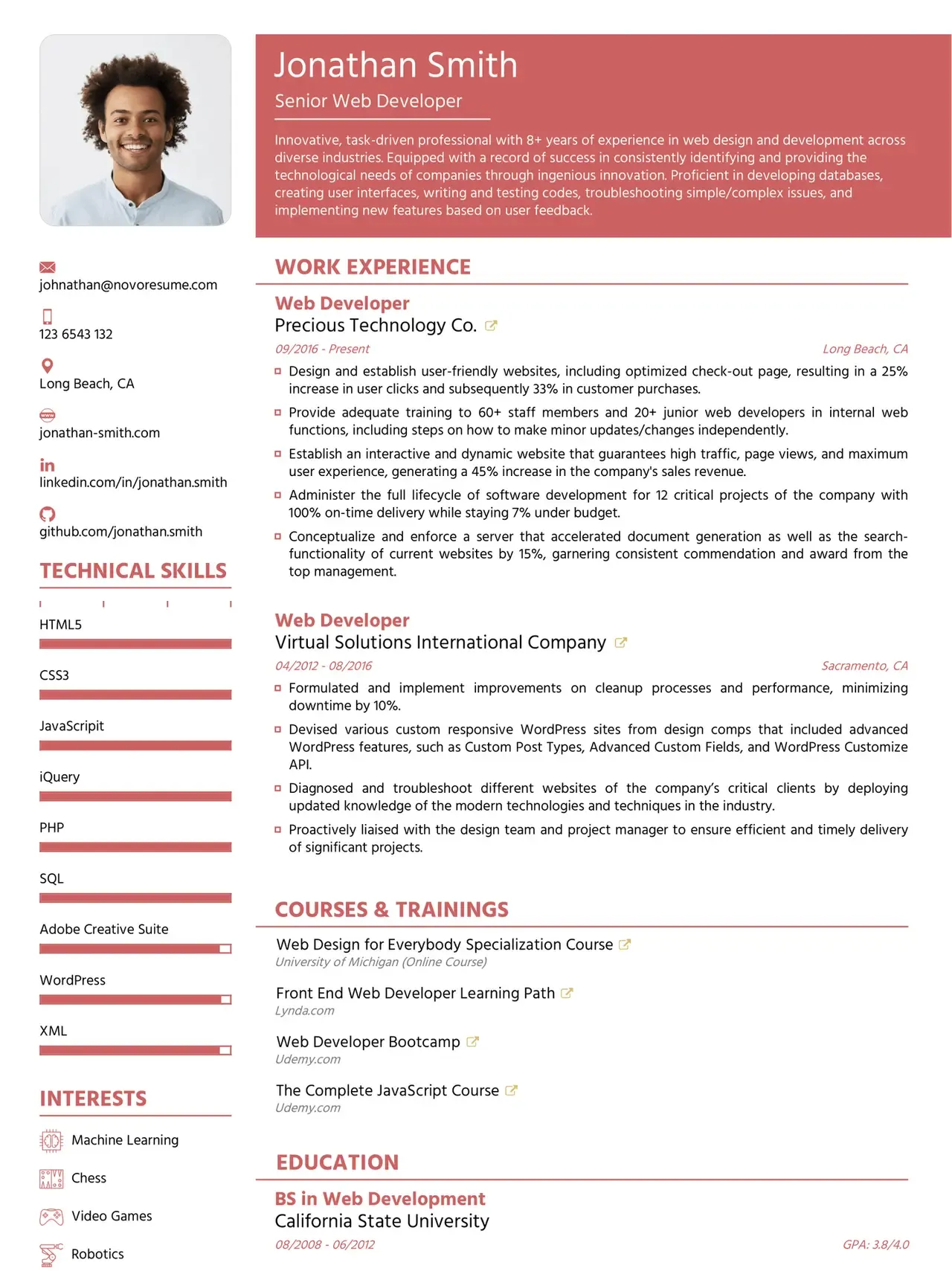
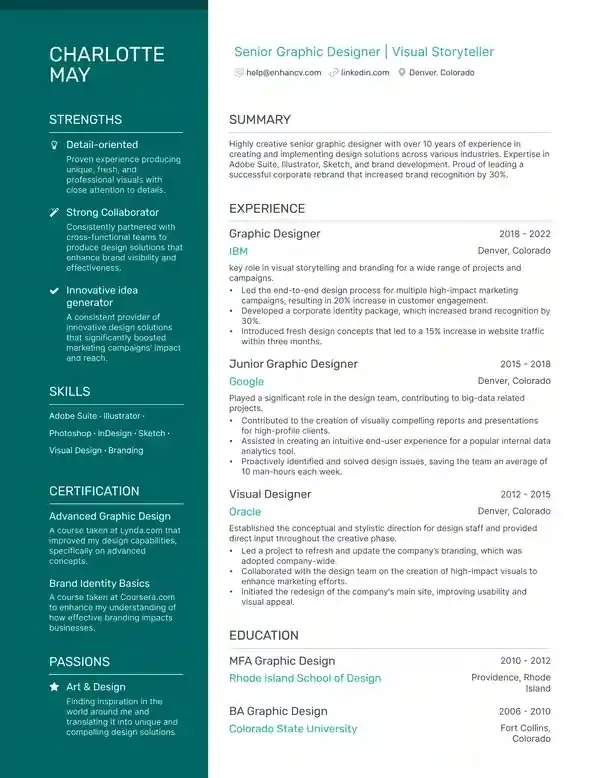
1. Reverse Chronological Template
The most widely accepted format by both ATS and recruiters. Lists your most recent job first and works best for professionals with consistent work history. Explore the chronological resume format guide for a complete breakdown.
.webp)
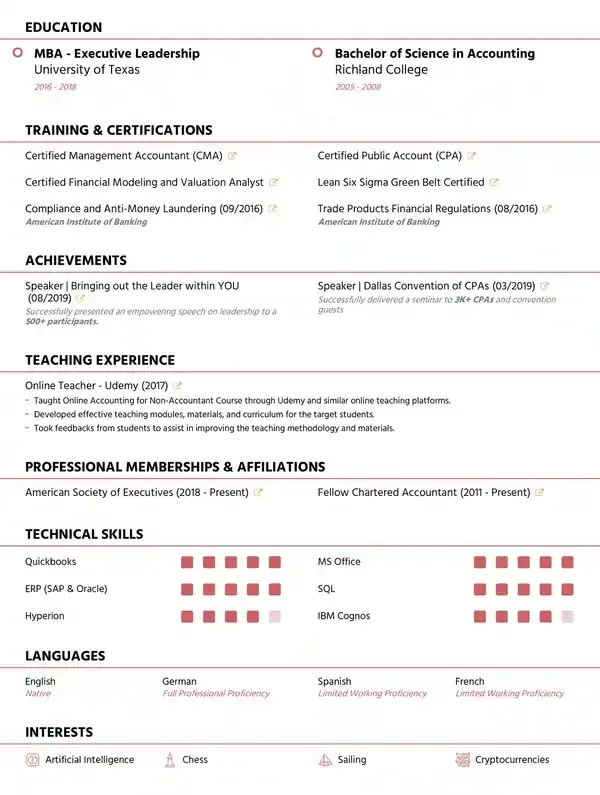
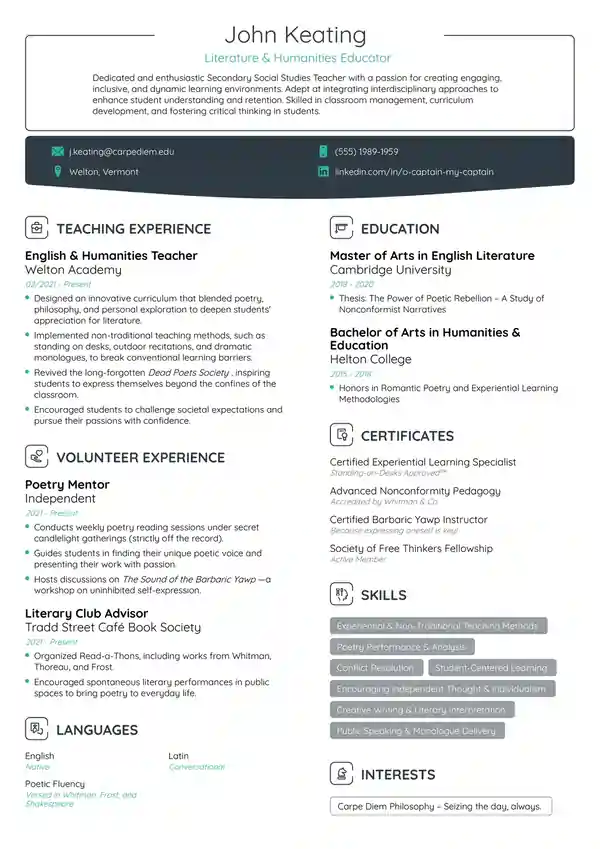
2. Functional Resume Template
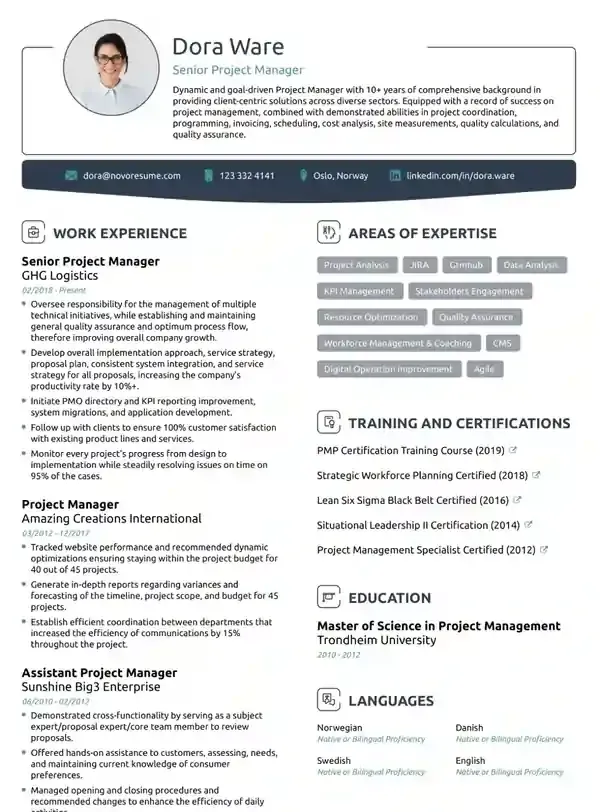
Emphasizes skills over work history — useful for career changers or those with employment gaps. However, some ATS systems struggle to parse it correctly. Read the functional resume format guide before choosing this style.
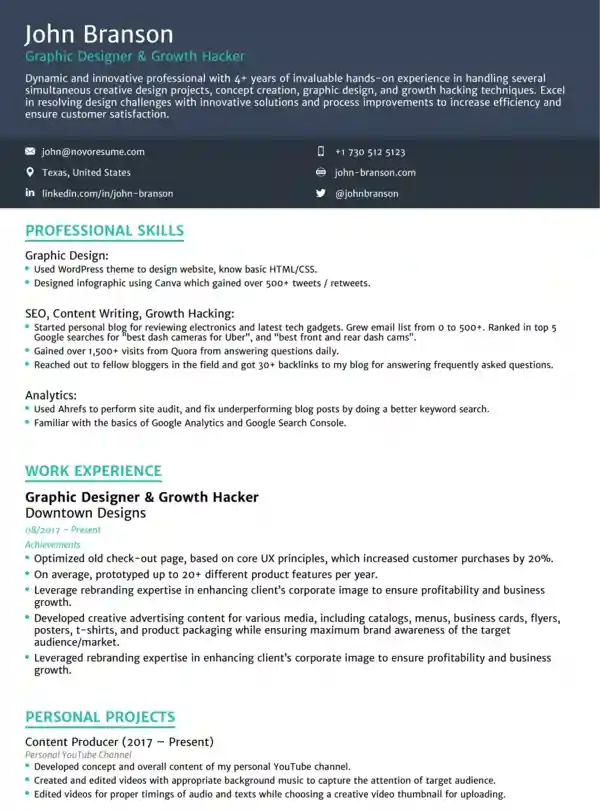
3. Combination Resume Template
Merges the strengths of both chronological and functional formats. Great for mid-career professionals switching industries. The combination resume format works well when you have strong skills and solid experience to show.
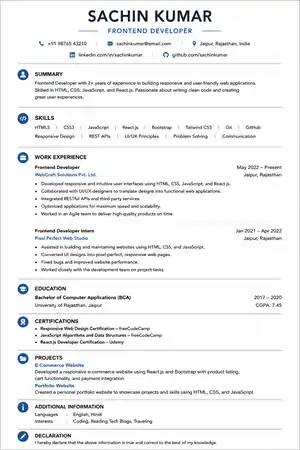
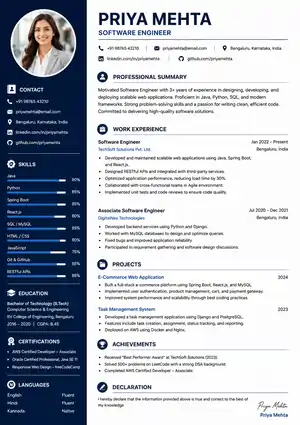
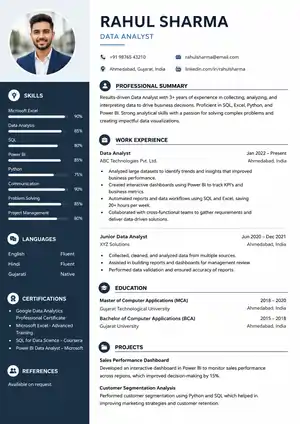
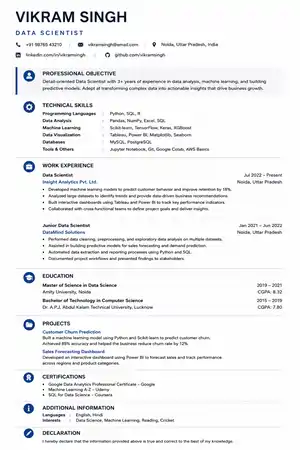
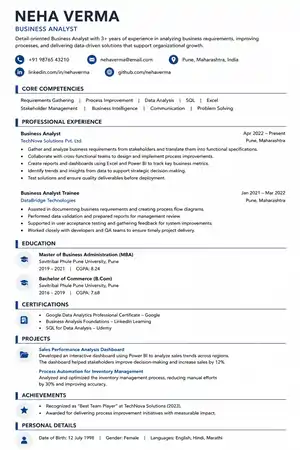
4. ATS-Optimized Single Column Template
A minimalist, clean, single-column layout with bolded section headers and bullet-pointed achievements. This is the gold standard for ATS compatibility in 2026.
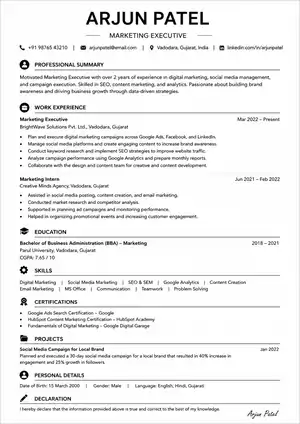
Pro Tip: Use ResumeEra — a 100% free resume builder — to access professionally designed, ATS-friendly templates without any subscription or hidden fee.
Common ATS Resume Mistakes to Avoid
Even smart job seekers make these errors that cause ATS rejection:
-
Using tables to organize skills — ATS parsers often skip table content entirely
-
Putting contact info in the header — Many systems cannot read text in the header/footer section
-
Using creative section headings — "Where I've Been" instead of "Work Experience" confuses ATS
-
Submitting a Canva or image-based resume — These are often entirely unreadable by ATS
-
Keyword stuffing — Listing keywords without context is detected and penalized by modern ATS
-
Using special characters — Symbols like ★ or ♦ are misread or skipped
-
Spelling errors — ATS does not recognize misspelled keywords
-
Applying with one generic resume — A resume not tailored to the specific job description will score poorly
-
Using skill progress bars or graphs — These look great visually but ATS cannot read percentages from graphics
For a complete list of errors, read our article on 11 ATS formatting mistakes to avoid.
How to Optimize Your Resume for ATS
Follow this step-by-step process to build a fully optimized ATS friendly resume:
Step 1: Analyze the Job Description
Read the job posting carefully. Highlight every required skill, tool name, qualification, and job title. These are your target keywords.
Step 2: Mirror Keywords Exactly
Copy the exact phrases from the job description. If the posting says "project management," use that exact term — not "managing projects."
Step 3: Build Your Resume Structure
Use this proven ATS-optimized layout:
Name & Contact Info (plain text, top of page) Professional Summary (3–4 lines with target keywords) Key Skills / Competencies Work Experience (reverse chronological, bullet points) Education Certifications / Projects (optional)Step 4: Write Achievement-Based Bullet Points
Don't just list duties. Write results. Use this formula:
[Action Verb] + [What You Did] + [How] + [Quantifiable Result]
Example: "Managed a team of 8, reducing product delivery time by 30% in Q3 2025"
Step 5: Check Your Resume with an ATS Tool
Use a free ATS resume checker to test your score before applying. This helps identify missing keywords and formatting issues.
Step 6: Tailor for Every Application
Never send the same resume to every job. Customize the summary, skills section, and keywords for each role. Learn how in our guide to tailoring your resume for every job application.
ATS Friendly Resume Keywords
Keywords are the backbone of any ATS compatible resume. Here's how to find and use them effectively:
Types of ATS Keywords
| Keyword Type | Examples |
|---|---|
| Hard Skills | Python, SEO, AutoCAD, Excel, SQL |
| Soft Skills | Leadership, communication, problem-solving |
| Job Titles | Software Engineer, Marketing Manager, Data Analyst |
| Certifications | PMP, AWS Certified, Google Analytics |
| Industry Terms | Agile methodology, HVAC systems, GAAP accounting |
| Tools & Software | Salesforce, Jira, Adobe Photoshop |
Best Practices for ATS Keywords
-
Use both the full form and acronym: "Search Engine Optimization (SEO)"
-
Place keywords in your summary, skills section, and work experience bullets
-
Never keyword stuff — use each keyword naturally in context
-
Match 60–70% of keywords from the job description
-
List specific tools by name: "Adobe Photoshop" not "image editing software"
Also check your profile summary for your resume to make sure your opening statement is keyword-rich and ATS-ready.
ATS Resume Formatting Tips {#formatting}
These practical formatting rules will maximize your ATS resume score:
-
Font: Arial, Calibri, or Times New Roman, size 10–12pt for body text
-
Margins: 0.5–1 inch on all sides
-
Line spacing: 1.0 to 1.15 — compact but readable
-
Bullet style: Use simple hyphens (-) or standard round bullets (- )
-
No photos — Photos are skipped by ATS and can introduce hiring bias
-
No columns — Use single-column layout throughout
-
File type: Submit as .docx unless PDF is specifically requested
-
No borders, shading, or decorative lines
-
Section headers: Bold and slightly larger (14pt), using standard labels
Your resume contact information should appear at the very top as plain text — full name, phone with country code, professional email, and city.
For the best guide to all essential sections, visit 10 essential resume sections in 2026.
ATS Resume Examples
✅ Good ATS Friendly Resume Summary Example
"Results-driven Digital Marketing Specialist with 4 years of experience in SEO, content strategy, and Google Ads. Managed ₹50L+ annual ad budget, increasing organic traffic by 65% YoY. Seeking to leverage expertise in a growth-focused marketing role."
This summary uses exact job keywords, quantified results, and is written in plain text.
❌ Bad Resume Summary Example (ATS Will Struggle)
"Passionate go-getter with a love for all things creative ? — building brands one pixel at a time. Let's grow together!"
This uses emojis, vague language, zero keywords, and provides nothing an ATS can match.
✅ Good ATS Bullet Point Example
"Developed and deployed 3 Python-based automation scripts that reduced manual data entry time by 40%."
❌ Bad Bullet Point Example
"Responsible for various coding tasks and some automation work."
For strong bullet point inspiration, explore our guide on resume achievements.
Benefits of Using ATS Friendly Resume Templates
Choosing a proper ATS resume template offers these real advantages:
-
Higher shortlist rate — Your resume reaches human reviewers instead of getting auto-rejected
-
Better keyword alignment — Templates prompt you to fill in the right sections where keywords belong
-
Faster application process — No guesswork on layout; just fill in your information
-
Professional appearance — Clean, readable design impresses recruiters after passing ATS
-
Time saving — Pre-built structure means you only customize the content, not the format
-
Consistent formatting — No accidental formatting breaks that confuse parsers
Using a free resume builder like ResumeEra — India's best free resume builder — gives you instant access to ATS-optimized templates with no subscription, no watermark, and no credit card required.
You may also want to check whether your current resume is truly optimized with a free ATS resume checker before your next application.
Conclusion
Creating a strong ATS friendly resume in 2026 is one of the most impactful steps you can take in your job search. With 75% of resumes never reaching a human reviewer, optimizing your resume for Applicant Tracking Systems is not just helpful — it is essential.
Here are the key takeaways from this guide:
-
Use a clean, single-column layout with standard section headings
-
Mirror keywords exactly from the job description — literal matches win
-
Avoid tables, graphics, columns, and decorative fonts
-
Write achievement-based bullet points with quantifiable results
-
Save your resume as .docx or PDF and tailor it for every application
-
Use a free ATS checker to verify your score before applying
The good news is that creating an ATS compatible resume does not require expensive tools or professional services. Platforms like ResumeEra — India's best free resume builder — give you access to ATS-optimized templates, keyword guidance, and instant PDF downloads at zero cost.
Ready to build your ATS friendly resume today? Visit ResumeEra.xyz and create your professional, ATS-ready resume in under 10 minutes — completely free, no sign-up required.
You’re not failing.
Your resume is.
Most people lose jobs before the interview — not because they lack skills, but because their resume looks average. Fix that in 5 minutes.
- ✅ ATS-optimized format
- ✅ Recruiter-friendly design
- ✅ Download instantly (PDF)
⚡ No signup required • 100% Free • Works on mobile
Get shortlisted faster
Pick a template → fill details → download resume.



.webp&folder=chronological-resume-images)


