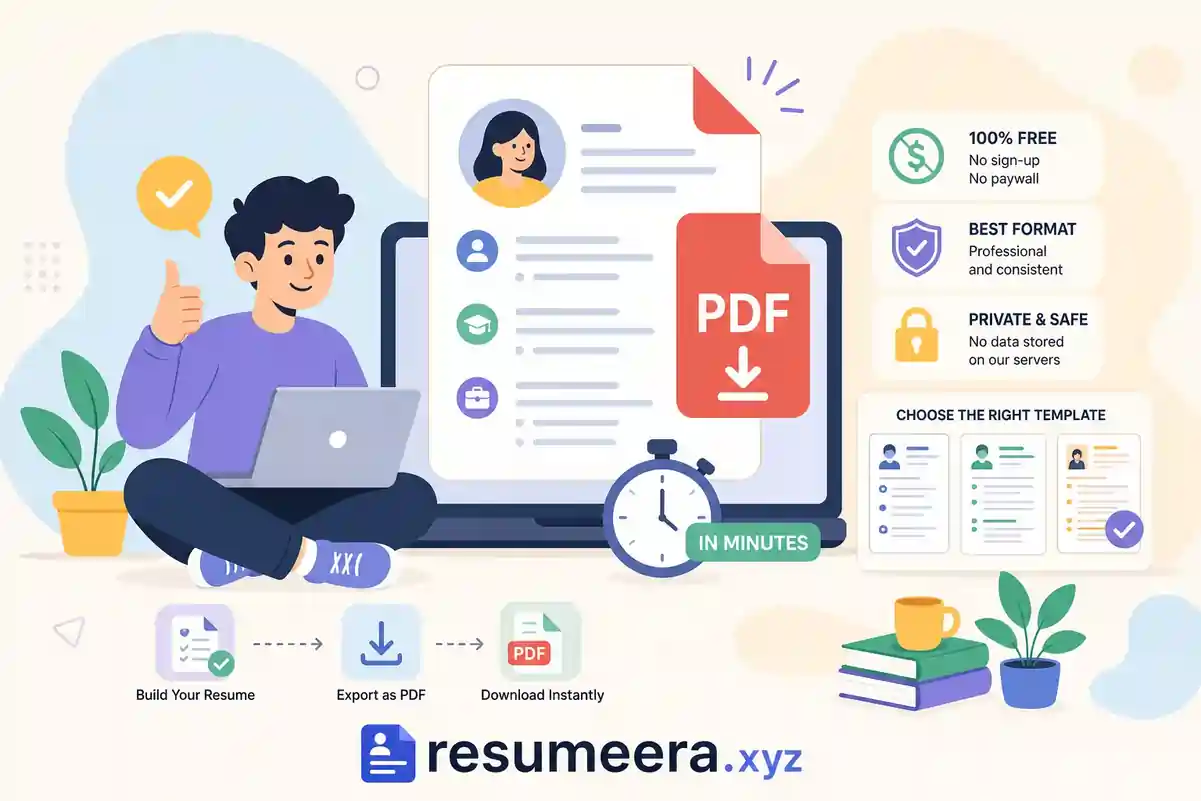
If you need a free resume PDF download, you already know the frustration: you spend 20 minutes entering your work history, pick a clean template, get everything lined up, and then a payment screen appears before you can save the file. That experience is maddening, and it's exactly how most "free" resume builders work. Getting a polished, professional resume PDF takes less than five minutes when you use a tool that's genuinely free and know what to do on the technical side.
Resumeera Free Resume Builder lets you build and export a professional PDF resume in one click, no account, no email confirmation, and no payment prompt waiting at the end. This article covers why PDF is the right format for most job applications, what makes a PDF resume work with automated hiring systems, how to export it correctly, and how to pick a template that fits your industry and career stage.
Table of Contents
-
Why PDF Is the Only Format Worth Submitting for Most Jobs
-
What Makes a PDF Resume Actually ATS-Friendly
-
How to Get Your Free Resume PDF Download Fast
-
Exporting from Word or Google Docs
-
File Naming for Your Free Resume PDF Download
-
PDF Export Settings That Preserve Your Formatting
-
-
Picking the Right Template for Your Industry and Career Stage
-
Mistakes That Quietly Hurt Your Application
-
You're Closer to a Finished Resume Than You Think
- Conclusion
-
Frequently Asked Question
Why PDF Is the Only Format Worth Submitting for Most Jobs
Word documents and plain text files render differently depending on the software version, operating system, and screen size the recruiter is using. A carefully spaced, well-organized resume in .docx format can shift completely out of alignment when opened in an older version of Word or on a machine without the fonts you used. A PDF looks identical everywhere: same fonts, same margins, same spacing. If you put time into making your resume look clean and professional, a PDF is what protects that work.
There's also a professional signal in the format itself. Submitting a properly named PDF tells a hiring manager that you understand how professional documents work. It also prevents accidental edits; no one can delete a section or scramble your formatting if the file isn't editable. For most job seekers, a clean, well-exported PDF is the correct default every time.
There is one narrow exception worth knowing. Some older applicant tracking system portals explicitly request Word files, and a small number of companies state their preferred format directly in the job posting. If the posting specifies a format, follow it exactly. In every other case, PDF is the right choice when submitting your resume.
What Makes a PDF Resume Actually ATS-Friendly
A common misconception is that any PDF will work with applicant tracking systems. PDFs generated from image scans, or heavily designed files with layered graphics and embedded images, often produce unreadable text when an ATS tries to extract content. The system sees a blank or garbled document, and the application gets filtered out before a human ever reads it.
The structural rules that keep your resume readable by automated systems are straightforward. Use a single-column layout. Stick to standard section headings like Work Experience, Education, and Skills. Avoid tables, text boxes, icons, and graphics. Keep your contact information in the main body of the document rather than in a header or footer, because some parsers skip those areas entirely. Clean, linear structure that reads top to bottom in logical order is what these systems are built to handle. For a deeper checklist and keyword guidance, see ATS Resume Tips 2026: Formatting, Keywords, and Tools to Pass Resume Screening.
Before you submit, run a quick copy-paste test. Open the PDF, select all the text, and paste it into Notepad or any plain text editor. If the content appears in the correct order and nothing is missing, your file is text-based and parseable. If the text is garbled, jumbled, or missing entirely, the file has a structural problem that will likely work against you during automated screening. This test takes 30 seconds and can save your application from being silently rejected.
How to Get Your Free Resume PDF Download Fast
Resumeera Free Resume Builder is built specifically for this situation. There's no account creation, no email confirmation, and no subscription tier that locks the download button behind a payment screen. You choose a template, fill in your details, and download a polished PDF resume in one click. The tool handles ATS-friendly formatting automatically, so if you're not sure whether your layout is scanner-safe, you can trust the output without second-guessing the structure. Read more about the tool in Resumeera Free Resume Builder, No Sign-Up: Download in Minutes | Resumeera.
Exporting from Word or Google Docs
If you already have a resume drafted in Word or Google Docs, the export path matters. In Word, go to File, then Save As, and select PDF. Avoid using Print to PDF, which can introduce layout artifacts that affect text order in the final file. In Google Docs, go to File, then Download, then PDF Document. Both methods produce a text-based PDF as long as your original document uses standard fonts and a single-column layout. If your existing formatting includes text boxes or multi-column sections, fix those before exporting. For a practical comparison of when to use PDF versus Word for ATS compatibility, see this PDF vs Word resume format guide.
File Naming for Your Free Resume PDF Download
File naming is a step most applicants overlook. "resume.pdf" gets lost in a folder with 200 identically named files and communicates nothing about who submitted it. Use a clear, professional convention: FirstName-LastName-Resume.pdf or FirstName-LastName-JobTitle.pdf. Skip spaces in the filename because some upload portals reject filenames with spaces or special characters. It's a small detail that makes your submission easier to find and slightly more memorable.
PDF Export Settings That Preserve Your Formatting
For U.S. job applications, set your document to letter size (8.5 by 11 inches), not A4. Margins should be between 0.5 and 1 inch on all sides. Font selection matters more than most people realize: Arial, Calibri, Georgia, and Times New Roman are safe choices that embed cleanly and render consistently across different systems. Decorative or condensed fonts are often replaced with fallback fonts when the receiving system doesn't have them installed, which can distort your layout in unexpected ways.
Keep your file size well under 2 MB. LinkedIn's Easy Apply upload limit is 2 MB, and many other portals set similar or lower thresholds. Large file sizes usually signal that graphics or embedded images are inflating the document. Files that exceed portal limits either fail silently or get rejected outright, and you may not receive any notification either way. When you export from a text-based tool like Resumeera Free Resume Builder or a standard word processor, the file naturally stays compact because the content is text rather than images. A well-formatted resume PDF should sit comfortably under 500 KB in most cases. For examples of resume builders and templates you can use once your formatting is set, check resources such as Resumeera.xyz.
Picking the Right Template for Your Industry and Career Stage
In conservative industries like corporate finance, healthcare, and law, the free resume template that performs best is a single-column, black-and-white layout with no design flourishes. These fields value clarity and credibility above visual creativity. A straightforward chronological structure with strong action verbs and measurable outcomes is the standard, and anything more decorative can work against you by looking out of place. If you need quick template options, Canva's resume templates include many simple, professional layouts you can customize.
Tech roles can handle a more modern layout, though ATS compatibility should remain the priority if you're applying to mid-size or large companies that automate screening. A clean two-column design with a subtle accent color works in many tech environments. Creative roles in design, marketing, and content allow more expressive layouts, but even here, the resume must stay text-based and parseable. Visual flair is not worth the risk of the content being invisible to the system reviewing your application first. For ATS-focused templates you can adapt, consider Teal's ATS templates.
Template structure should also reflect where you are in your career. Entry-level applicants benefit from free printable resume PDF formats that lead with education and skills before work history, especially when experience is limited. Mid-career professionals need enough vertical space to show two to four roles with clear progression. Senior-level applicants should lean toward executive-minimal layouts that emphasize outcomes, leadership scope, and strategic contributions rather than listing every task from every position. Matching the template structure to your experience level makes the resume easier to read and positions you more credibly for the role.
Mistakes That Quietly Hurt Your Application
Some applicants export a clean PDF and then accidentally attach the wrong file when submitting. Before you hit send, open the attached file, confirm it's the correct version, and do a quick visual check, confirm the right job title is listed, your contact information is current, and the page count looks right. One wrong attachment on a competitive application is difficult to recover from, and many employers won't follow up to ask for the right file.
If a job posting specifies a file format, follow it exactly. Sending a PDF when a company asks for .docx signals that you don't read instructions carefully, which is not an impression you want to create before anyone has even looked at your qualifications. The guidance in this article applies when no format preference is stated; when a format is specified, that specification overrides everything else.
The last mistake is choosing a tool that paywalls the download after you've already invested time building your resume. You now know what to look for: instant PDF export, no account required, text-based output, and a layout that respects ATS formatting rules. For job seekers who want zero friction at every stage, Resumeera Free Resume Builder is the clearest match in this comparison: no account, no card, no data collection, ATS-ready output, and a complete PDF download at no cost. It handles the full workflow without compromise.
Why ResumeEra Is Different From Other Resume Builders
| Feature | ResumeEra | Typical Builder |
|---|---|---|
| PDF Download | Yes | Often Paid |
| Sign Up Required | No | Usually Yes |
| ATS Friendly | Yes | Depends |
| Watermark | No | Often Yes |
At ResumeEra, we've analyzed thousands of resumes and ATS formatting patterns to understand what works across modern hiring systems.
You're Closer to a Finished Resume Than You Think
PDF is the standard submission format for a reason, but only a properly formatted, text-based PDF actually works across every hiring system a recruiter might use. Export settings, template choice, and file naming all affect whether your resume gets read by software and then by a person. Getting each of those elements right is straightforward once you know what matters and why.
For most job seekers, the fastest path to a free resume PDF download that's polished and ATS-ready is a tool that removes every friction point from the process. No sign-up form, no subscription prompt, and no paywall between you and your finished file. That's what Resumeera Free Resume Builder is built to do, and you can export a professional, ATS-optimized PDF resume within minutes of arriving on the site. If you want a quick walkthrough of the no-sign-up download flow, see Resumeera free Resume Builder, No Sign-Up: Download in Minutes | Resumeera, and if you prefer a short comparison of builders and approaches, check out this ranked comparison.
Conclusion
A professional resume PDF remains the safest and most widely accepted format for job applications in 2026. It protects your formatting, presents a polished appearance, and works consistently across different devices and operating systems. However, simply saving a resume as a PDF is not enough. The document must also be ATS-friendly, text-based, and structured in a way that allows hiring systems to accurately read your information.
By choosing the right template, following proper export settings, using professional file naming conventions, and avoiding common formatting mistakes, you can significantly improve your chances of getting noticed by recruiters. The goal is simple: create a resume that looks professional to hiring managers and remains fully readable to ATS software. When those two requirements are met, your application has the best chance of moving to the next stage of the hiring process.
