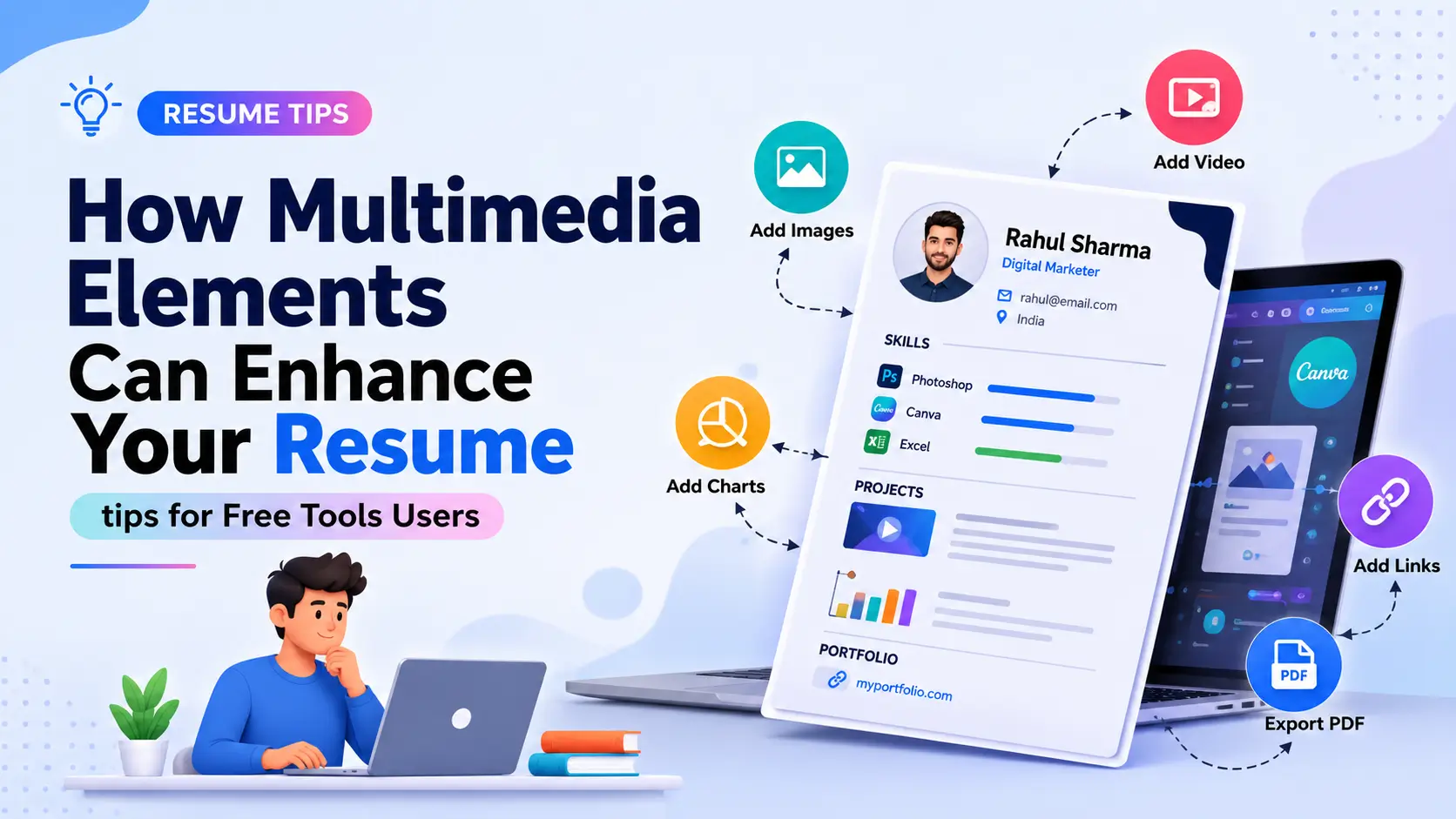
Multimedia Resume Enhancements: Free Tools Se Apna Resume Proof-Backed Banayein
Aapka resume ek promise hai. Proof usko seal karta hai. Multimedia resume enhancements free tools use karke, aap real work ko is tarah dikha sakte hain ki hiring managers fast scan kar sakein aur baad mein yaad rakh sakein. Iss guide mein hum core resume ko ATS-friendly rakhenge, fir uspe links, video, aur visuals layer karenge jo results demonstrate karte hain — 2026 mein kaam karne wale specific tools, placement tips, aur simple steps ke saath.
Is Guide Mein Kya Hai
- 2026 Mein Recruiters Actually Kya Dekhna Chahte Hain
- Multimedia Resume Enhancements: ATS-Safe Fundamentals
- Free Tools Use Karein, Heavy Files Nahi
- QR Codes Sahi Tarike Se
- Media Type Ke Hisaab Se Best Free Tools
- Links Kahan Belong Karte Hain Aur Kaise Label Karein
- Quick Build Checklist Aur Guardrails
- Marketer Ki Tarah Measure Aur Iterate Karein
- FAQs
- Apna Proof Front Pe Laayein
2026 Mein Recruiters Actually Kya Dekhna Chahte Hain
Wo evidence chahte hain. Agar aap multimedia ko resume 2026 mein thoughtfully add karte hain, toh aap unhe samples tak ek quick path dete hain — bina facts ko dabaye.
Short, labeled links aur QR codes proof points ki tarah kaam karte hain, jabki core PDF clean rehta hai. Sahi tarike se kiya gaya, multimedia elements in resumes doubt kam karte hain aur interviews jaldi laate hain.
Yeh flow yaad rakhein: ATS pehle text screen karta hai, fir ek insaan results aur clicks ke liye scan karta hai. Page pe outcomes se lead karein, aur links ko story carry karne dein. Visual design ke behind ki psychology samajhne ke liye resume visual design ke 6 reasons guide dekhein.
Multimedia Resume Enhancements: ATS-Safe Fundamentals
Main file simple rakhein. Agar aap sochte hain ki resume ko multimedia se kaise enhance karein, toh sabse aasan raasta ek text-first PDF hai jisme selective, descriptive hyperlinks hon.
Assets ko externally host karein taaki resume chhota aur scanners ke liye readable rahe. Portfolio page, case study docs, ya short demo clips ke baare mein sochein — na ki inhe directly resume file mein embed karne ke baare mein.
Video ya large images resume PDF mein directly embed karna — file size badhata hai, ATS parsing tod sakta hai, aur zyadatar portals aise files reject bhi kar dete hain.
Resume text-based aur lightweight rakhein; sirf ek descriptive hyperlink daalein jo external hosted asset (video, portfolio, case study) tak le jaaye.
ATS ke deeper formatting rules ke liye ATS-friendly resume format guide aur 11 ATS formatting mistakes zaroor dekhein — multimedia add karne se pehle base resume solid honi chahiye.
Free Tools Use Karein, Heavy Files Nahi
Free suites jaise Google Drive, Canva, GitHub, Loom, aur Notion 90% use cases cover karte hain, isliye aap multimedia resume enhancements free tools se practice kar sakte hain bina PDF ko bloat kiye.
Yeh approach do cheezein achieve karta hai: pehla, aapka core resume hamesha lightweight aur ATS-parseable rehta hai. Doosra, aapke proof samples kahin bhi update, replace, ya expand ho sakte hain bina resume dobara export kiye.
QR Codes Sahi Tarike Se
QRs handy hote hain, lekin size aur contrast matter karte hain. Agar aapko innovative resume features free tools mein chahiye, toh ek high-contrast QR generate karein jo roughly 0.8–1 inch wide ho, aur usse ek monitor aur ek printout dono se test karein.
| QR Code Best Practice | Kyun Zaroori Hai |
|---|---|
| 0.8–1 inch minimum size | Chhoti size scan failures cause karti hai, especially print pe |
| High contrast (dark on light) | Low-light ya low-quality printers mein bhi scan hone layak |
| Ek hi curated hub page pe link | Multiple QR codes confusing hain — ek central page use karein |
| Print aur mobile dono se test karein | Digital PDF pe kaam karne wala QR print mein fail ho sakta hai |
Media Type Ke Hisaab Se Best Free Tools
Agar aap platforms choose kar rahe hain, toh best free tools for multimedia resumes se shuru karein aur medium ko message ke saath match karein.
Design Aur Visuals
Quick case-study cards ke liye Canva, interactive prototypes ke liye Figma, aur one-page project summaries ke liye Google Slides use karein. Resume pe graphics minimal rakhein; full piece ko link karein.
Agar aapko Canva-based resumes ke ATS-compatibility ke baare mein doubt hai, toh Canva resumes ATS-friendly hain ya nahi — complete guide zaroor padhein. Agar aapko ek guided build chahiye, toh kuch free resume builders multimedia options ke saath aate hain jo links, icons, aur QR codes ko formatting todey bina drop karne dete hain.
Video, Audio, Aur Code
60-90 second demos ke liye Loom ya YouTube (Unlisted), audio clips ke liye SoundCloud, aur repositories/snippets ke liye GitHub ya CodePen. Yeh services multimedia ko resume 2026 mein integrate karna aasan banati hain bina attachments ke.
Hosting consistent rakhein taaki recruiters kabhi permission walls na hit karein. Public ya unlisted usually best kaam karta hai.
Links Kahan Belong Karte Hain Aur Kaise Label Karein
Links wahan rakhein jahan attention naturally jaati hai: header, recent roles, aur ek chhota Selected Work section. Clear labeling clicks double kar deti hai aur job seekers ke liye practical multimedia resume tips ki tarah kaam karti hai.
| Placement | Kya Include Karein |
|---|---|
| Header | Portfolio URL aur ek signature sample (jaise 3-min product demo) |
| Experience bullets | Ek result uske baad ek link (jaise "Churn 18% kam kiya → 6-slide teardown") |
| Side column | Theme ke hisaab se 2-4 curated case studies |
Anchor text mein verbs aur outcomes use karein: "Redesigned claims flow → 90-sec walkthrough" hamesha "Project link" se better perform karta hai. Related content aur skills sections structure karne ke liye project on the resume guide aur key skills for resume guide dekhein.
URLs ko shorten karein aur UTM parameters se engagement track karein. Bitly, Google Analytics, aur built-in platform analytics aapko yeh dekhne mein help karte hain ki kya open ho raha hai.
Quick Build Checklist Aur Guardrails
Content se shuru karein, fir format karein. Yahaan ek fast path hai:
- Google Docs ya Word mein ek text-only resume banayein, PDF/A mein export karein
- 3-5 artifacts collect karein: case study doc, quick video, code repo, visual slide
- Assets publicly host karein; YouTube ko Unlisted aur Drive ko "Anyone with the link" set karein
- Header, roles, aur ek mini portfolio block mein 4-6 descriptive links add karein
- Ek single QR generate karein ek curated hub page tak; print aur mobile scan test karein
- Bitly se clicks track karein; jo anchors traction nahi le rahe unhe iterate karein
Crowded markets mein job seekers ke liye, multimedia resumes ke saath standout karne ke liye har link ko purposeful aur har sample ko short rakhein.
Marketer Ki Tarah Measure Aur Iterate Karein
Har major sample ko ek traceable link dein. Agar ek project sabse zyada clicks le raha hai, toh use higher surface karein aur uske around copy ko tighten karein.
Quarterly update karein. Outdated work ko sunset karein, fresh wins add karein, aur file names aur dates ko tidy rakhein taaki har cheez ek screener ko current lage.
Quick Reference Checklist
- Core resume text-based aur ATS-parseable hai
- Har link descriptive anchor text ke saath hai, sirf "click here" nahi
- Assets externally hosted hain, resume file mein embedded nahi
- QR code high-contrast hai aur print + mobile dono pe tested hai
- Sirf 4-6 curated links hain, dozens nahi
- Sabhi hosted content public ya unlisted access pe set hai
- Clicks track ho rahe hain aur underperforming links revise kiye ja rahe hain
- Content quarterly refresh ho raha hai
Frequently Asked Questions
Kya video ya images directly PDF resume mein embed karna safe hai?
Generally nahi. Embedded media file size badhati hai aur ATS parsing tod sakti hai. Behtar approach yeh hai ki media ko externally host karein (Loom, YouTube, Google Drive) aur resume mein sirf ek clean, descriptive hyperlink daalein.
Resume pe kitne multimedia links honi chahiye?
4-6 curated links kaafi hain — header mein ek signature sample, 2-3 experience bullets ke saath, aur ek side-column mein Selected Work section. Zyada links dilute kar dete hain aur recruiter ka focus toot jaata hai.
QR code resume pe use karna worth hai?
Haan, jab tak woh high-contrast ho aur kam se kam 0.8-1 inch wide ho. Ek single QR ek curated hub page tak point kare — multiple QR codes recruiter ko confuse kar sakte hain. Print aur mobile dono pe test karna zaroori hai.
Free tools se banaye gaye multimedia assets professional lagte hain?
Bilkul. Canva, Loom, aur GitHub jaise tools industry-standard hain aur professionals unhe roz use karte hain. Jo cheez matter karti hai woh content ki quality hai — clean recording, clear labeling, aur ek focused case study — na ki tool ki price.
Multimedia content ko kitni baar update karna chahiye?
Quarterly review karna ek achhi practice hai. Outdated projects ko sunset karein, naye wins add karein, aur file names/dates ko tidy rakhein taaki hosted content hamesha current aur relevant lage.
Apna Proof Front Pe Laayein
Do truths apne saath le jaayein: PDF ko scannable rakhein, aur links ko heavy lifting karne dein. Chhota shuru karein, har job ke liye ek sample add karein, aur multimedia resume enhancements free tools ke saath dheere-dheere momentum build karein.
Agar aap ek tighter, zyada credible resume ship karne ke liye ready hain, toh upar diye gaye steps try karein aur ek hafte ke live clicks ke baad refine karein. Proof display pe hone se aapko zyada looks milenge. Base resume structure ke liye 9 basic resume templates for 2026 bhi zaroor dekhein.
Apna base resume free mein banayein, fir upar diye tips se multimedia proof layer karein.
Free Resume Banayein →