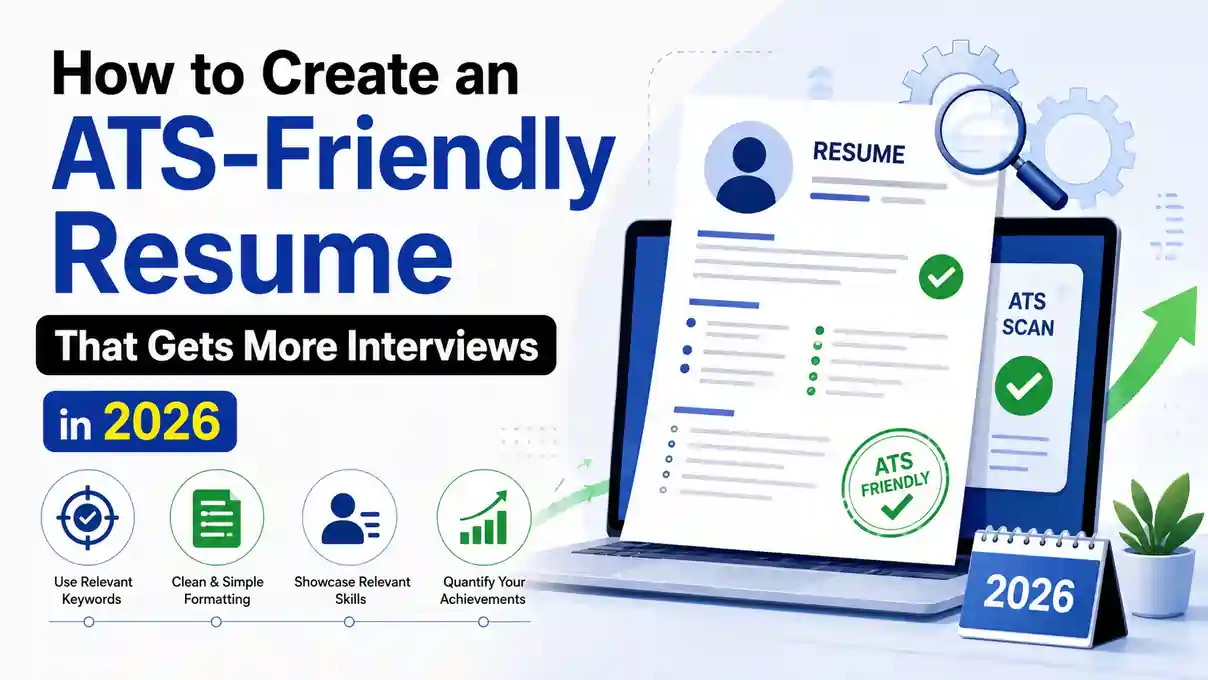
ATS-Friendly Resume Format 2026: Poora Guide Structure, Keywords Aur Templates Ke Saath
2026 mein zyada interviews chahiye toh shuruaat karein ek ATS-friendly resume se — jo software ke liye padhna aasan ho aur insaano ke liye skim karna compelling ho. Zyadatar companies applicant tracking systems use karti hain candidates ko sort aur rank karne ke liye, isliye aapke resume ko parsing accuracy aur clarity dono ke liye optimize hona chahiye.
Is Guide Mein Kya Hai
ATS-Friendly Resume 2026 Mein Kya Banata Hai
ATS Resumes Ko Kaise Parse Karta Hai
ATS software left se right, top se bottom padhta hai, aur clear headings se attached text extract karta hai. Yeh simple structures aur consistent labels (Experience, Education, Skills) prefer karta hai. Images, graphics, ya columns mein embedded text avoid karein — yeh parsing tod sakta hai. Iski gehri samajh ke liye 11 ATS formatting mistakes guide dekhein.
File Types Aur Naming Best Practices
Jab employer allow kare, DOCX ya text-based PDF submit karein. File ko apne naam aur target role se clearly name karein, jaise Jordan-Lee-Product-Manager-Resume.pdf. Scans, JPGs/PNGs, aur password-protected files avoid karein.
Simple Structure, Design-Heavy Templates Nahi
Minimalist flashy se better hai. Ek ATS resume template choose karein jisme single-column layout, standard section titles, aur clean bullets hon. Tables, text boxes, headers/footers mein critical info, aur decorative icons se door rahein — kai parsers inhe read nahi kar paate. Templates dekhne ke liye 9 basic resume templates for 2026 guide helpful hoga.
Sahi Resume Format 2026 Ke Liye Kaise Choose Karein
Reverse-Chronological Abhi Bhi King Hai
Apna sabse recent role pehle list karein aur backward chalein. Yeh format recruiter expectations aur ATS logic dono se align karta hai, growth aur relevant titles ko jaldi showcase karta hai. Poori detail chronological resume format 2026 guide mein hai.
Career Change Mein Hybrid Format
Agar aap pivot kar rahe hain ya workforce mein re-enter ho rahe hain, toh combination format kaam karta hai. Ek brief summary aur core skills se lead karein, fir experience ko chronologically present karein taaki ATS compatibility maintain rahe.
Functional Resumes Kab Avoid Karein
Purely functional formats dates aur titles chhupate hain, jo ATS ya recruiter skepticism trigger kar sakte hain. Functional elements sparingly use karein aur job titles, employers, ya timeframes kabhi omit na karein.
Ideal Section Order
Ek predictable flow use karein taaki ATS aur insaan dono jo dhoondh rahe hain woh jaldi mil jaaye:
- Contact Info
- Professional Summary
- Skills (targeted)
- Experience
- Education
- Certifications/Projects/Awards (optional)
Section order aur unhe kaise tailor karna hai, iski detail key resume sections to tailor guide mein hai.
Resume Keywords Se Content Optimize Karna
Sahi Keywords Kaise Dhoondein
Terms directly job ad, similar listings, aur industry resources se pull karein. Tools, technologies, credentials, aur role-specific verbs pe focus karein. Isse ek targeted applicant tracking system resume banta hai jo employer ke search terms se match kare.
Job Ads Se Exact Phrases Use Karein
Agar posting "Google Analytics 4" bolti hai, toh sirf "Google Analytics" mat likhein. Skills, certifications, aur job titles ke liye exact phrasing mirror karein taaki ATS filters precisely hit ho.
Hard Aur Soft Skills Ka Balance
Hard skills ko priority dein (jaise Python, SOC 2, GA4), aur relevant soft skills sprinkle karein (jaise stakeholder communication). Critical keywords Skills section mein place karein aur unhe work bullets mein naturally repeat karein.
Achievements Ko Quantify Karein Relevance Ke Liye
Keywords ko outcomes ke saath pair karein taaki aapka ATS resume insaano ko bhi convince kare: "AWS services consolidate karke infrastructure costs 22% kam kiya," ya "SEO content strategy se qualified leads 38% badhaye." Zyada examples ke liye industry-wise ATS keyword examples dekhein.
Formatting Rules Jo ATS Scans Pass Karte Hain
Standard Headings Use Karein
Common labels pe stick karein: Summary, Skills, Experience, Education, Certifications. "What I've Done" jaise nonstandard headers misclassification risk karte hain.
Font, Spacing Aur Symbols
Accessible fonts use karein (Calibri, Arial, Georgia) 10-12 pt size mein, 1.0-1.15 line spacing ke saath. Bullets simple rakhein (• ya -). Emoji, decorative glyphs, aur excessive shading ya borders avoid karein.
Bullet Aur Date Formatting
Bullets ko strong verbs se shuru karein aur lines ko 1-2 sentences tak rakhein. Dates ke liye consistent format use karein jaise "Jan 2022–May 2024;" dates ko right side ya job title/company ke saath same line pe place karein.
Links, PDFs Aur Accessibility
Full URLs ya standard hyperlink text use karein (embedded images nahi). Jab permitted ho toh text-based PDF mein export karein; test karne ke liye PDF se text copy karke dekhein ki woh selectable hai aur sahi order mein hai.
Two-column layout, graphics-heavy design, headers/footers mein contact info, aur decorative section dividers — yeh sab parsing ko break kar sakte hain.
Single-column, standard headings, plain bullets, aur body text mein hi contact info — clean aur predictable structure.
Tools, Templates Aur Pro Tips
Fast Start Ke Liye ATS Resume Templates
Ek professional resume template choose karein jisme single column aur clear hierarchy ho. "ATS friendly resume" ya "ATS resume template" label wale versions dekhein. Koi bhi graphics remove karein aur color use minimal rakhein.
Free Aur Online Resume Builders
Ek reputable free resume builder ya online resume builder formatting aur consistency speed up kar sakta hai. Confirm karein ki aap DOCX aur clean PDF dono mein export kar sakte hain, aur section labels standard rehte hain.
Har Role Ke Liye Quickly Tailor Karna
Ek master resume rakhein, fir minutes mein ek copy tailor karein: title ko posting ke saath align karein, ad se 8-12 core skills front-load karein, aur bullets ko employer ki priorities ke hisaab se reorder karein. Poora tailoring process how to tailor your resume to a job description guide mein hai.
Apply Karne Se Pehle Final Checks
- Job ad aur apna resume side by side scan karein exact keyword matches ke liye
- Job site preview mein resume upload karke quick parse test run karein
- Tense, punctuation, aur capitalization mein consistency proofread karein
- Name-Role-Resume.docx ke naam se save karein, aur agar allowed ho toh ek clean PDF bhi
- Section order predictable rakha gaya hai (Contact, Summary, Skills, Experience, Education)
- Koi tables, text boxes, ya decorative graphics nahi hain
Ek quick self-check ke liye poori list resume checklist guide mein bhi maujood hai.
Frequently Asked Questions
ATS-friendly resume ke liye single-column ya two-column layout better hai?
Single-column layout hamesha safer hai. Two-column templates aksar ATS parsers ko confuse kar dete hain kyunki wo columns ko galat order mein read kar sakte hain — jisse aapki experience ya dates misplaced dikh sakti hain.
Resume mein kaunse fonts use karne chahiye?
Calibri, Arial, ya Georgia jaise accessible fonts 10-12 pt size mein use karein, 1.0-1.15 line spacing ke saath. Decorative ya script fonts se bachein — yeh ATS parsers mein garbled ho sakte hain.
Resume ko PDF mein save karna safe hai?
Text-based PDF safe hai jab tak posting mein specifically na maanga jaaye. Scanned image PDFs ya password-protected files avoid karein, kyunki ATS unhe parse nahi kar payega. Test karne ke liye PDF se text copy karke dekhein ki woh selectable hai.
Har job application ke liye keywords kaise decide karein?
Job ad se directly terms pull karein — tools, technologies, credentials, aur role-specific verbs. Exact phrasing mirror karein (jaise "Google Analytics 4" na ki sirf "Google Analytics") taaki ATS filters precisely match karein.
Ek hi master resume se multiple applications tailor karna sahi hai?
Haan, yeh recommended approach hai. Ek master resume mein saari achievements aur skills maintain karein, fir har application ke liye title, 8-12 core skills, aur bullets ko posting ke hisaab se reorder/swap karein — isse process fast aur consistent rehta hai.
Final Word
2026 ka winning formula simple hai: ek clean layout, role-matched keywords, aur quantified impact. Ek straightforward ATS resume template use karein, formatting standard rakhein, aur har submission ko tailor karein.
Agar aap faster build chahte hain kam errors ke saath, toh ek reputable free resume builder try karein draft ke liye, fir DOCX/PDF mein finalize karein — har job ke liye ek polished version. Structure ko aur detail mein samajhne ke liye ATS resume format guide aur ATS resume tips zaroor dekhein.
Apna ATS-friendly resume free mein banayein aur is hafte confidence ke saath apply karein.
Free Resume Banayein →