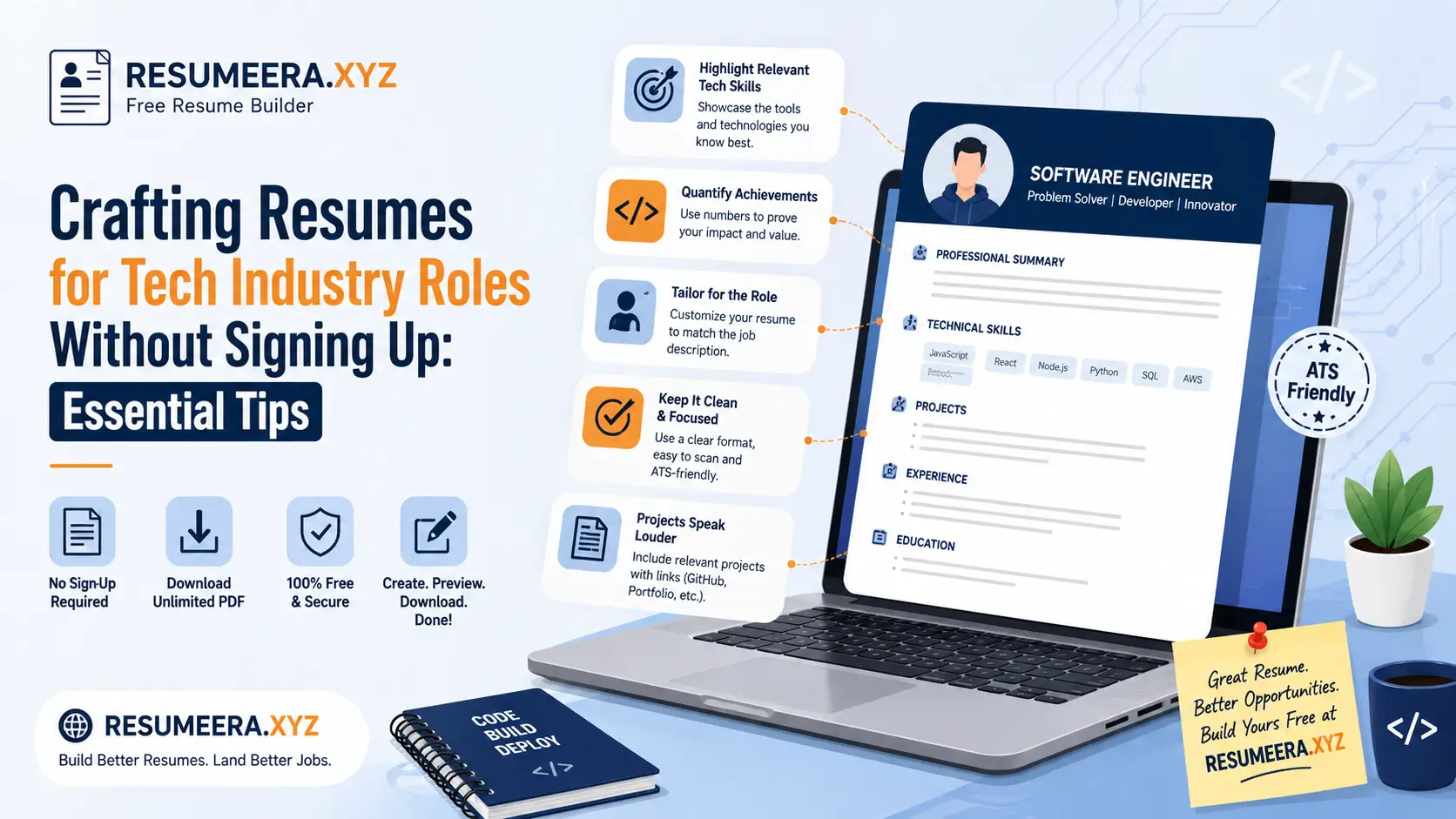
You don't need another account to manage just to write a great resume. If you're hunting for a tech resume builder free of sign-up traps, you can still create a clean, ATS-ready document that actually gets interviews. After reviewing hundreds of tech resumes and seeing exactly what earns a call-back, here's the practical workflow, real examples, and formatting moves you can copy today — no login walls, no fluff.
Table of Contents
- Why Tech Resumes Demand Precision
- Use a Tech Resume Builder Free for Speed and Structure
- Quick Workflow With a Tech Resume Builder Free
- What to Include, Section by Section
- Common Pitfalls to Avoid
- Tailor for Roles and ATS
- Metrics That Matter
- Key Takeaways for a No-Signup Workflow
- Frequently Asked Questions
- Conclusion: Ready to Ship the Next Draft
Why Tech Resumes Demand Precision
A strong software engineer resume shows impact first — shipped features, latency cuts, reliability gains, and business outcomes — then tools and tech second. Recruiters and hiring managers in tech move fast, and a resume that leads with a vague job description instead of a concrete result gets skimmed past in seconds, no matter how many years of experience sit behind it.
If you're starting from a blank page, an IT resume template is genuinely helpful for structure, but it still needs tight editing, measurable results, and the right keywords for the specific role you're targeting. A template gives you the skeleton; the outcomes and clarity you add are what actually land the interview.
- Keep a simple structure: header, summary, experience, projects, skills, education.
- Lead bullets with outcomes (numbers) before naming the tech stack you used.
- Use a readable font and consistent spacing — recruiters scan fast, and inconsistent formatting reads as carelessness.
Before you go further, it's worth understanding exactly how applicant tracking systems parse these details. Our ATS-friendly resume format guide for beginners breaks this down in plain language, and it pairs well with everything covered below.
Use a Tech Resume Builder Free for Speed and Structure
A builder can jumpstart a polished developer resume in minutes by handling margins, headings, and consistent typography, so you can focus entirely on content instead of fighting layout issues in a word processor. This matters more in tech hiring than most fields, because a broken layout signals the same lack of attention to detail that a messy commit history would.
Browse credible tech resume examples to see how peers in your target role present scope, metrics, and stack, then mirror that framing with your own data — not by copying their sentences, but by adopting the same structural discipline: outcome first, tools second, always something measurable.
Quick Workflow With a Tech Resume Builder Free
Draft bullets from your last role like a programming resume case study: problem, action, measurable result, and tools used — kept to one line whenever possible. This four-part structure is the single most reliable formula for turning a flat job description into a bullet that actually proves competence.
- List your top achievements per role; trim anything without impact or direct relevance to the job you're applying for.
- Map each bullet to the skills listed in the job ad to improve ATS keyword match.
- Export to PDF only after you verify section order and spacing on both desktop and mobile — many builders render differently across devices.
For a full breakdown of how to run this matching process against a real job posting, see our guide on how to tailor your resume to a job description.
What to Include, Section by Section
If a tool advertises a free resume builder no sign up flow, still scan the actual export before trusting it: check section labels, date alignment, and whether links to GitHub and LinkedIn stay clickable in the final PDF. Some builders quietly strip hyperlinks during export, which silently kills a key piece of proof for technical roles.
Include one or two standout projects if your computer science resume is light on formal work history, and treat each project like a mini experience entry — complete with a problem statement, your specific contribution, and an outcome, not just a list of technologies used.
If you're building this resume with little or no prior job experience, our detailed guide on writing a resume with no work experience shows exactly how to substitute strong projects for a traditional employment section.
Common Pitfalls to Avoid
Don't rely on a generic engineering resume template to do the heavy lifting for you. Vague bullets and long tool dumps get skimmed past in seconds — a recruiter reading "Proficient in Python, Java, SQL" learns nothing about what you actually built or fixed with those tools.
Other frequent mistakes include inconsistent date formatting, decorative fonts that break ATS parsing, and resumes that try to cover every technology you've ever touched instead of the ones that matter for this specific role. Our list of 11 ATS formatting mistakes covers the exact errors that get technically strong candidates auto-rejected before a human ever opens the file.
Tailor for Roles and ATS
A good tech CV builder helps you clone versions fast, and that speed is exactly what you need to tailor each version to the job by mirroring the language of the posting — without copying sentences verbatim, which can read as lazy or even trigger plagiarism-style flags in some screening tools.
Use the exact job title and main skills listed in the ad so the file reads like a genuine resume for IT jobs, not a one-size-fits-all profile that tries to cover every stack you've ever touched. A resume that speaks the employer's specific language consistently outperforms one that lists impressive but unfocused breadth.
If you're managing multiple tailored versions at once, our guide on how to tailor your resume for every job application walks through a repeatable system for doing this without starting from scratch each time.
Metrics That Matter
Quantify with concrete numbers wherever you can: performance gains, uptime improvements, cost savings, incidents reduced, users impacted, pipelines sped up, or tickets closed. One metric per bullet is enough — stacking three numbers into a single line usually buries the most important one.
A few examples of this in practice:
- Reduced API response time by 40% by refactoring the caching layer, improving uptime to 99.9%.
- Migrated a legacy monolith to microservices, cutting deployment time from 45 minutes to 6.
- Automated a manual QA process, reducing regression testing time by 12 hours per release cycle.
For more role-specific keyword and metric ideas across different tech stacks, our guide on resume keywords that help you pass ATS in 2026 has industry-wise examples worth borrowing from.
Key Takeaways for a No-Signup Workflow
Keep it simple, quantify everything, and tailor to the role. A tech resume builder free of forced sign-ups can speed up structure, but your outcomes and clarity are what actually land interviews — the tool is just scaffolding. Save a master document, spin off role-specific versions from it, and keep your links and keywords sharp across every version you send out.
Frequently Asked Questions
1. Is a tech resume builder free of sign-ups actually reliable for serious job applications?
Yes, as long as the export is clean — check that section labels, dates, and hyperlinks to GitHub or LinkedIn survive the PDF export. The builder only handles formatting; your bullets and metrics are what recruiters actually judge.
2. How many projects should I include if I don't have much work experience?
One to two strong projects are usually enough if each one is treated like a mini experience entry, with a clear problem, your specific contribution, and a measurable outcome. More projects with weak detail dilute your resume rather than strengthening it.
3. Should I list every programming language and framework I've used?
No. List only the tools that are relevant to the job you're applying for and that you can speak to confidently in an interview. A focused, shorter skills list reads as more credible than an exhaustive one.
4. How do I know if my resume will pass an ATS scan?
Stick to a single-column layout, standard section headings, and a common font, then run it through a checker before submitting. Avoiding known formatting traps, covered in our ATS formatting mistakes guide, solves most parsing issues before they start.
5. How often should I update my master resume versus tailored copies?
Update your master resume whenever you finish a new project or hit a new measurable result. Tailored copies only need edits to the top third — summary, top bullets, and skills — for each specific application.
Conclusion: Ready to Ship the Next Draft
Try a clean layout, paste in your best metrics, and export. If you want a lightweight way to get started fast, compare a few builders and pick the one that stays out of your way — then refine the wording until it genuinely sounds like you, not a template.
For more practical guides, ATS tips, and free templates, explore the rest of the ResumeEra blog, or start building directly with ResumeEra's free resume builder.
